On your preferred browser, go to topline.com and log in to your account.
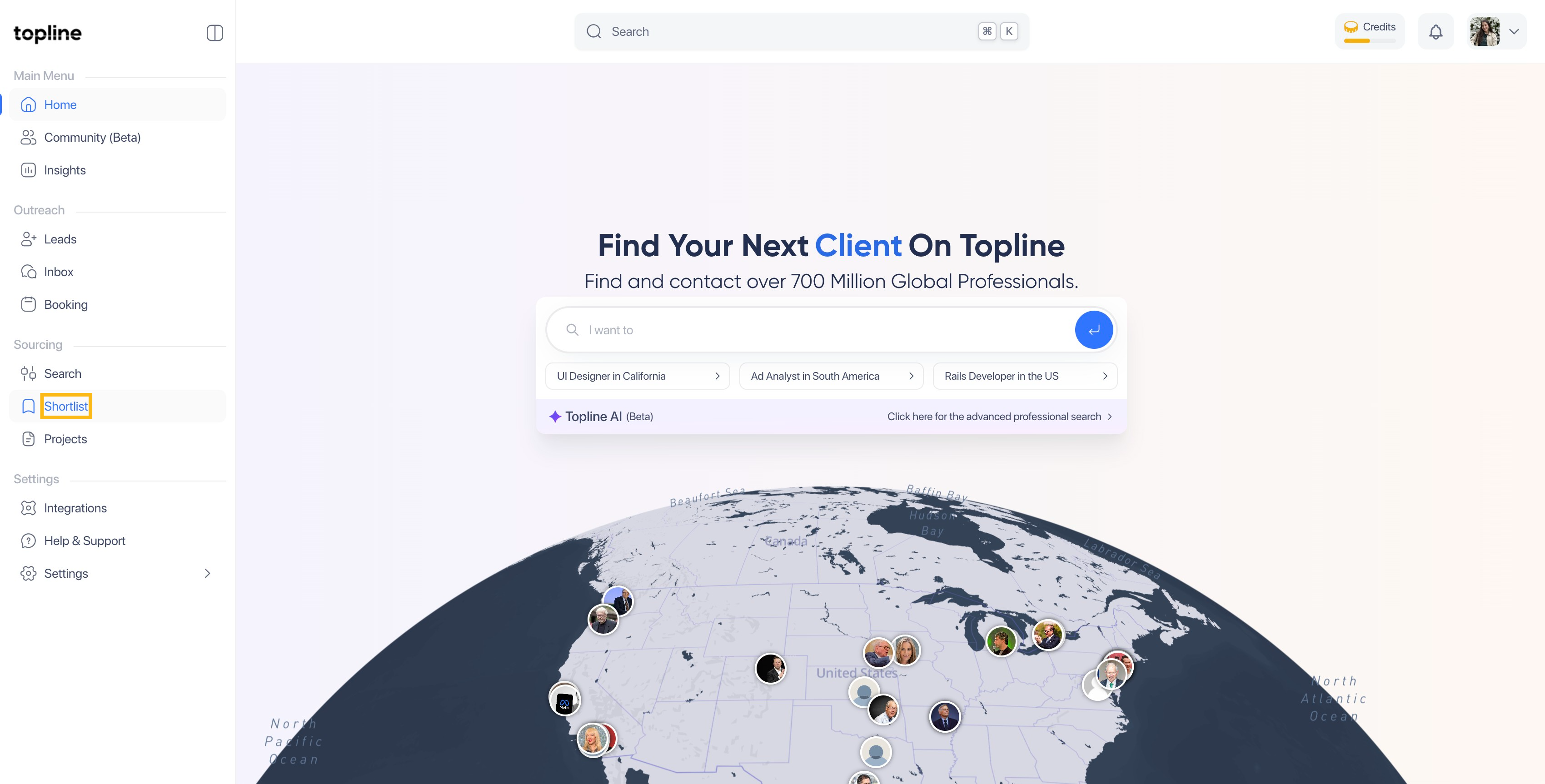

Then click on the Create New Shortlist to start creating your own.
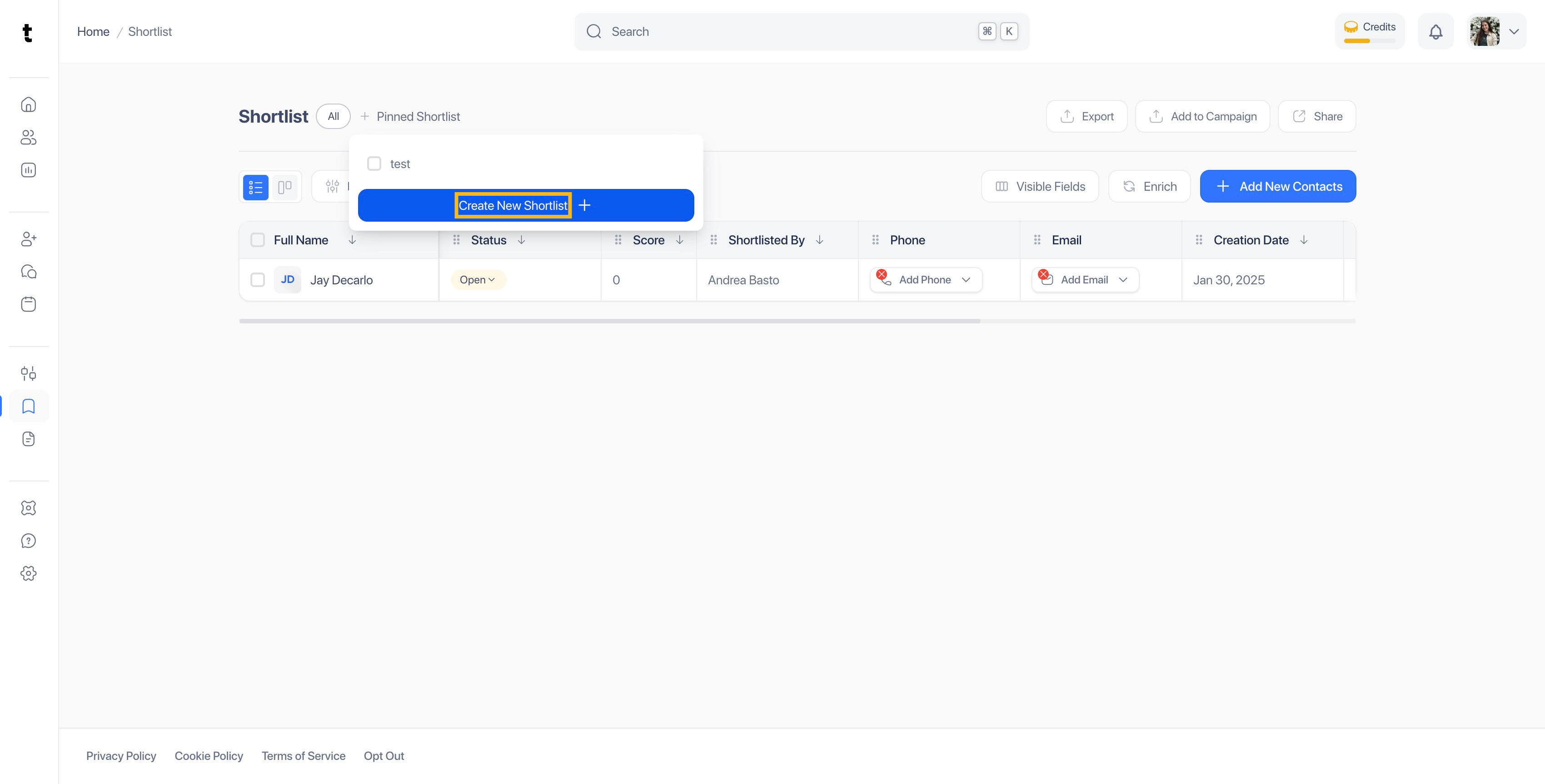
On the pop up, click on the Add New Shortlist option.

Once you have entered your shortlist name, click on the check button to save it.

Your shortlisted will appear under the shortlists list.

To shortlist your list, click on Pinned Shortlist.

Select the shortlist you want to pin.

You can find your pinned shortlist in the upper side of the view. This way you can always access to it on the Shortlist view.

To create a shortlist from the Search view, select a profile.

Go to the upper side and click on the Add to Shortlist button.
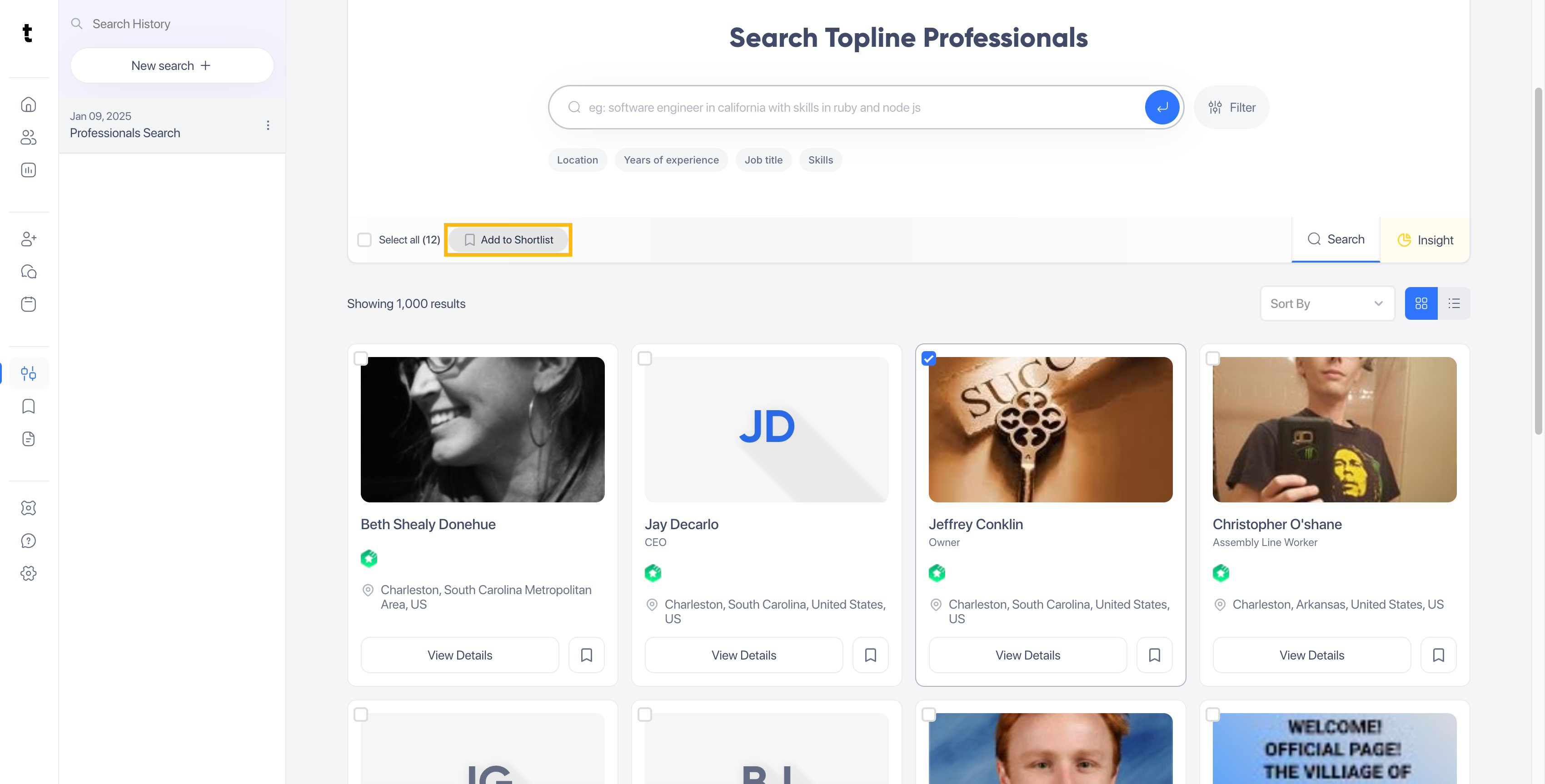
On the pop up, click on the Add new shortlist button.

In the empty tab enter your Shortlist name.

Once you have added your shortlist name, click on the Check button.

The shortlist created will appear on the list.

