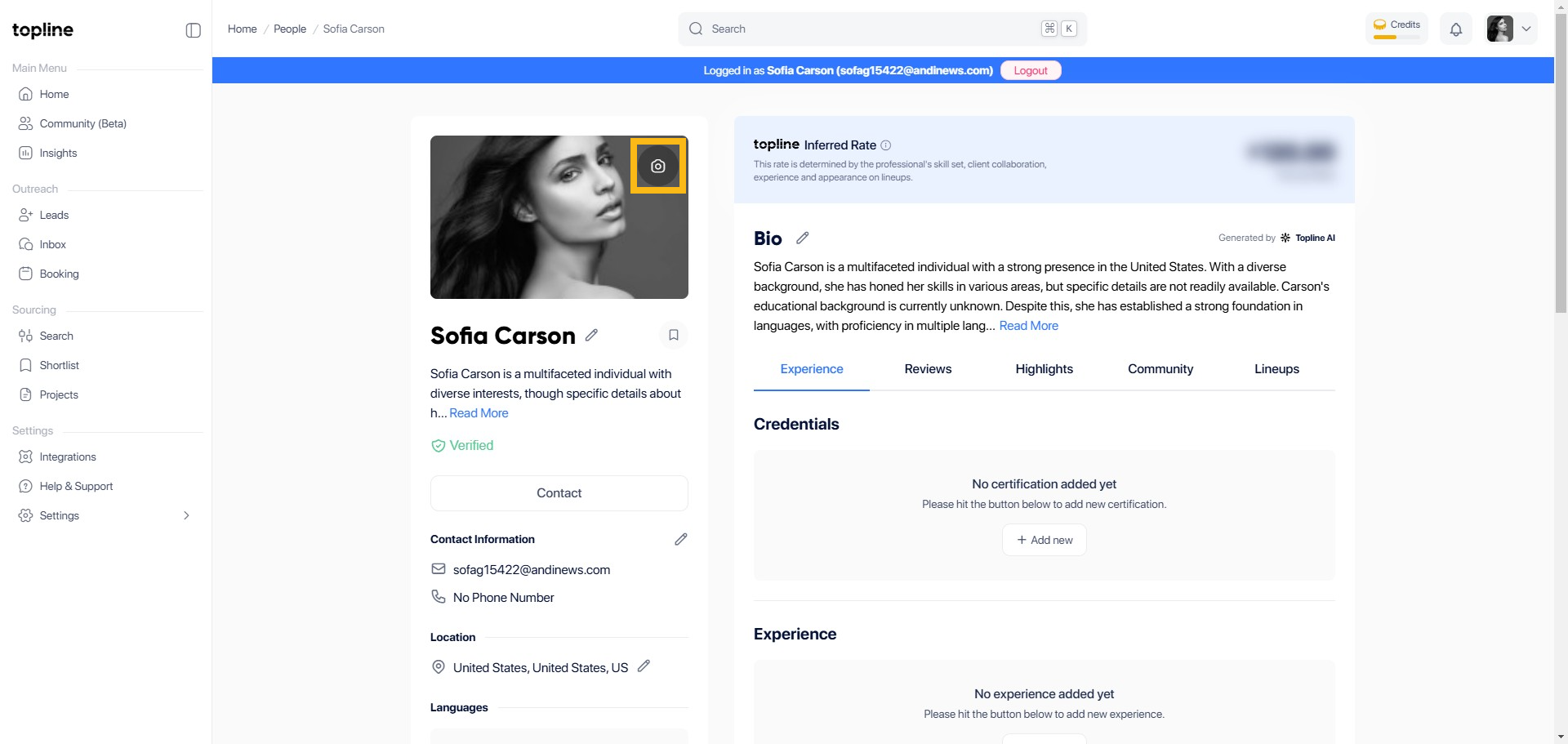
Locate and click on the Camera Icon next to your current profile picture or placeholder image in your Topline profile. This will open the photo upload options.
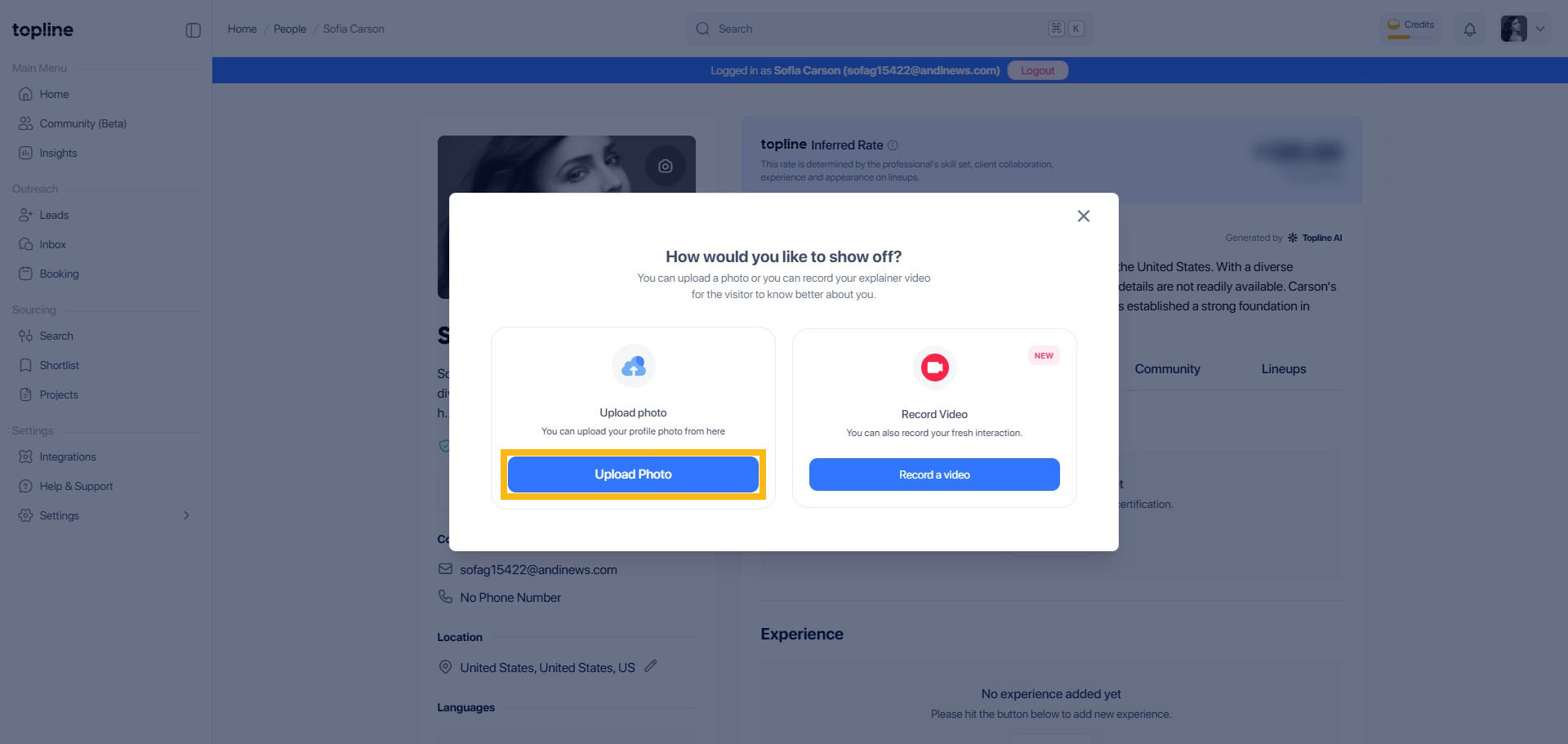
This will give you two options. You can open the photo upload options to add a profile picture or record a video for your fresh interaction.
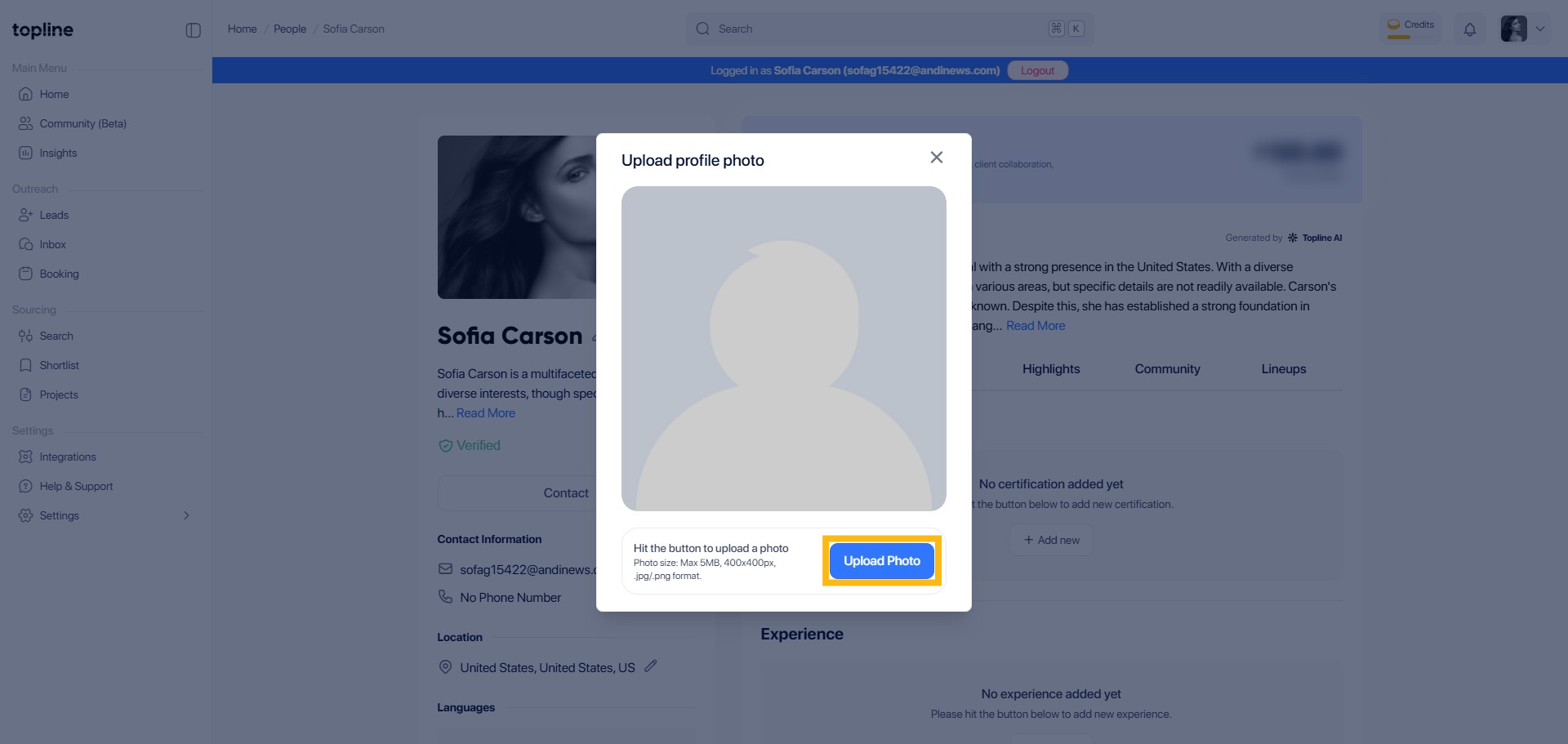
Browse through your device's photo library and select the photo you want to use as your profile picture. Once selected, click 'Open' or 'Upload' to proceed with uploading the chosen photo to your Topline profile.
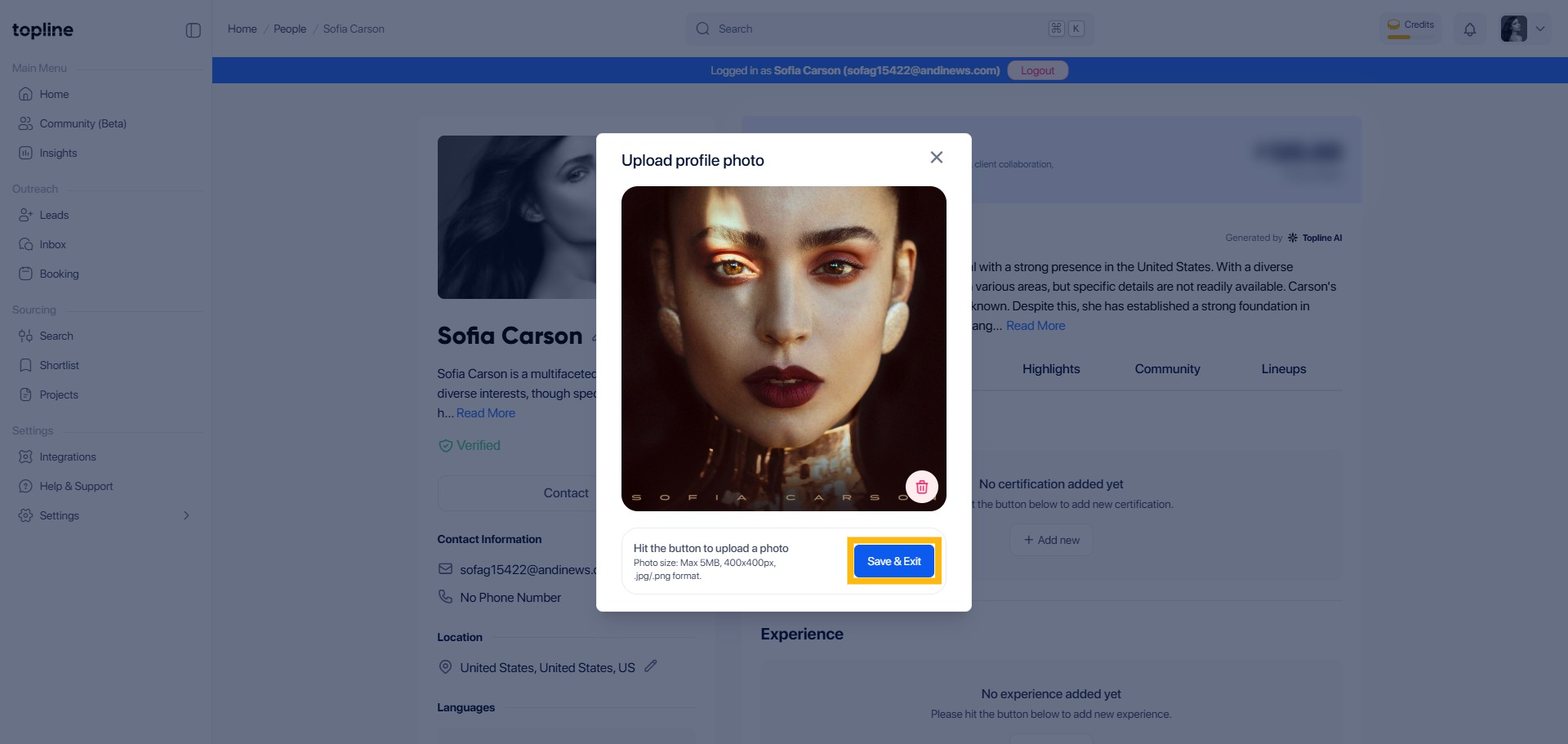
Click Save & Exit to complete the request.
A prompt will appear on the top page that your profile was successfully updated.

