Step 1: Apply to Join
Open your preferred web browser and go to Topline.com. Locate and click on the Apply to Join option to begin the login process.

Step 2: Sign in
Find and click on the Sign in button to proceed to the login page.

Step 3: Enter your Email Address and Password
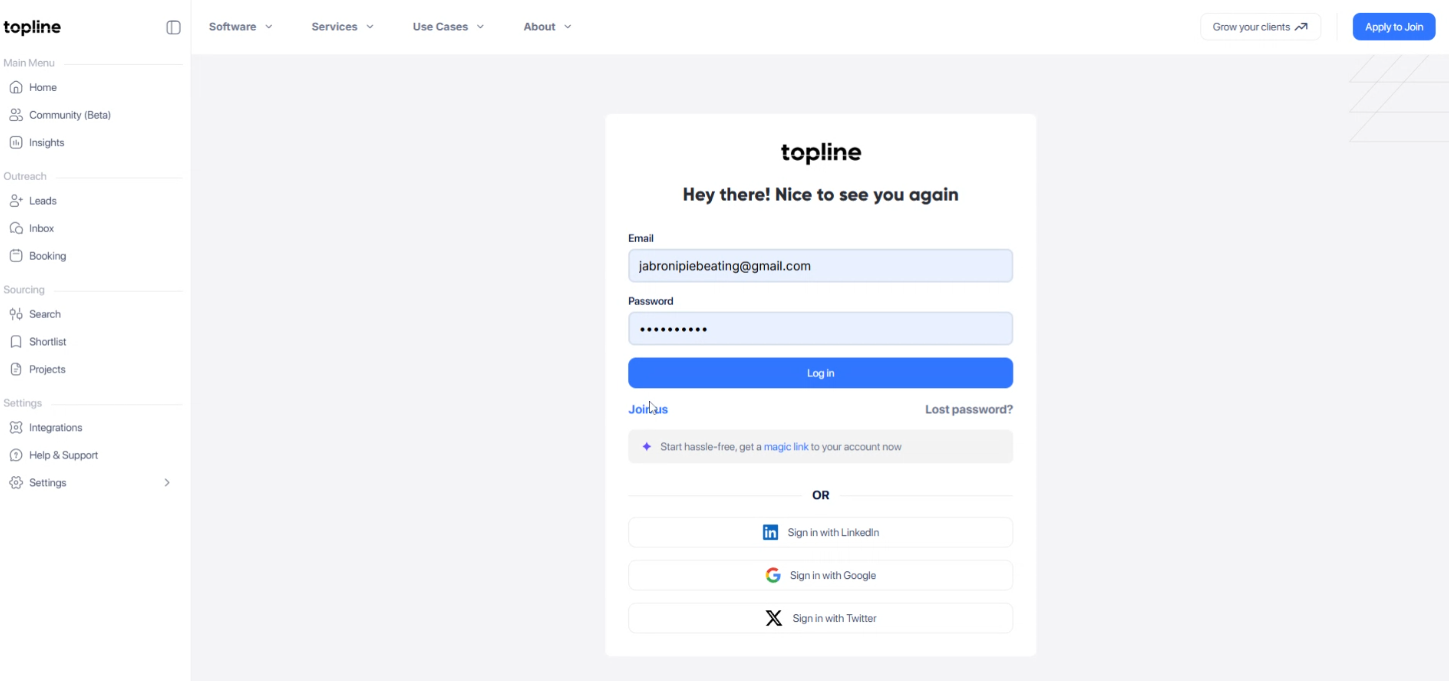
Input your email address and password in the empty tab provided and click Log in to proceed.
Step 4: Sign in with LinkedIn
Another way to login is by clicking the Sign in with LinkedIn tab.

Step 5: Enter your Email Address
Input your email address in the empty tab provided.

Step 6: Enter your password
Enter a secure password in the given field and click Sign in to proceed

Step 7: Sign in with Google
Another way to login to your profile is clicking the Sign in with Google tab.

Step 8: Select your Google Account
Choose from the list of available accounts to login.

Step 9: Sign in with Twitter
And the last option to login to your account is by clicking the Sign in with Twitter.

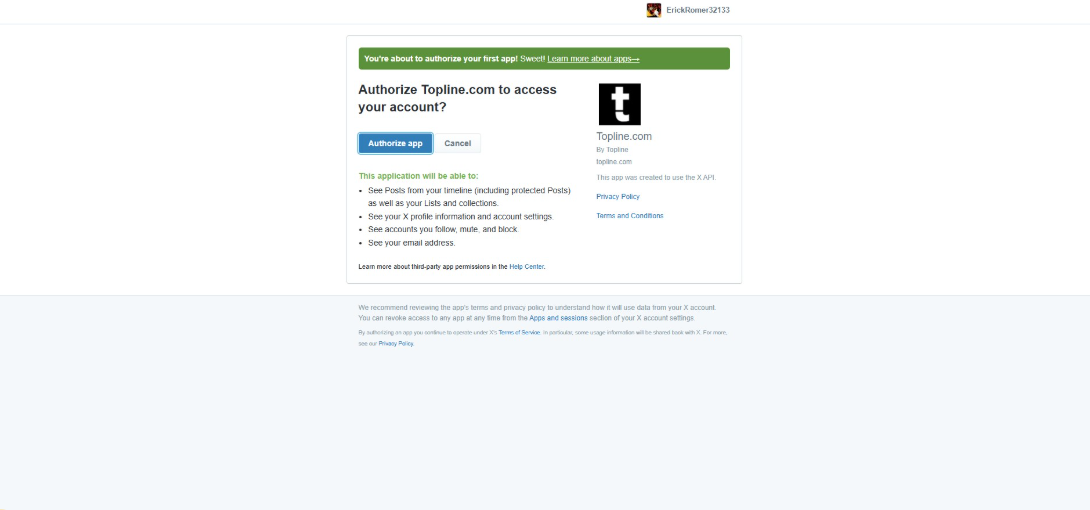
Step 9: Authorize App
Click Authorize app as the final step to authorize your application and complete the login process.