Step 1: Apply to Join
Open your preferred web browser and go to Topline.com. Click Apply to Join located at the upper right corner.

Step 2: Sign in
Find and click on the Sign in button to proceed to the login page.

Step 3: Get a Magic Link
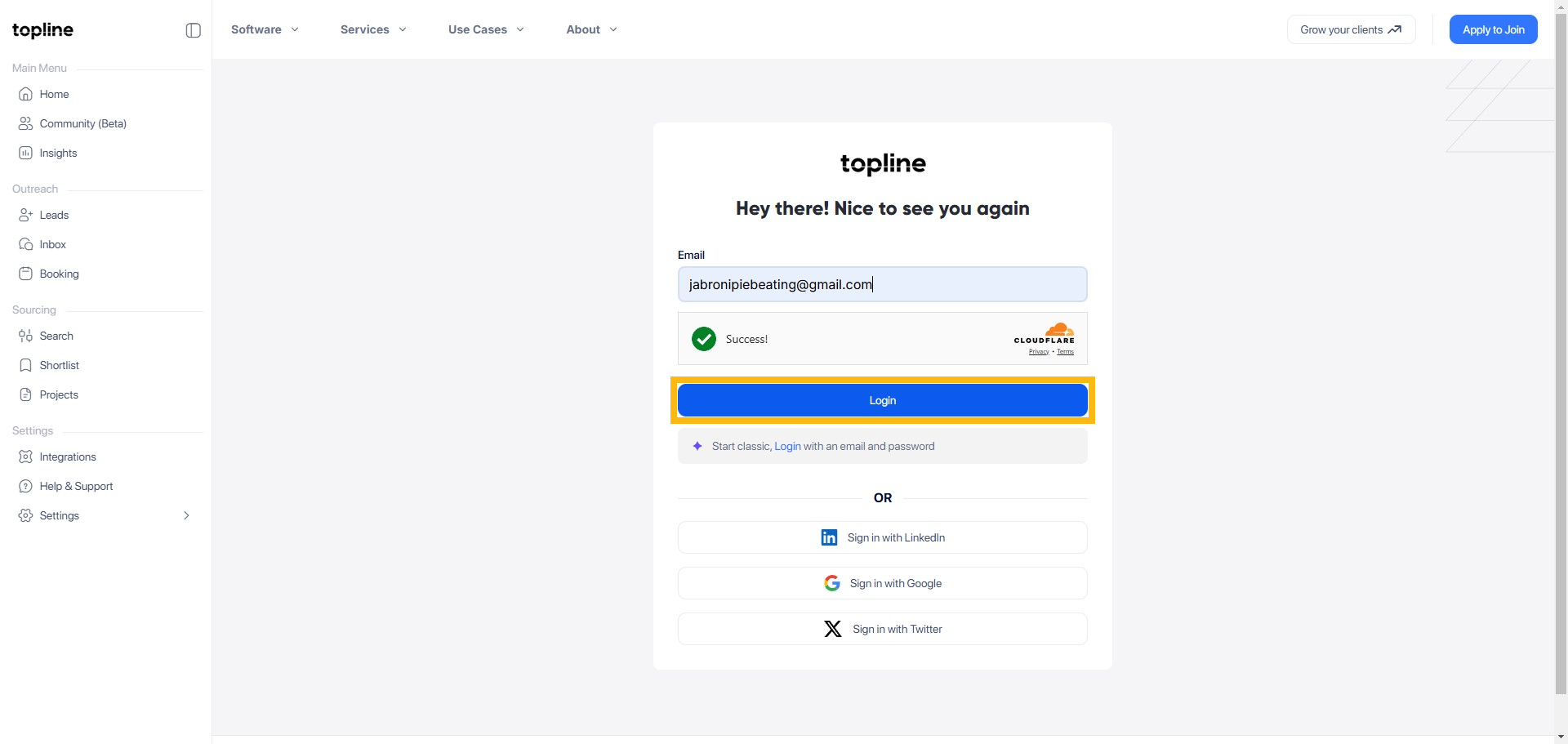
On the Sign in page, look for the option that mentions Magic Link. Navigate to this section by clicking on it.

Step 4: Enter your Email Address
Enter your email address here. If an account exists, a secure sign-in link has been sent. Please check your inbox. If you don’t see the email, check your spam folder.

Step 5: Use the magic link.
In the Magic Link section, enter your email address. The platform will send a magic link to your email. Open your email inbox, find the email containing the magic link, and click on the link to sign in automatically.
Step 6: Your Magic Link is on the Way
Go to your mailbox and click the link to open your profile.

Step 7: Log In to my Account
Click Log in to my account to view your profile.

