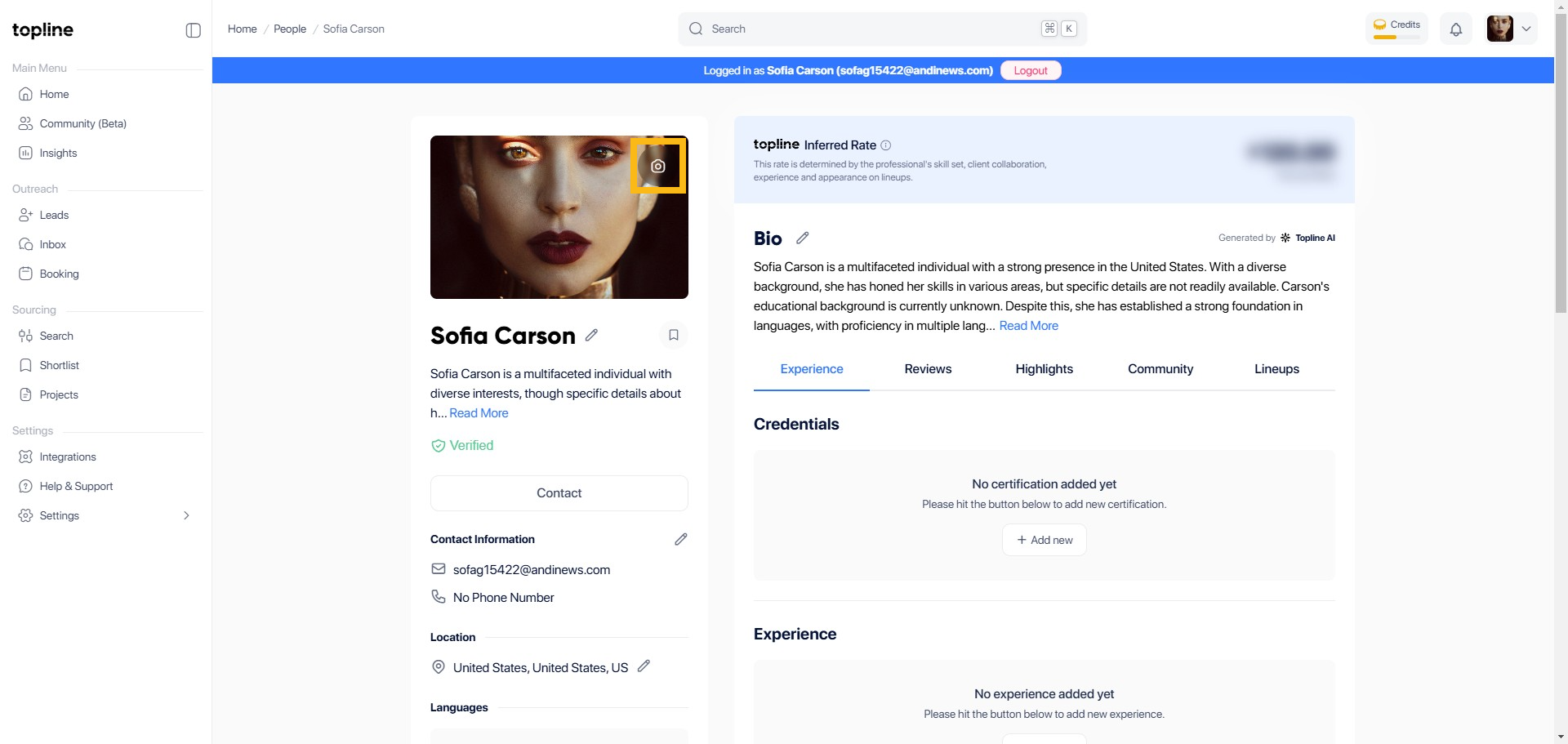
Step 1: Click the Camera Icon
Navigate to your profile picture and click the camera icon.
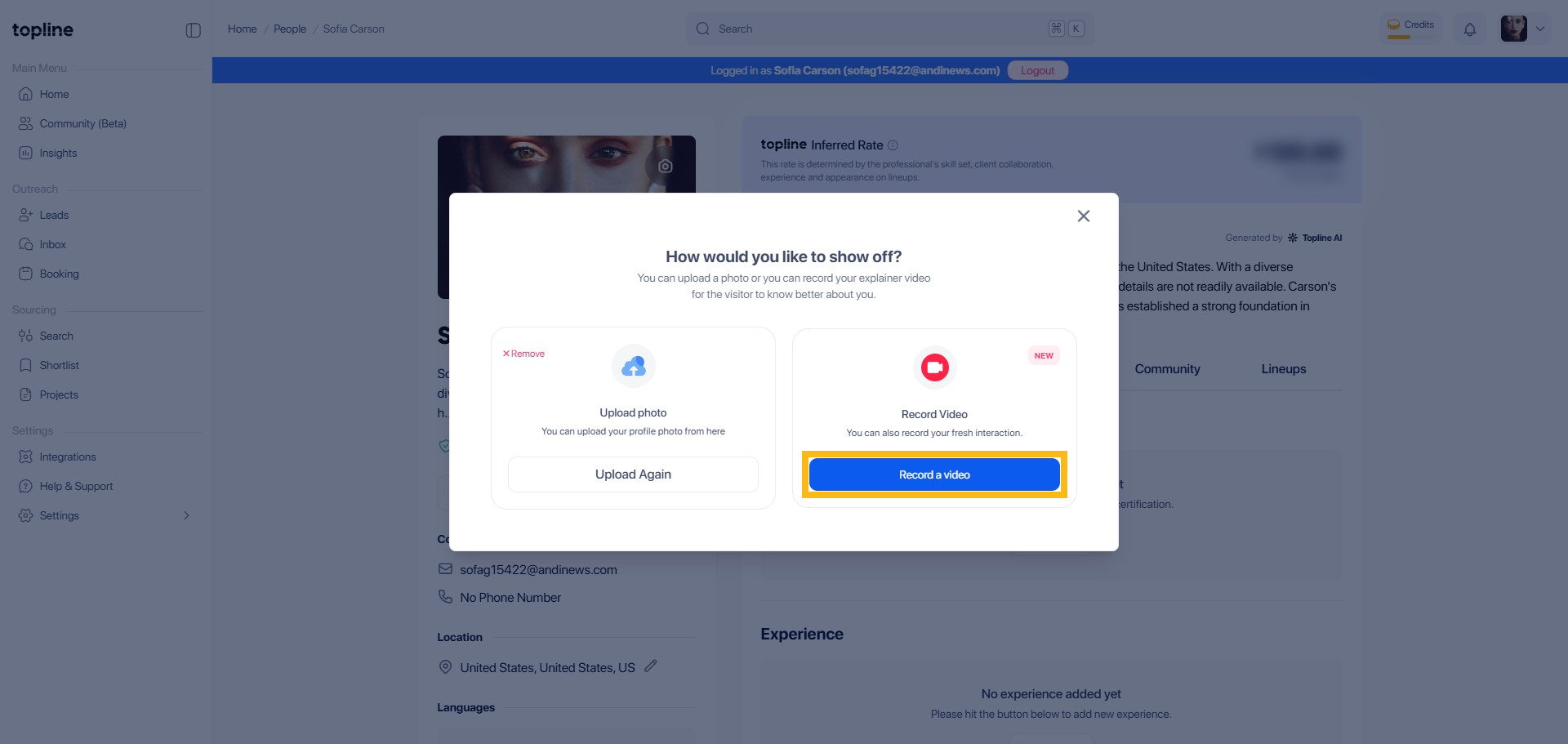
Step 2: Record a Video
This will allow you to record new videos or upload existing videos by clicking the blue button.
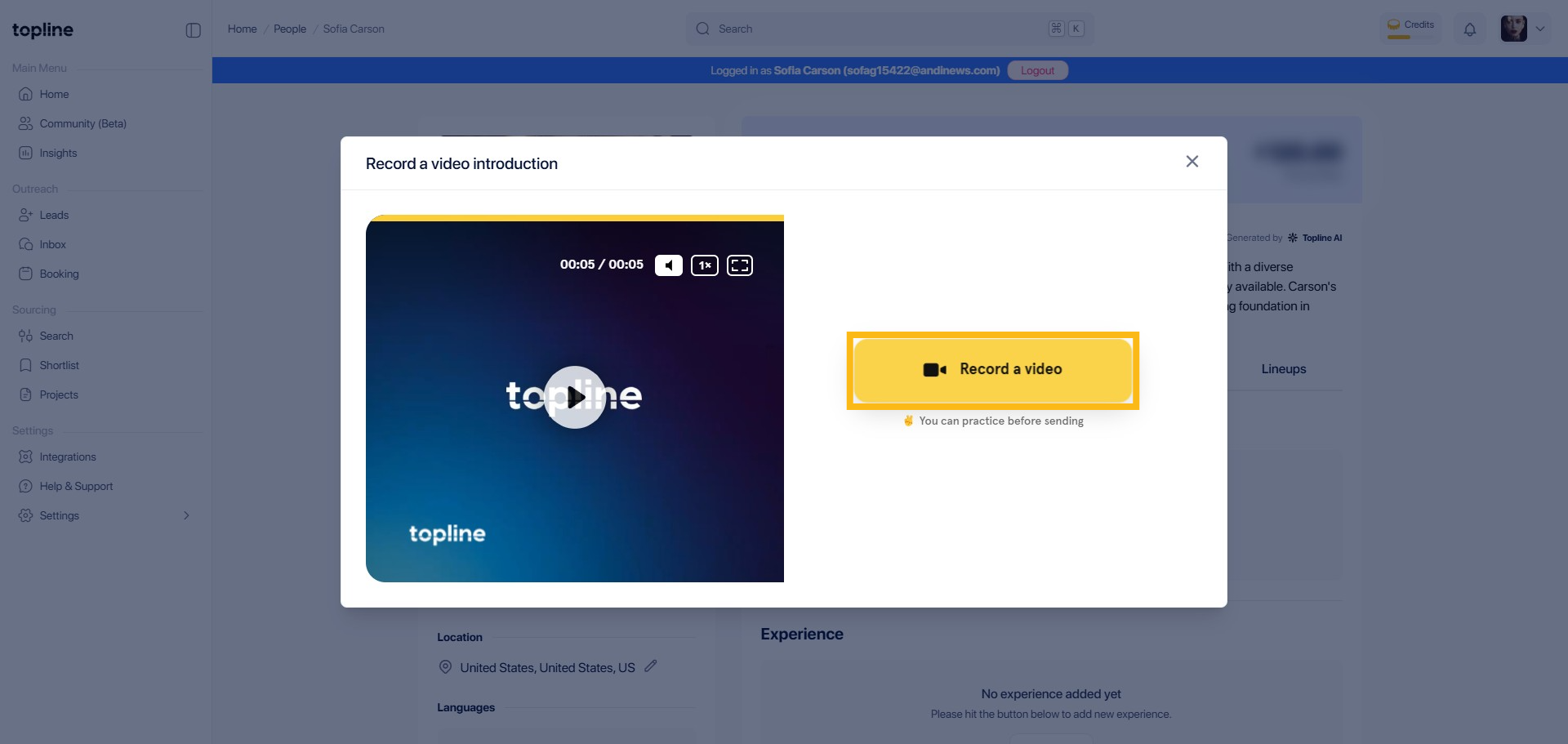
Step 3: Click Record the Video Button
This button will allow you to start the video recording or upload process.
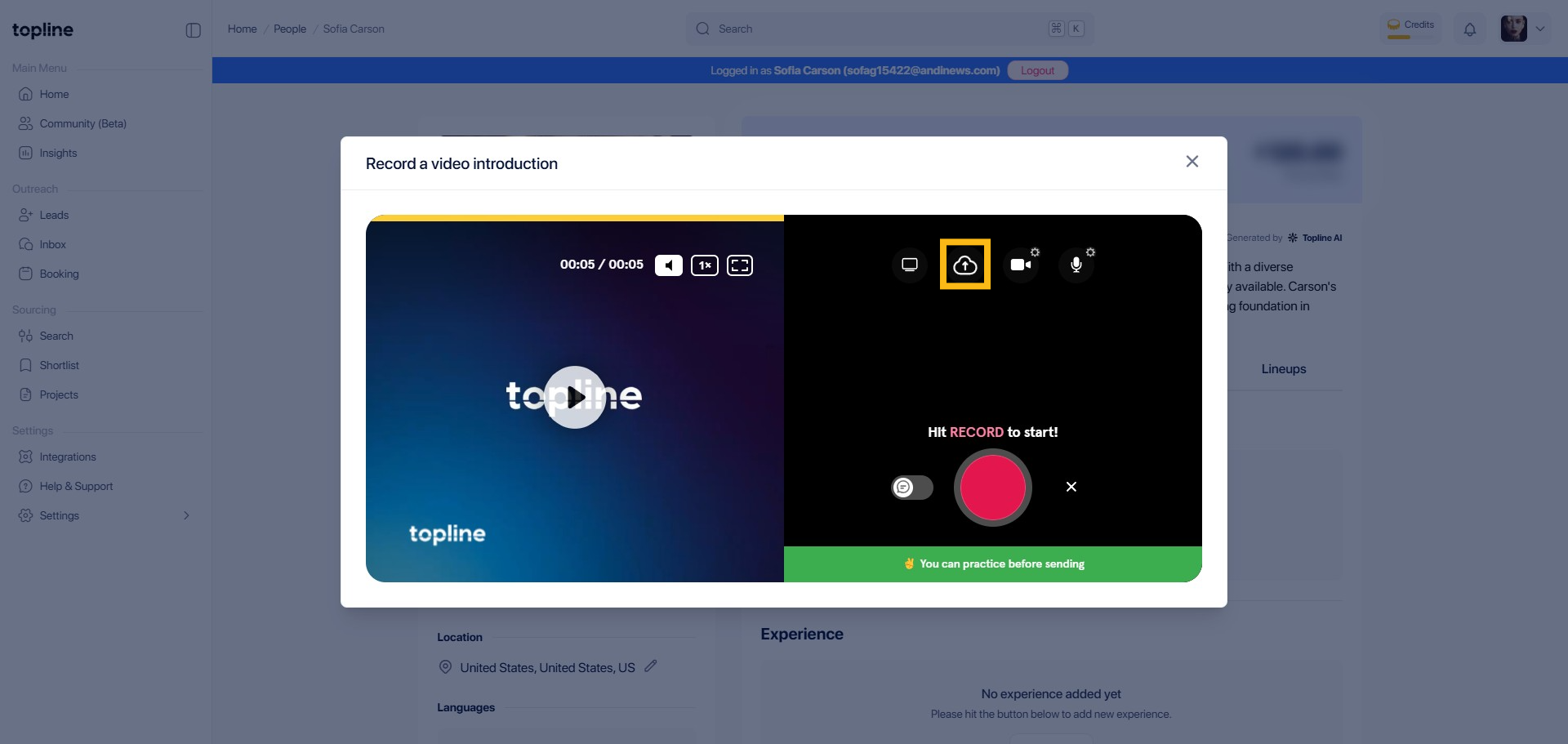
Step 4: Click Upload button
In the upper tab, click the upload icon to upload the recorded video, or hit the record button to start recording.
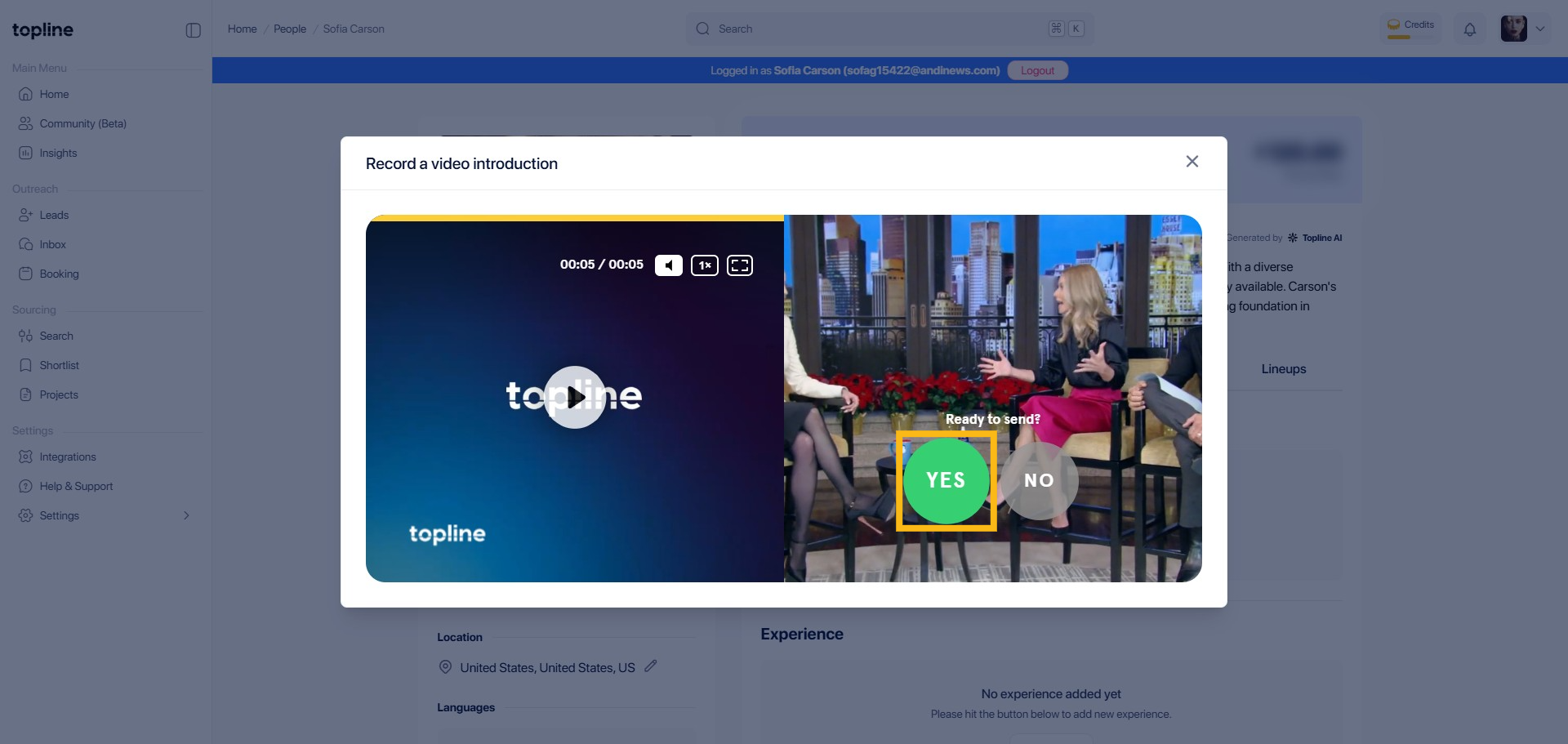
Step 5: Confirm your upload
Click YES button to save and upload your video.
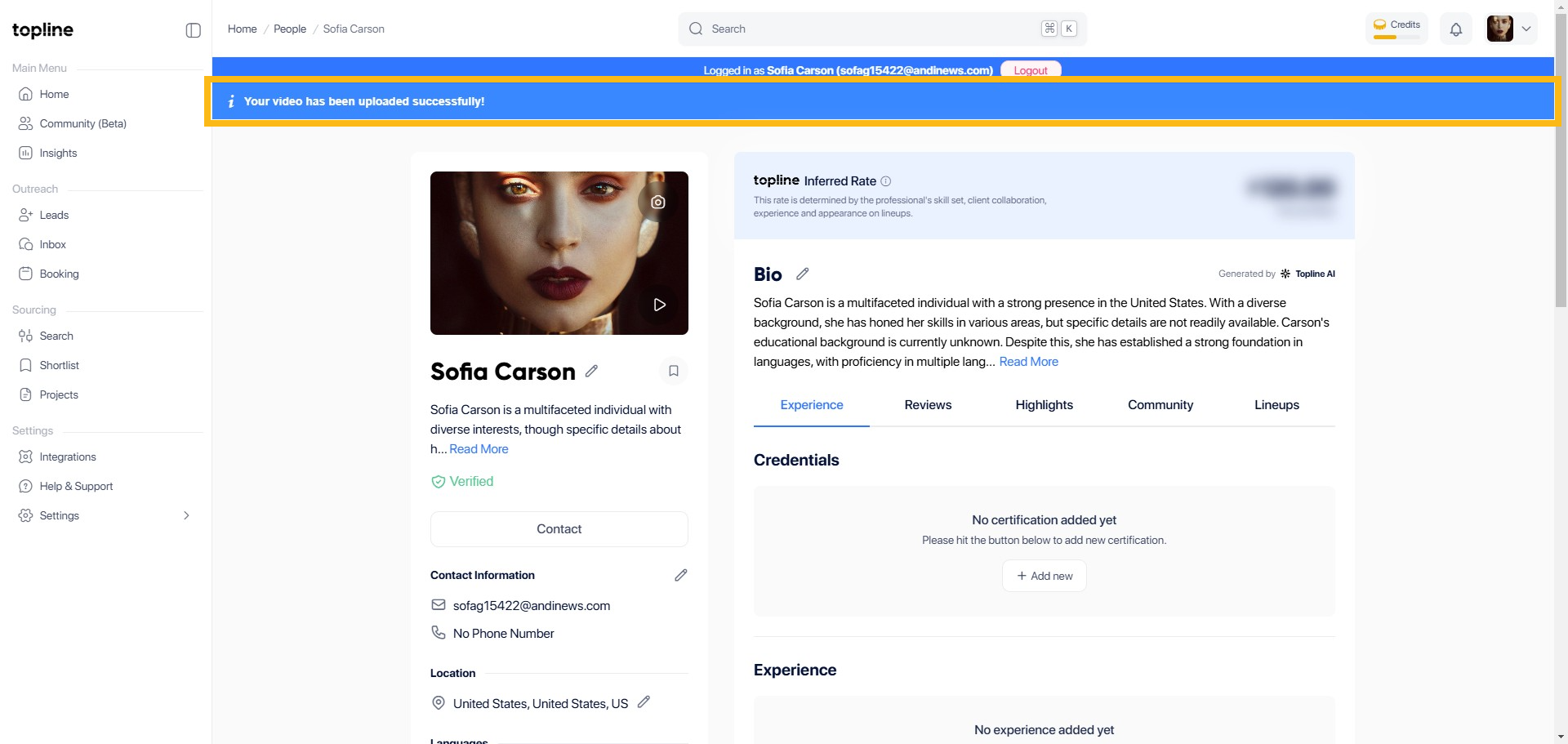
Step 6: Upload Confirmation
After saving the uploaded video, you'll be redirected back to your profile page and a confirmation prompt will appear in the upper tab that your video has been successfully uploaded.