Step 1: Enter the Name and Search
In the designated text field, enter the name of the profile you wish to find.

Step 2: View Details
Locate and click on the View Details button. This will bring you to a page where you can view more information about your profile and posts.

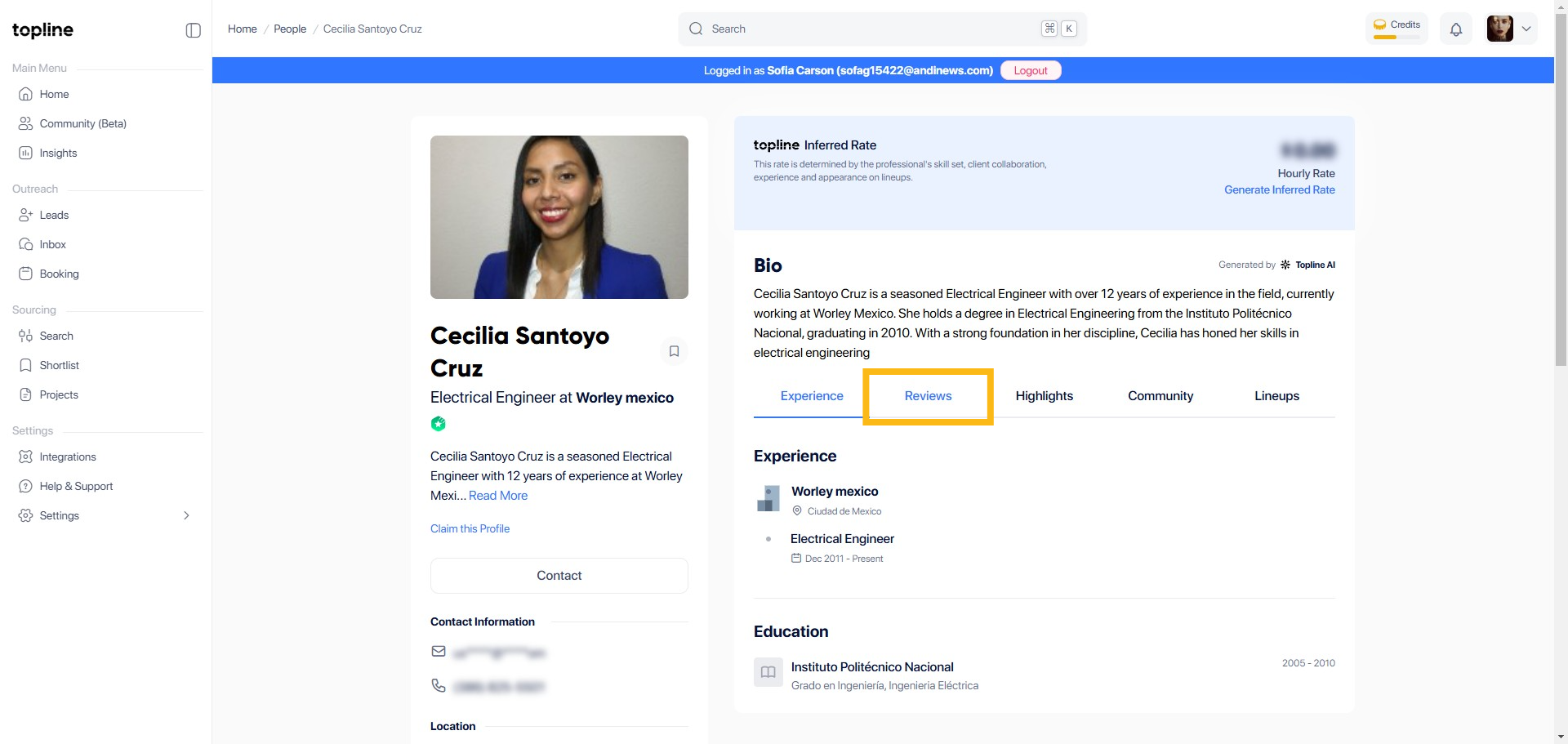
Step 3: Reviews Section
Find and click on the Reviews section. This is where you can read existing reviews and add your own.
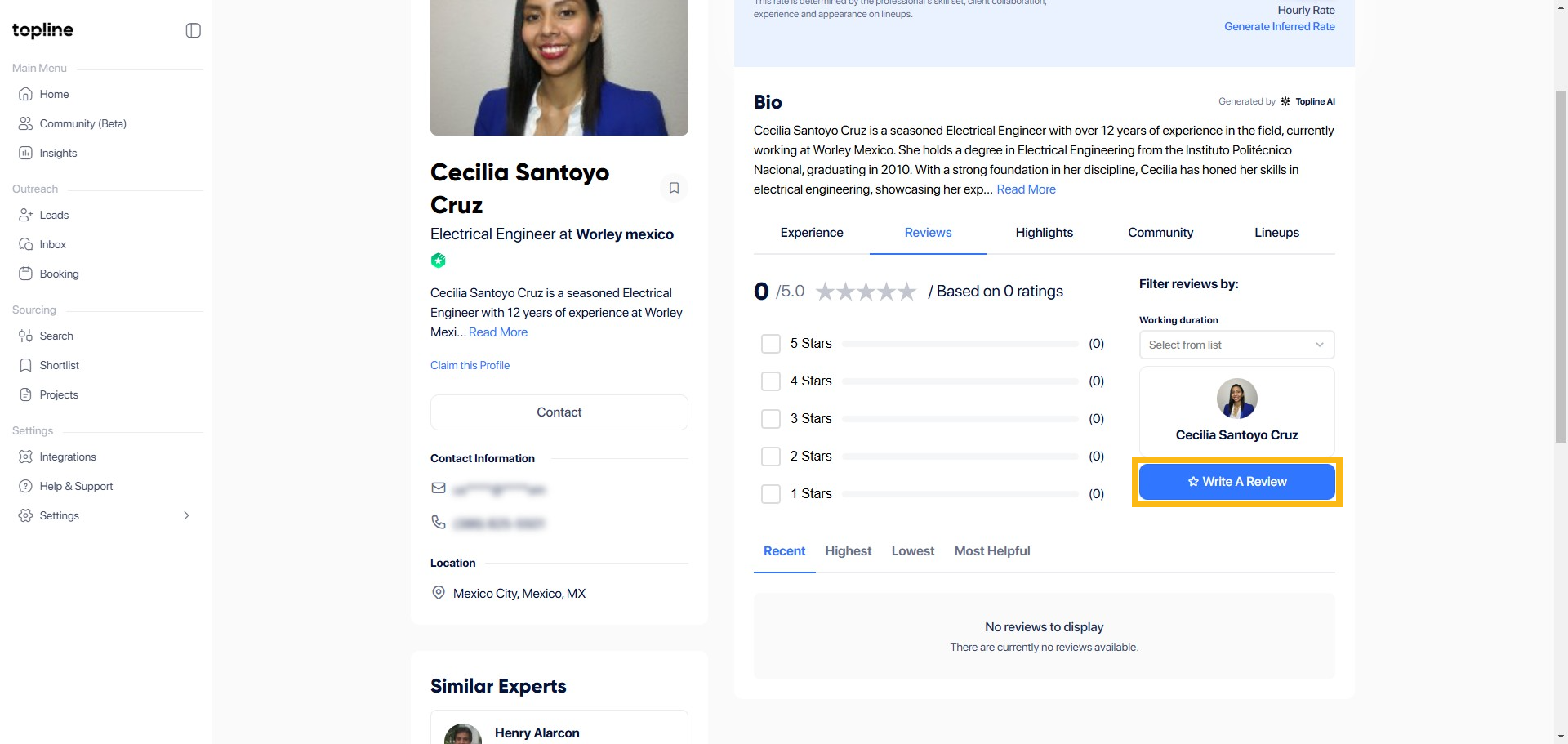
Step 4: Write A Review
Find and click the button that says Write a Review on the page.
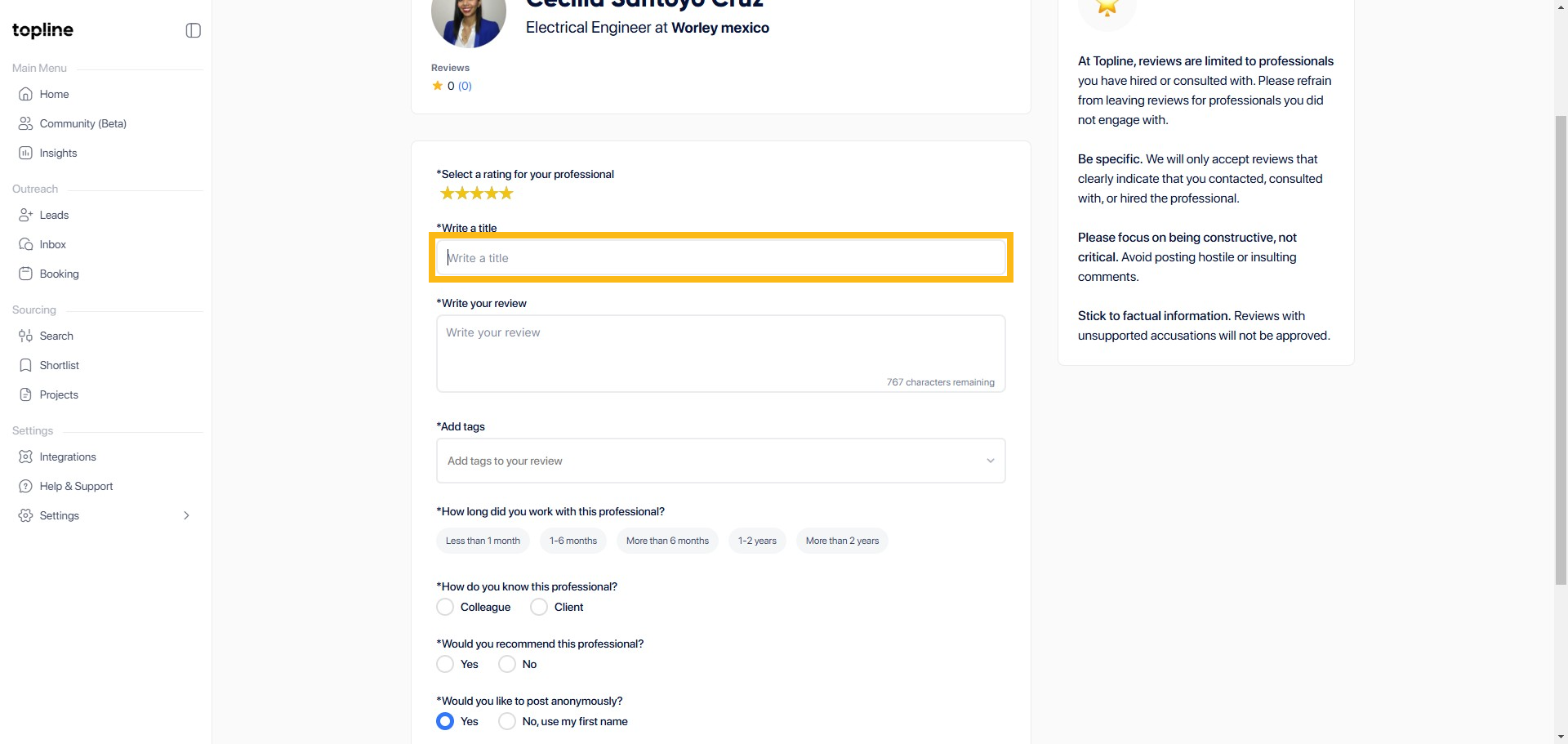
Step 5: Write a Title
Please enter the title in the box below.
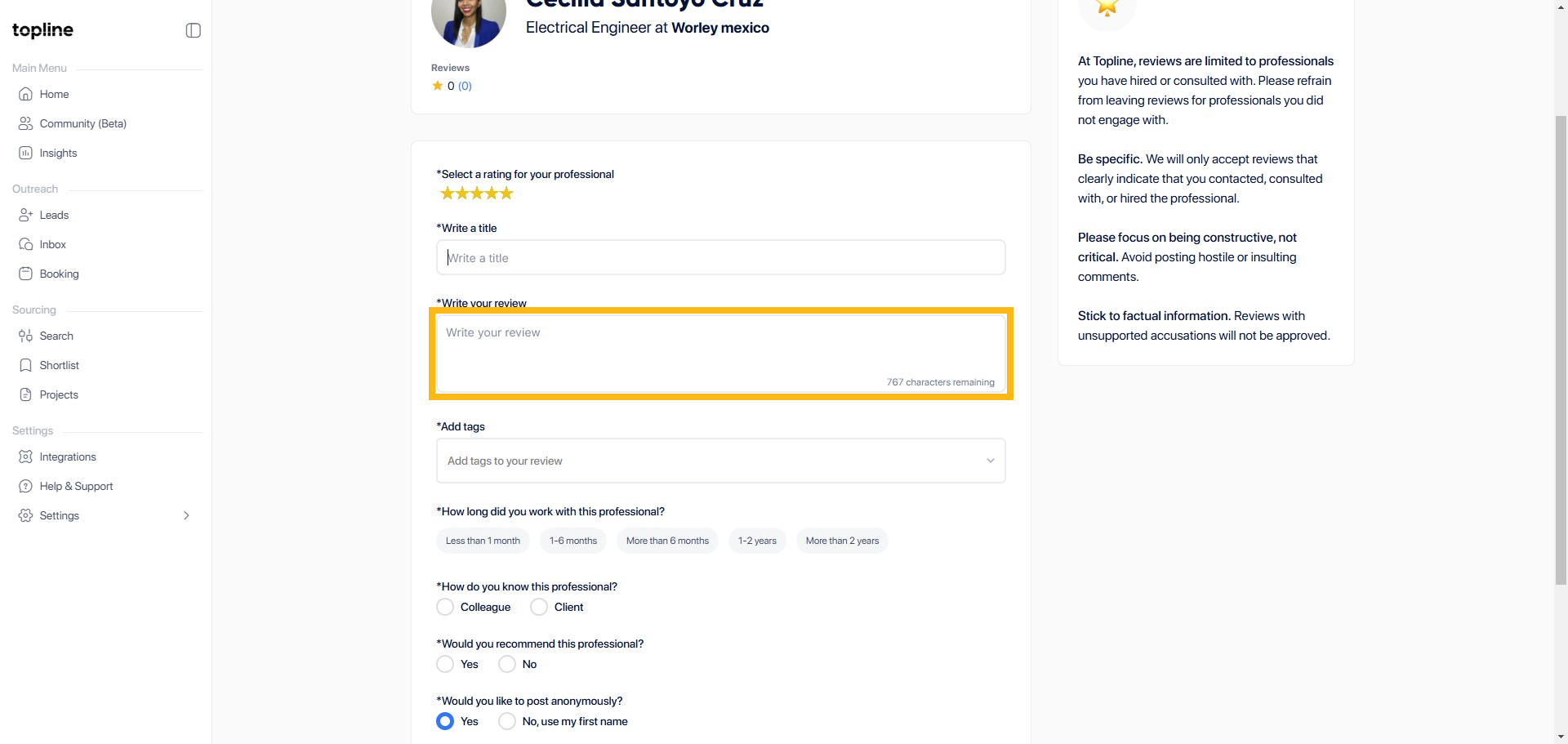
Step 6: Write your Review
Fill out all the details regarding your review.
Step 7: Add Tags
Add tags to your review here.

Step 8: Select Duration
You can select the duration of your experience with the person you are reviewing.

Step 9: Select between Colleague or Client
Tell us how you know the professional by selecting the option below.

Step 10: Recommend the Professional
Choose Yes or No if you are recommending the professional.

Step 11: Preview Your Review
Choose Yes or No if you are recommending the professional.
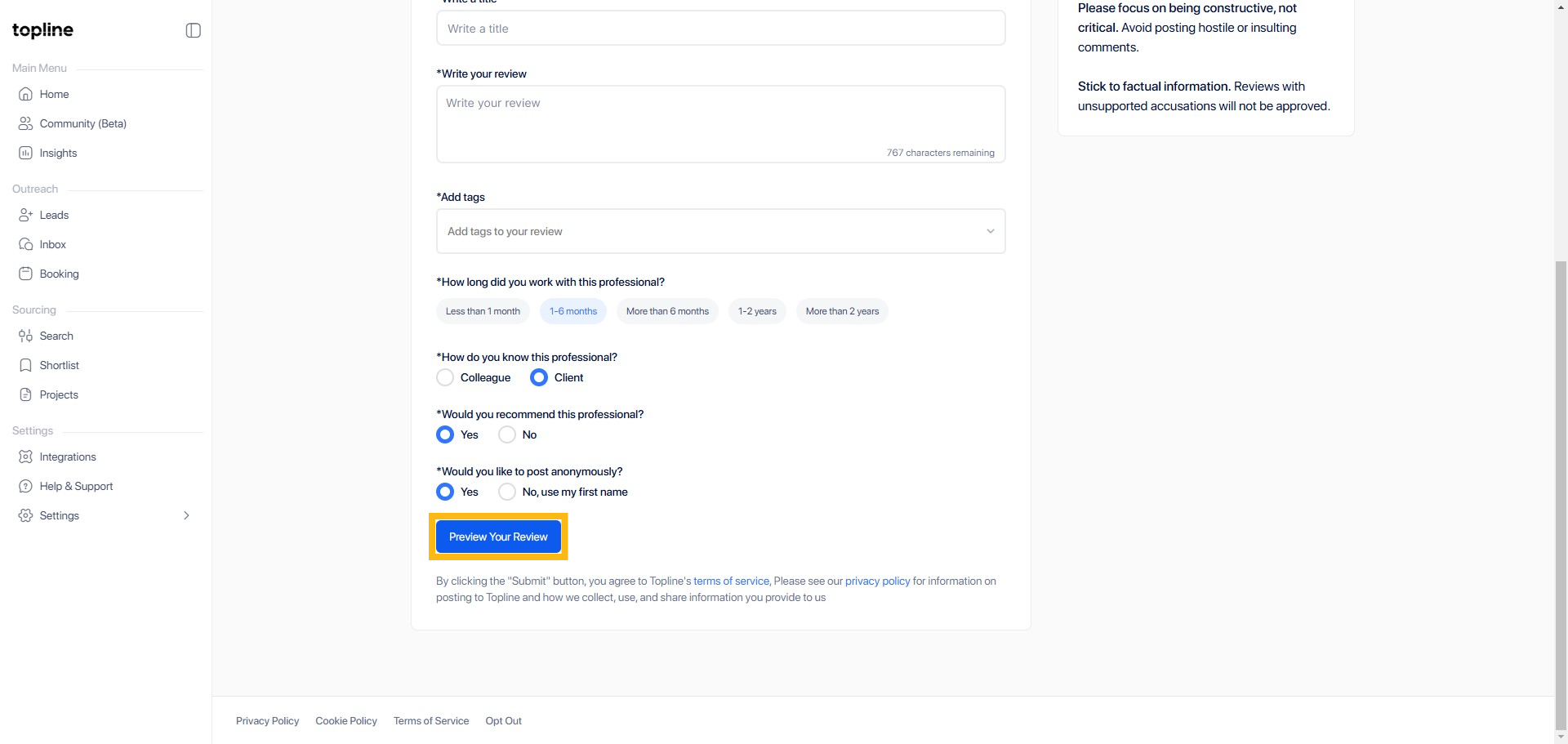
Step 12: Submit Review
When you are done reviewing, click Submit Review.

