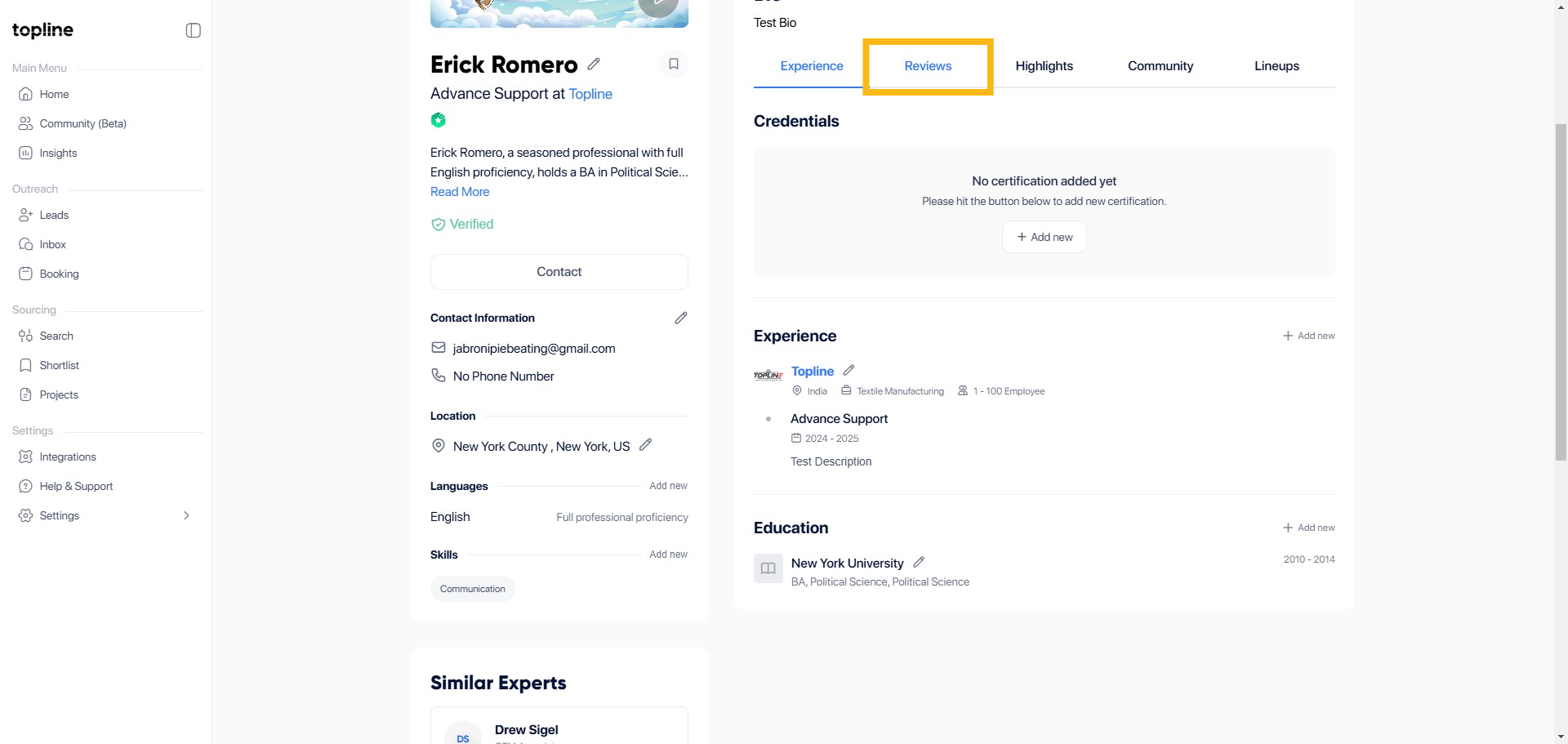
Step 1: Reviews Section
Find and click on the Reviews section. This is where you can read existing reviews and add your own.
Step 2: Click Flag Icon
Look for the review click the Flag icon to dispute a review.

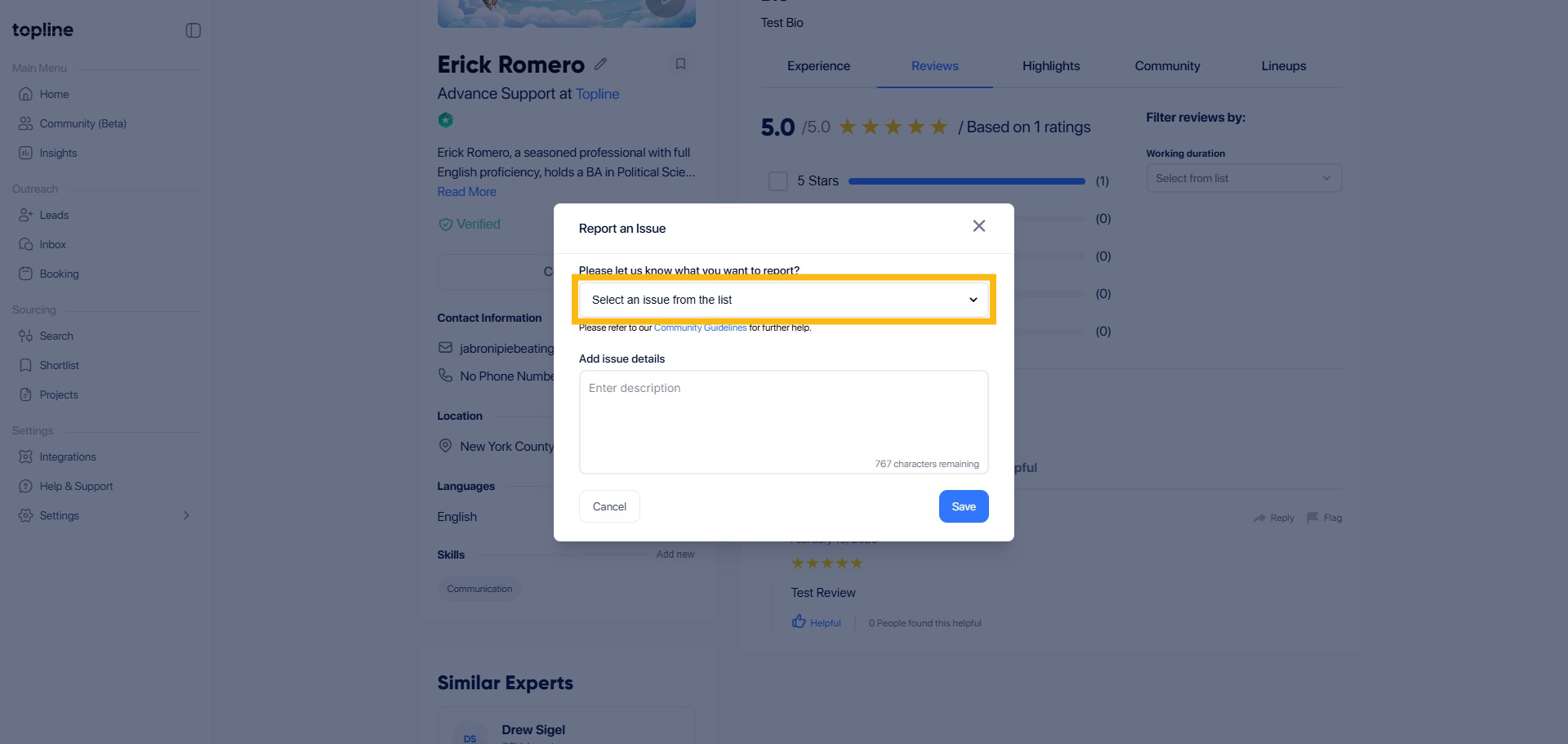
Step 3: Click on Dispute Option
Select the issue from the list to identify the review you want to dispute.
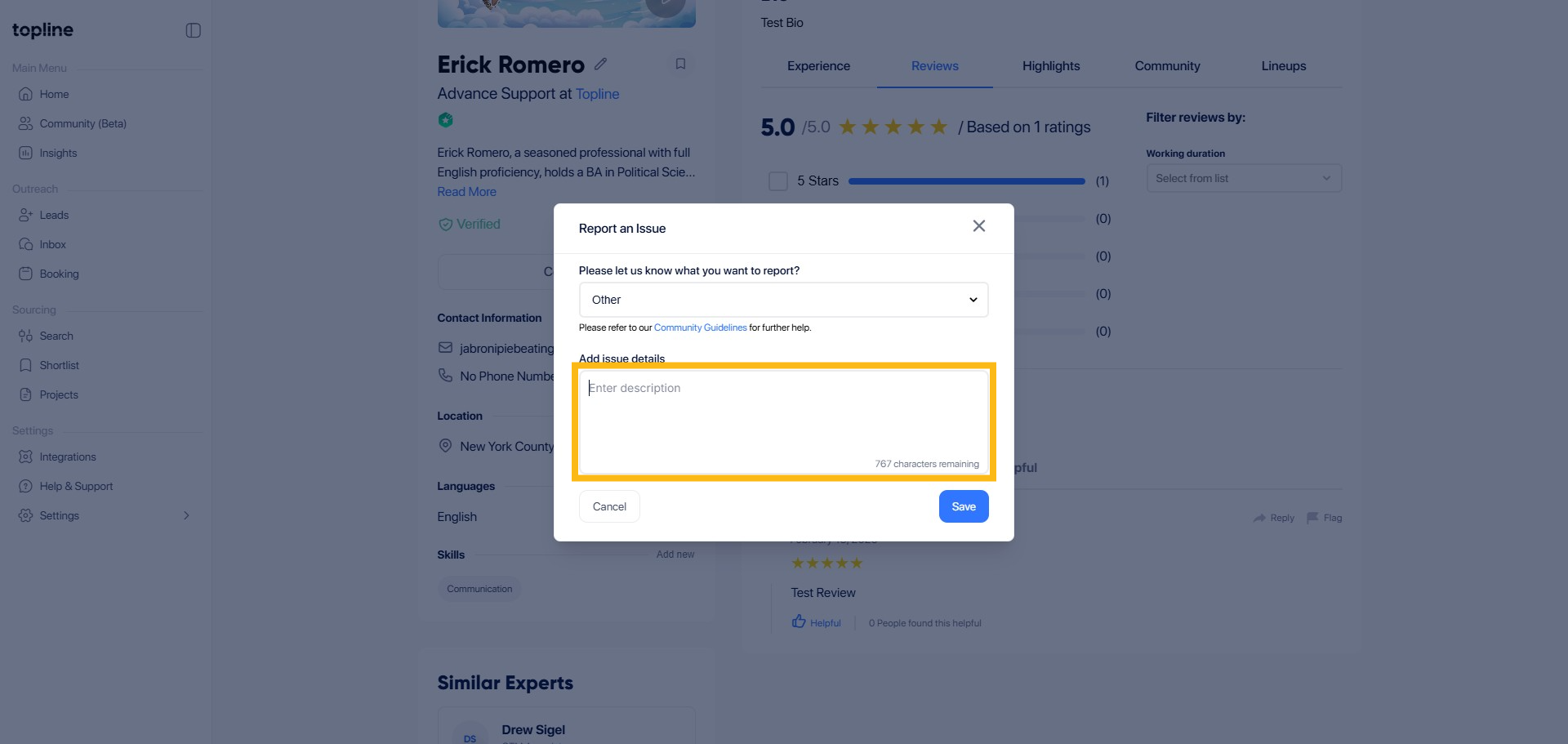
Step 4: Provide Dispute Details
Fill in the required details explaining why you are disputing the review.
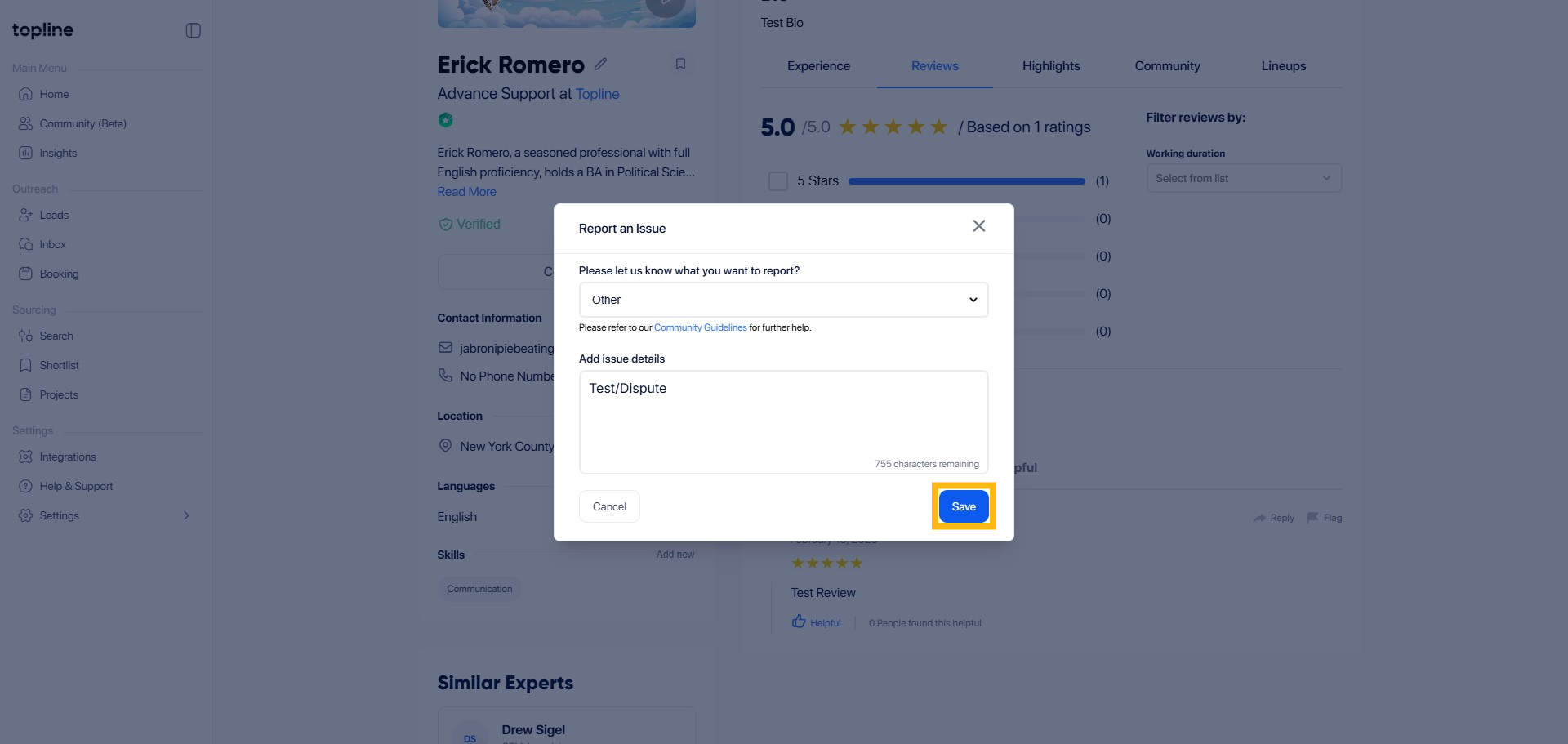
Step 5: Click Save
Double-check the information you provided. Once you're ready, submit the dispute by clicking the Save button.