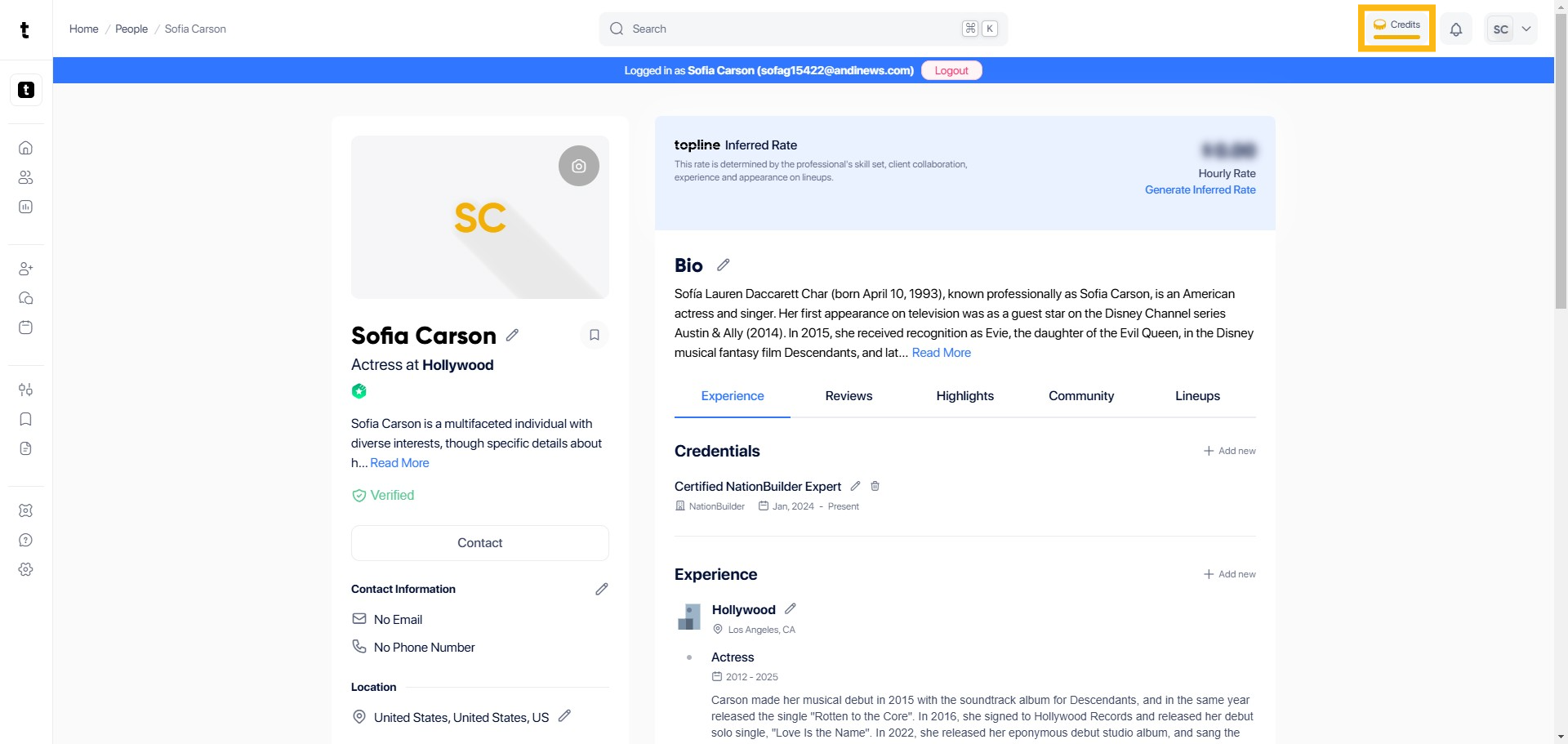
Step 1: Click Credits
Go to the upper right corner and click Credits.
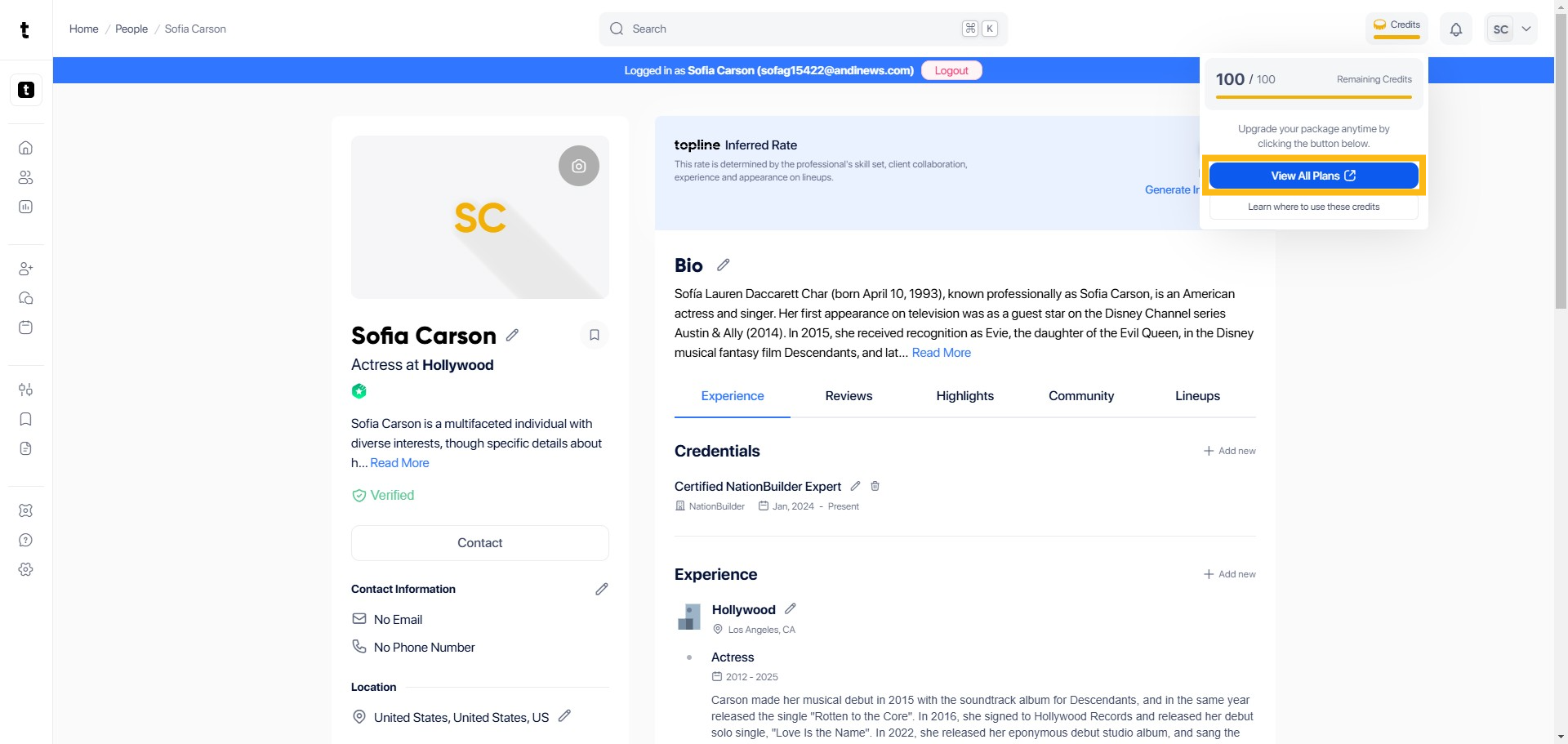
Step 2: Click View All Plans
You will see a pop up box where you can click View All Plans to proceed.
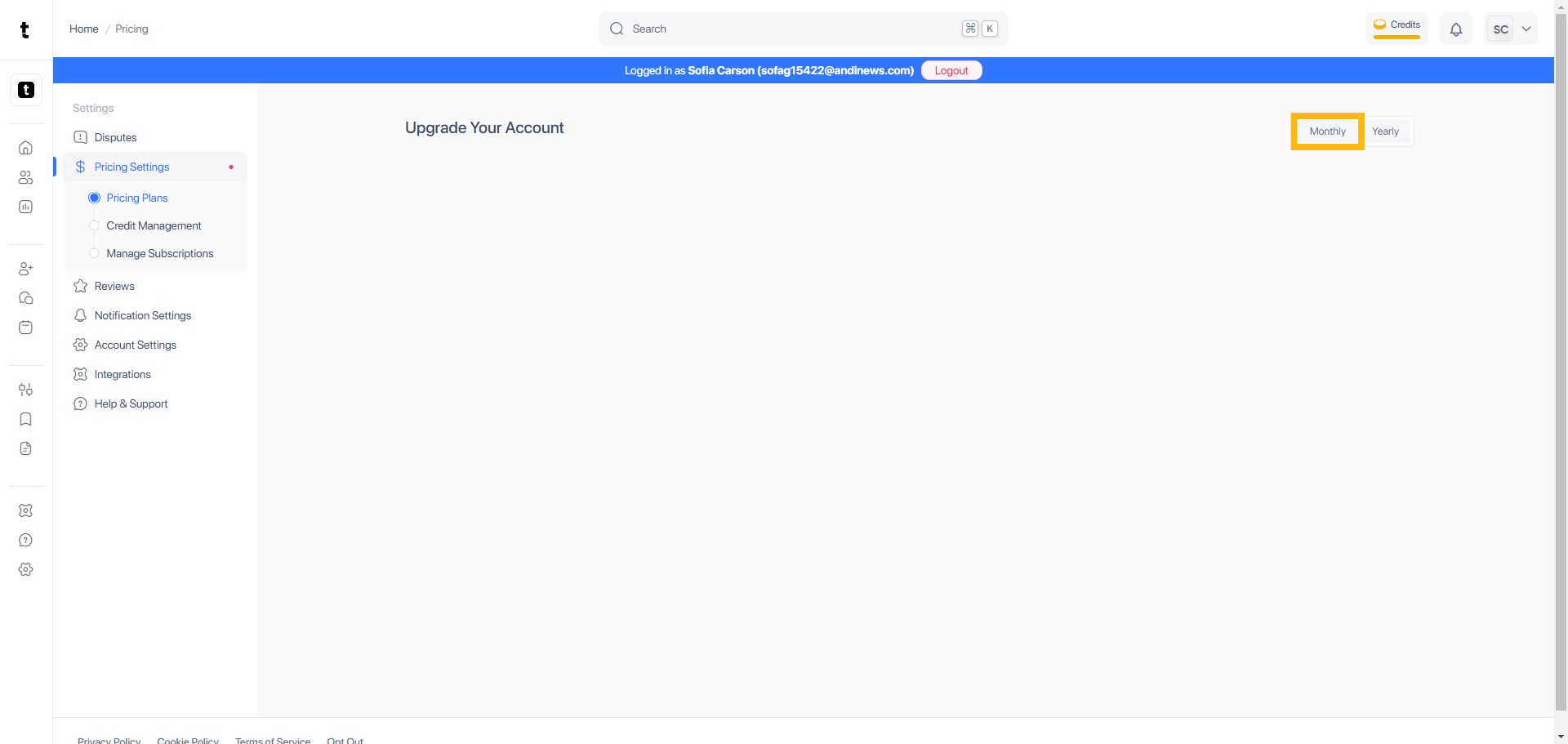
Step 3: Click Monthly Tab
Expand the page by clicking the Monthly tab.
Step 4: Gold and Gold Teams
There are two options you can select from when buying Gold credits. Gold is for individuals that want advanced features to stand out and get more opportunities while Gold Teams is for teams that want advanced tools and detailed insights.

Step 5: Add on Credits
You can also purchase Add on Credits here by clicking the Buy Now button to proceed.

Step 6: Select Payment Method
You can select and pay between Card or US Bank account.

Step 7: Tick the Box
Tick the box to accept the Terms of Service and Privacy Policy.
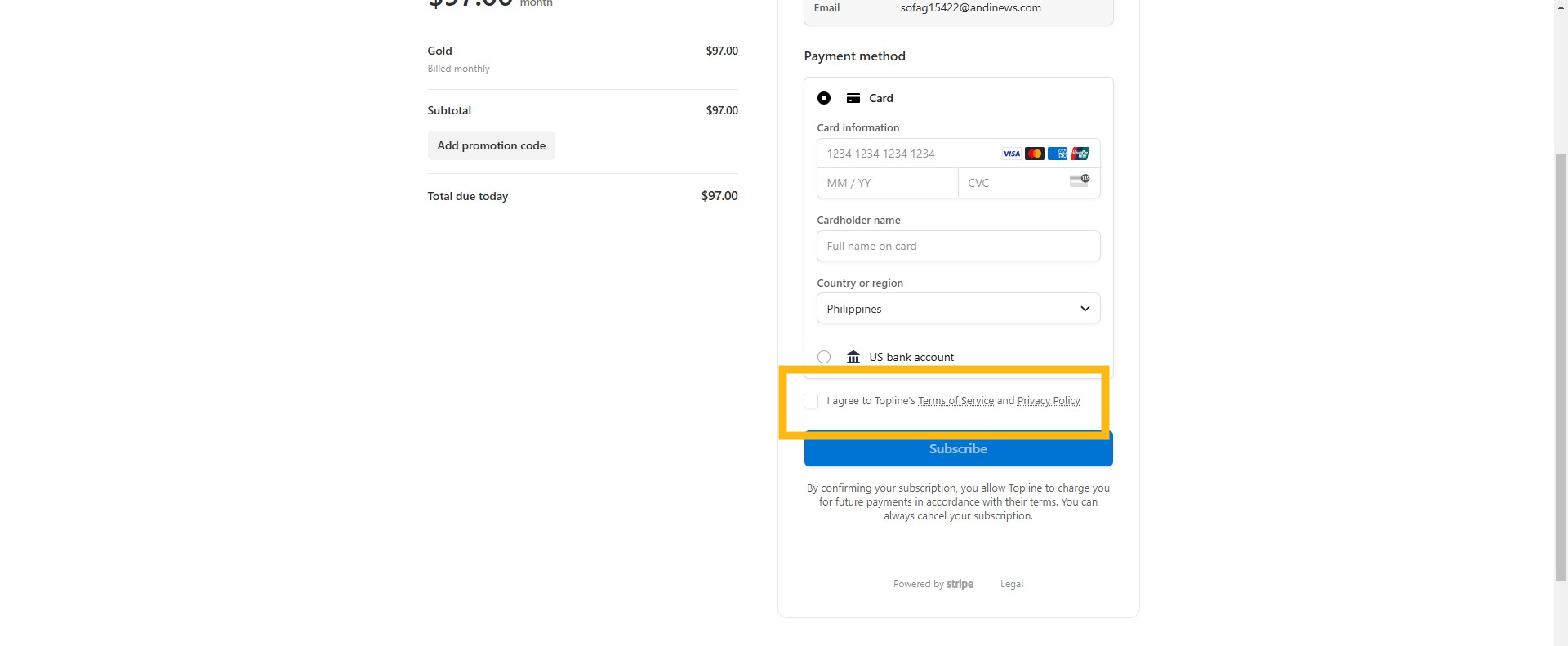
Step 8: Click Subscribe
Click Subscribe to submit the payment.

