Step 1: Click the Edit Bio Icon
Click on the Edit Bio icon located at the upper middle page of your Topline profile. This will open a pop-up tab that will allow you to edit your bio.

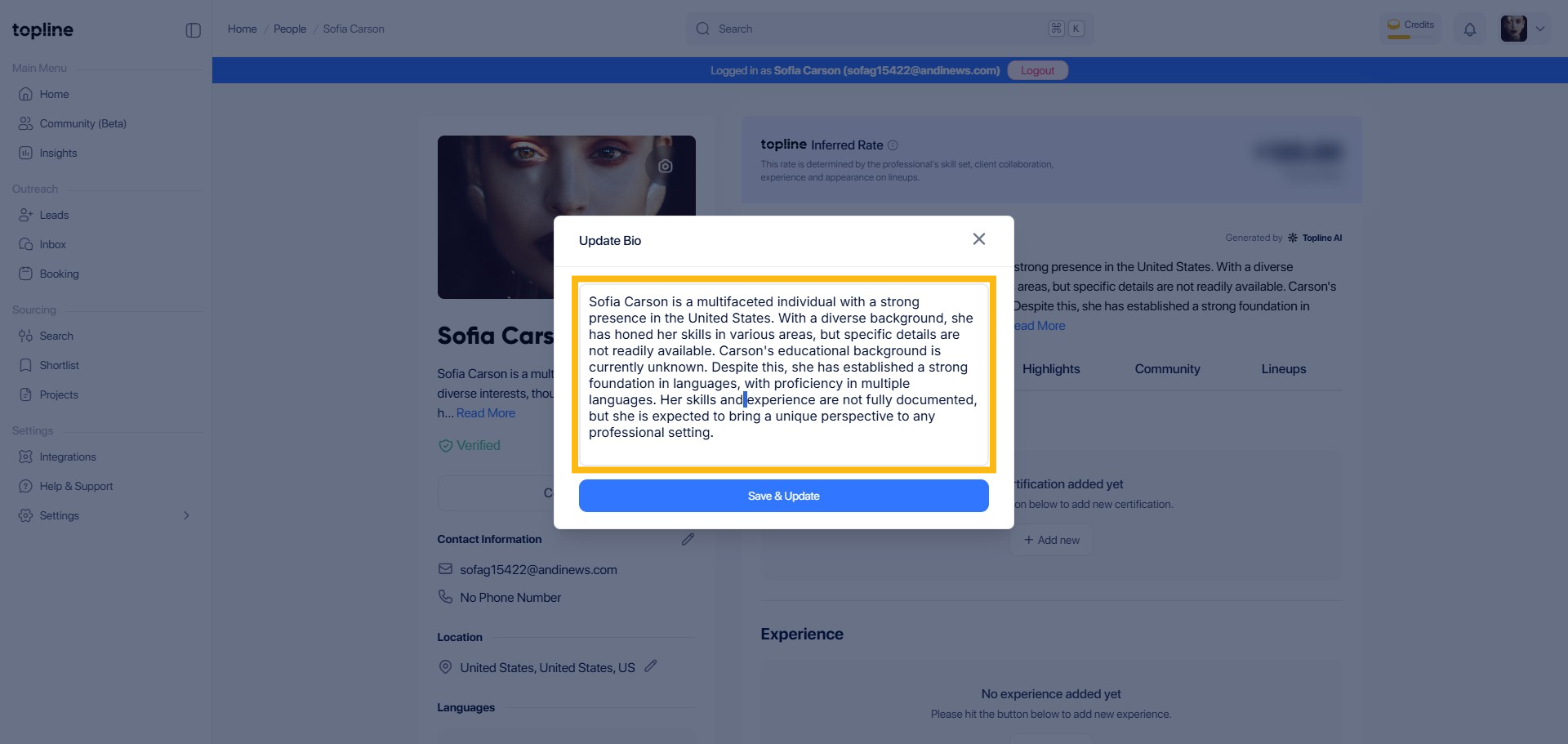
Step 2: Edit Bio
Enter your desired bio text in the text box that appears. Ensure your bio is concise and accurately represents you.
Step 3: Save Changes
Once you have updated your bio text, click the Save & Update button to apply the changes. Your new bio will be saved to your profile.

