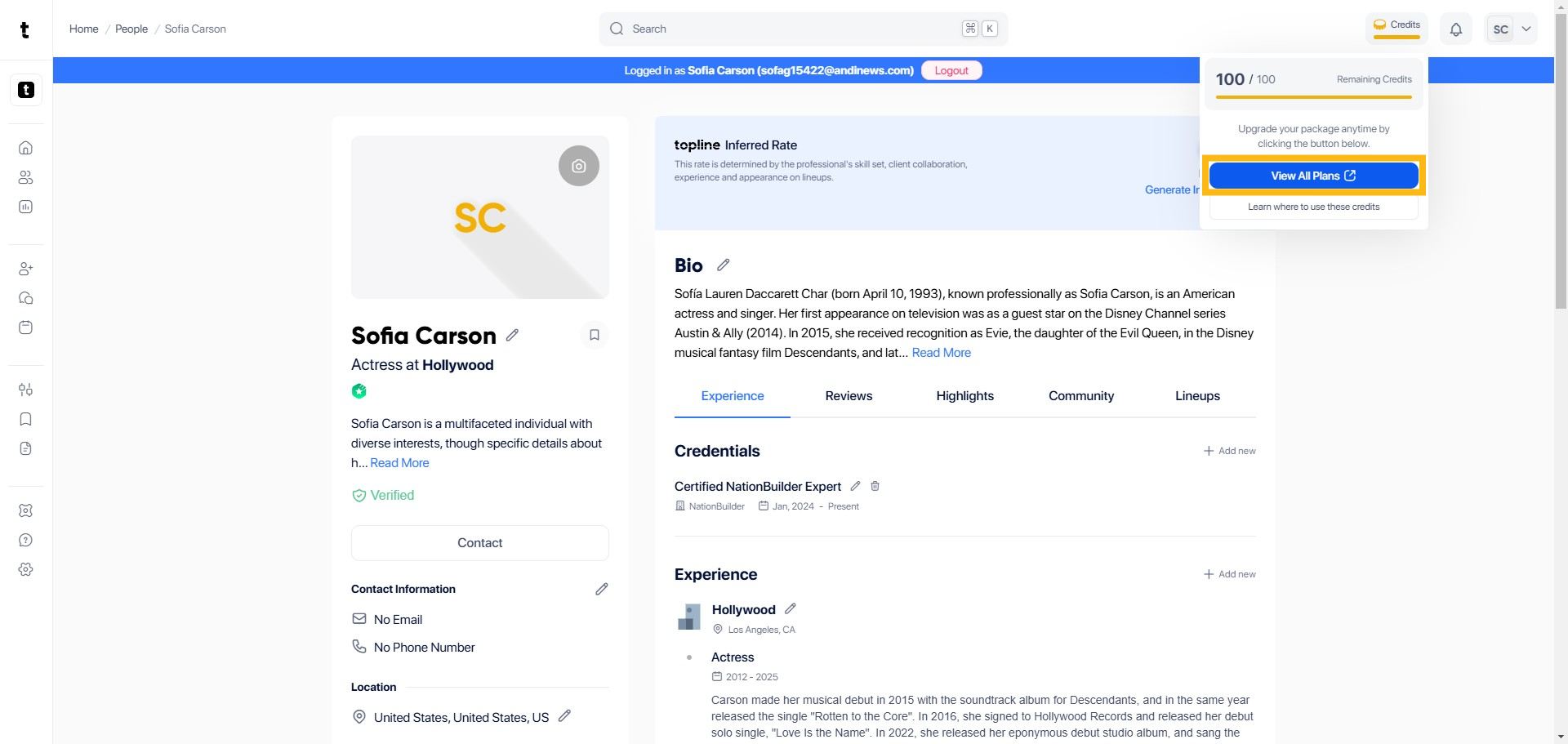
Step 1: Click Credits
Go to the upper right corner and click Credits.

Step 2: Remaining Credits
You will see a pop up box where you can view your remaining Credits.

Step 3: View All Plans
Once you have clicked the initial link, navigate to the section labeled View All Plans. This section will provide a comprehensive list of all available plans.
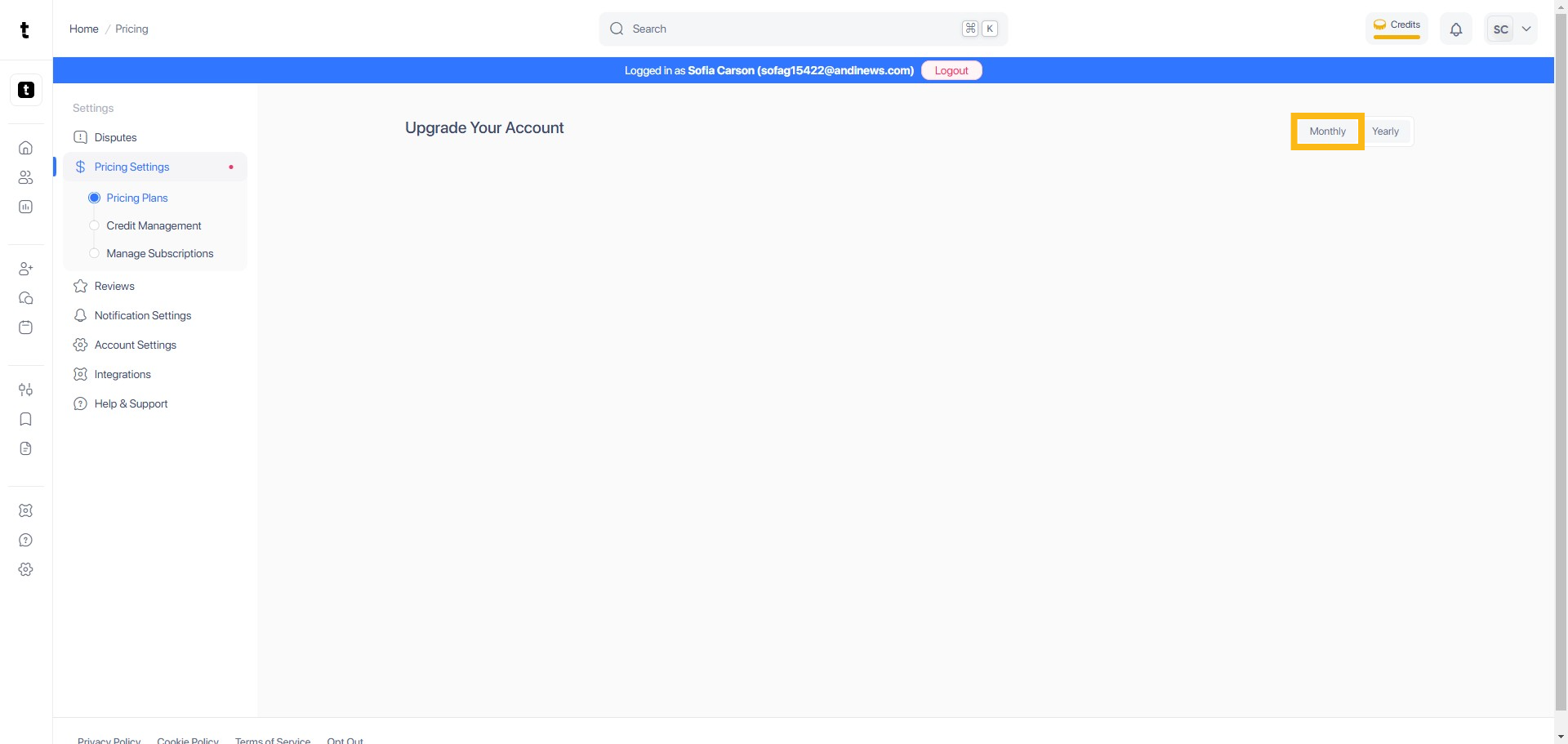
Step 4: Click Monthly Plan
To expand the page, click the Monthly tab.
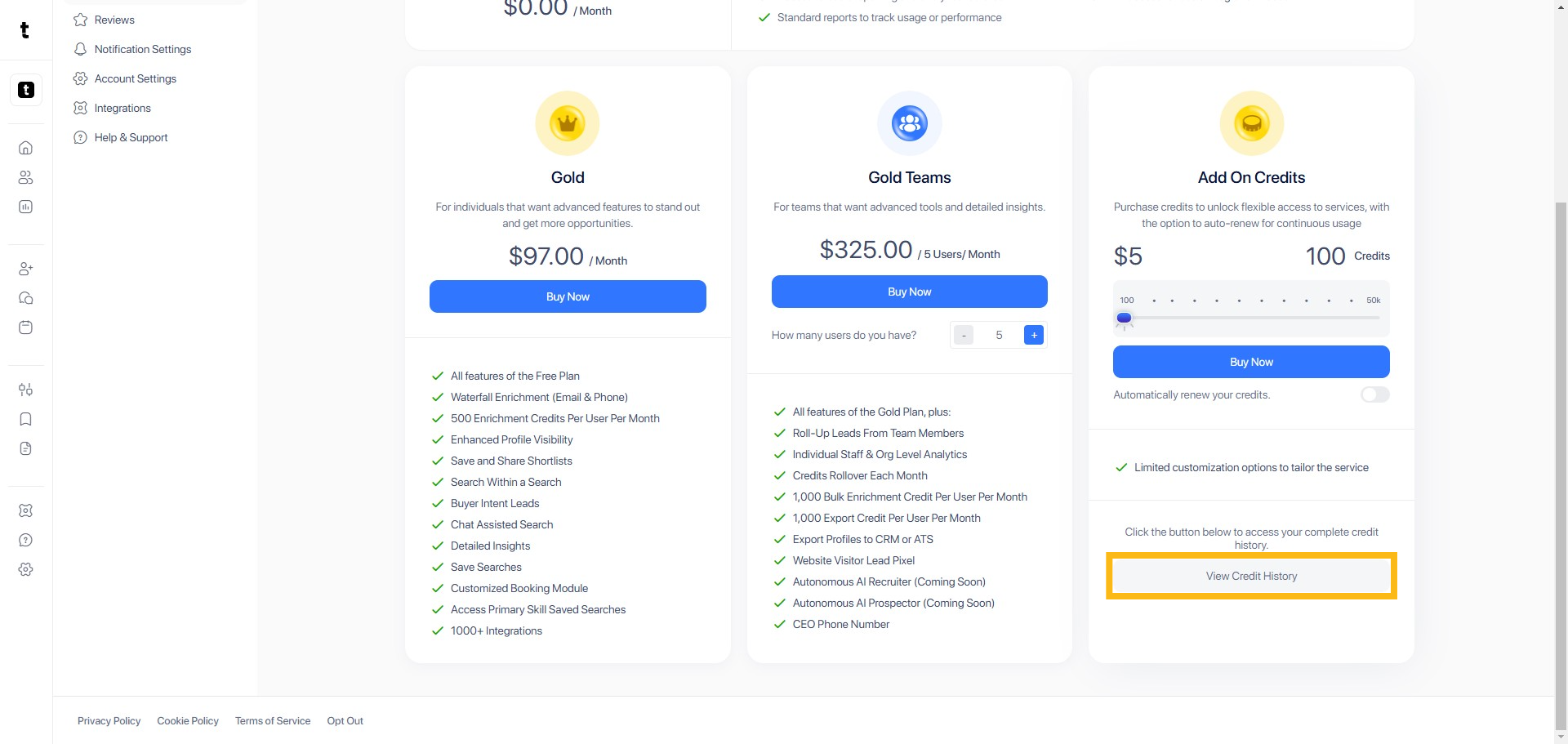
Step 5: Click View Credit History
After selecting the monthly plan, navigate to the View Credit History section to see a detailed history of your credits usage and current balance.
Step 6: Total Available Credits
You can view your available credits here.

