Step 1: Go to topline.com
Use your preferred browser to go to the topline.com home page.

Step 2: Check your Gold Credits
Go to the upper right corner of the home page, and click on Credits. it is important to check your Gold credits balance. Make sure you have enough, or go to the pricing section to purchase more.

Step 3: Click on Search
Go to the left side menu, and click on Search.

Step 4: Select a Professional
On the Search view, select a professional you want to have more information about.

Step 5: Add to Shortlist
Click on the bookmark icon to add the professional to a shortlist.

Step 6: Find Professional
On your shortlist view, look for the professional you want to have more information from.

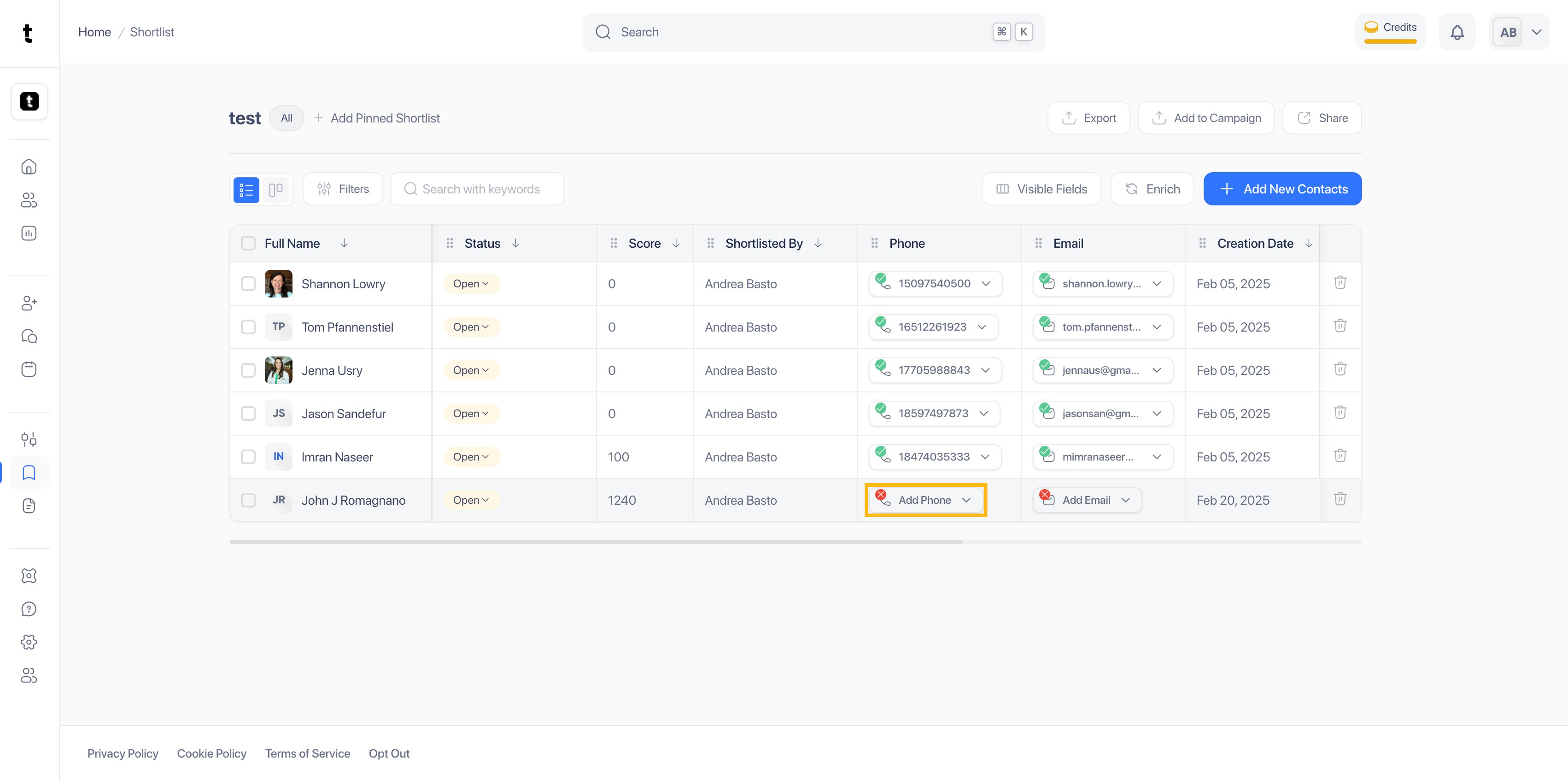
Step 7: Click on Add Phone
To use your gold credits, click on Add Phone.
Step 8: Click on Lookup Phone
Looking up for a professional's phone number has a 10 Gold credits cost. Click on Lookup Phone to complete the process.

Step 9: Phone Added
The phone number will be added to the professional's profile.

Step 10: Click on Add Email
To use credits to find your professional's email, click on Add Email.

Step 11: Click on Lookup Email
Looking up for an email costs 2 Gold credits. To continue the process, click on Lookup Email.

Step 12: Email Added
The professional's email will be automatically added to the profile.

Step 13: Select profile
You can also use Gold credits to check the professional's inferred rate. To do so, click on the professional's name.

Step 14: Click on Generate Inferred Rate
Go to the upper right side of the profile and click on Generate Inferred Rate.

Step 15:
Step 16: Inferred Rate Cost
Generating a profesional's inferred rate has a cost of 1 Gold credit.

Step 17: Inferred Rate Generated
The system will analyze the professional's experience and skills to generate an hourly rate.

