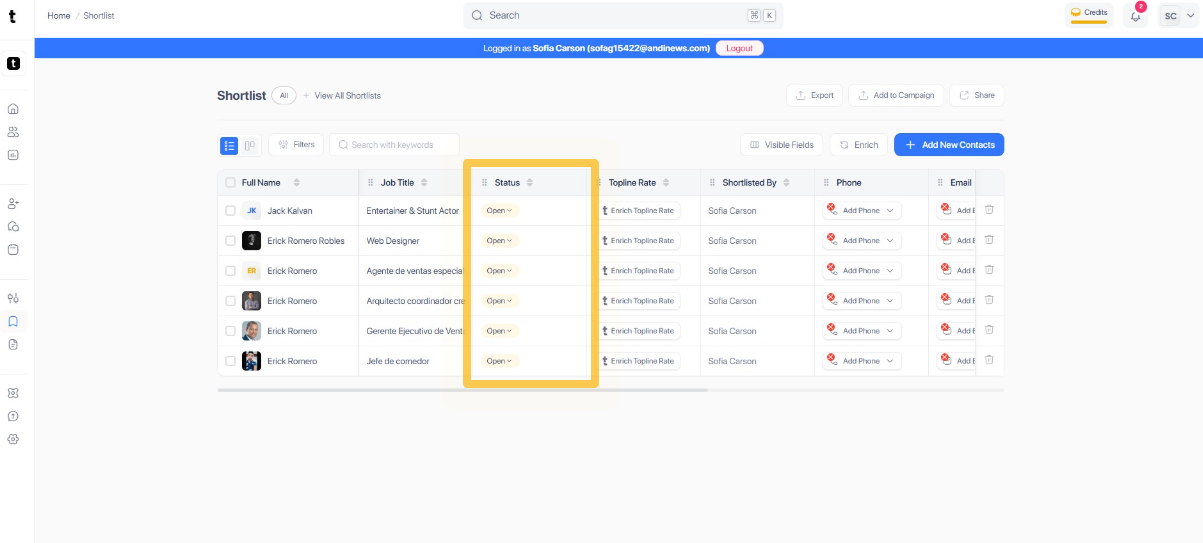
Step 1: Navigate to the Shortlist portal
Start by opening your browser and navigating to access the shortlist creation portal.
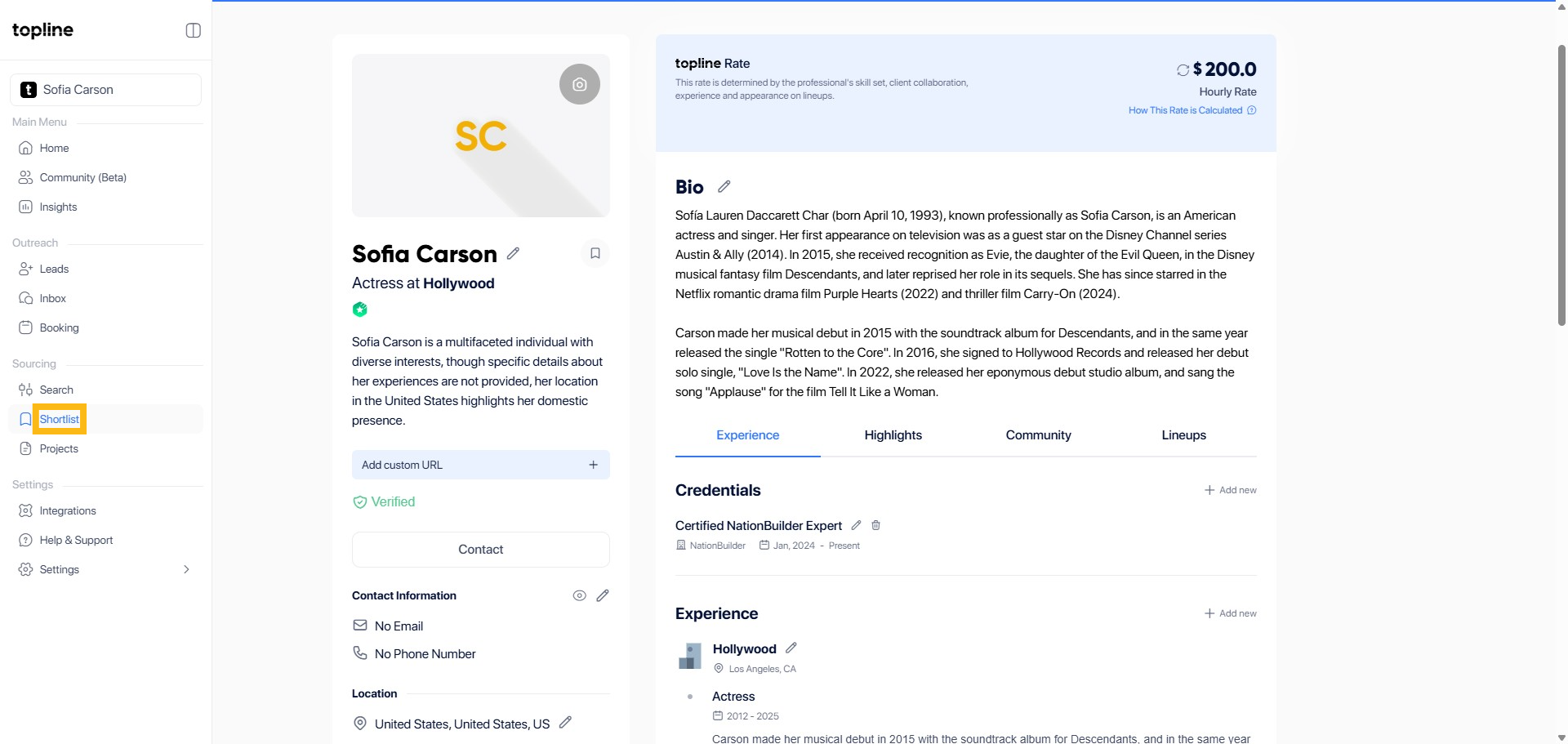
Step 2: Click Filters Button
Click on the Filters button located at the top of the page to open the filter options.
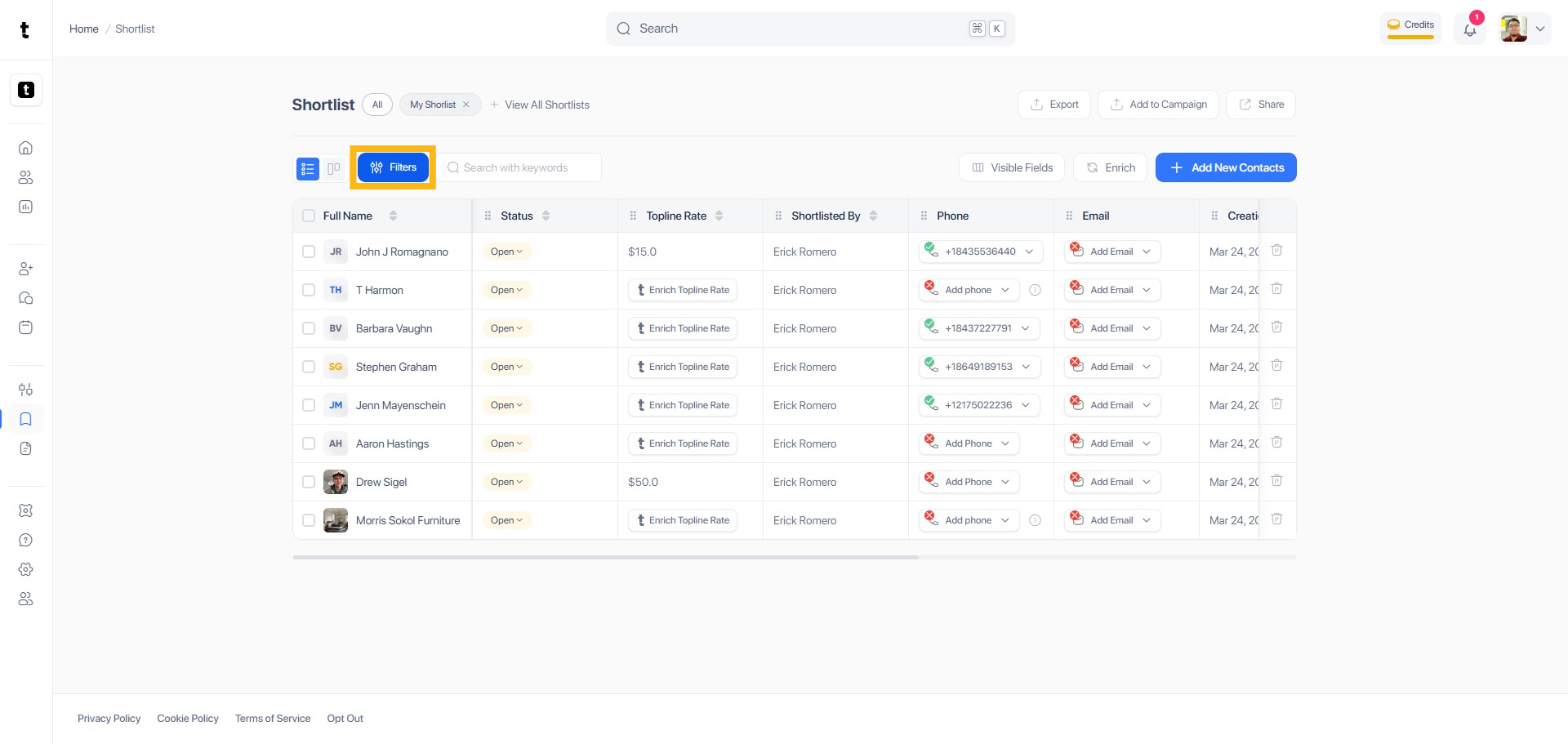
Step 3: Select Filter(Status)
There will be a dropdown menu where you can choose Name, Shortlisted By, Phone, Email, Company, Job Title, and Status. Click the Status to select the filter to proceed.
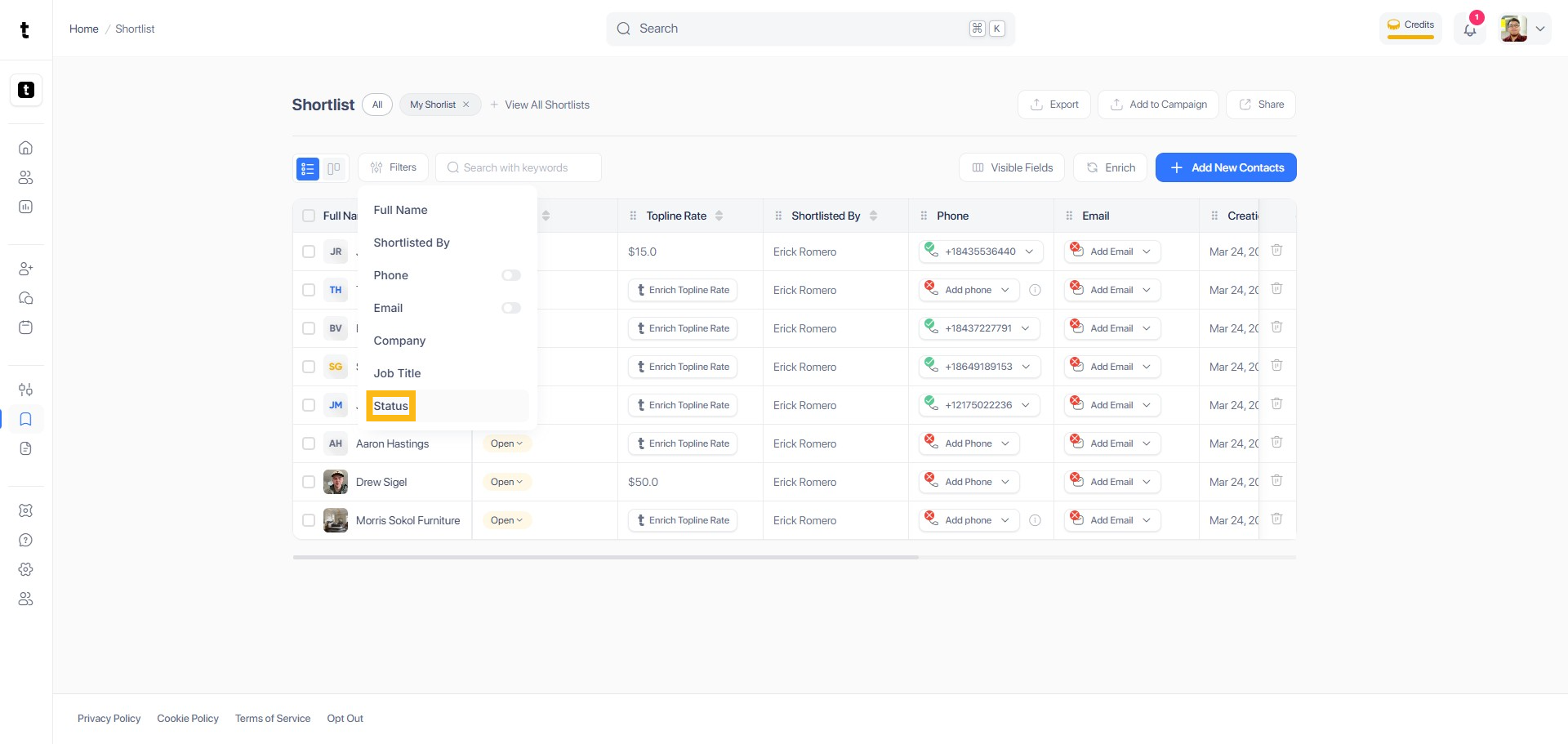
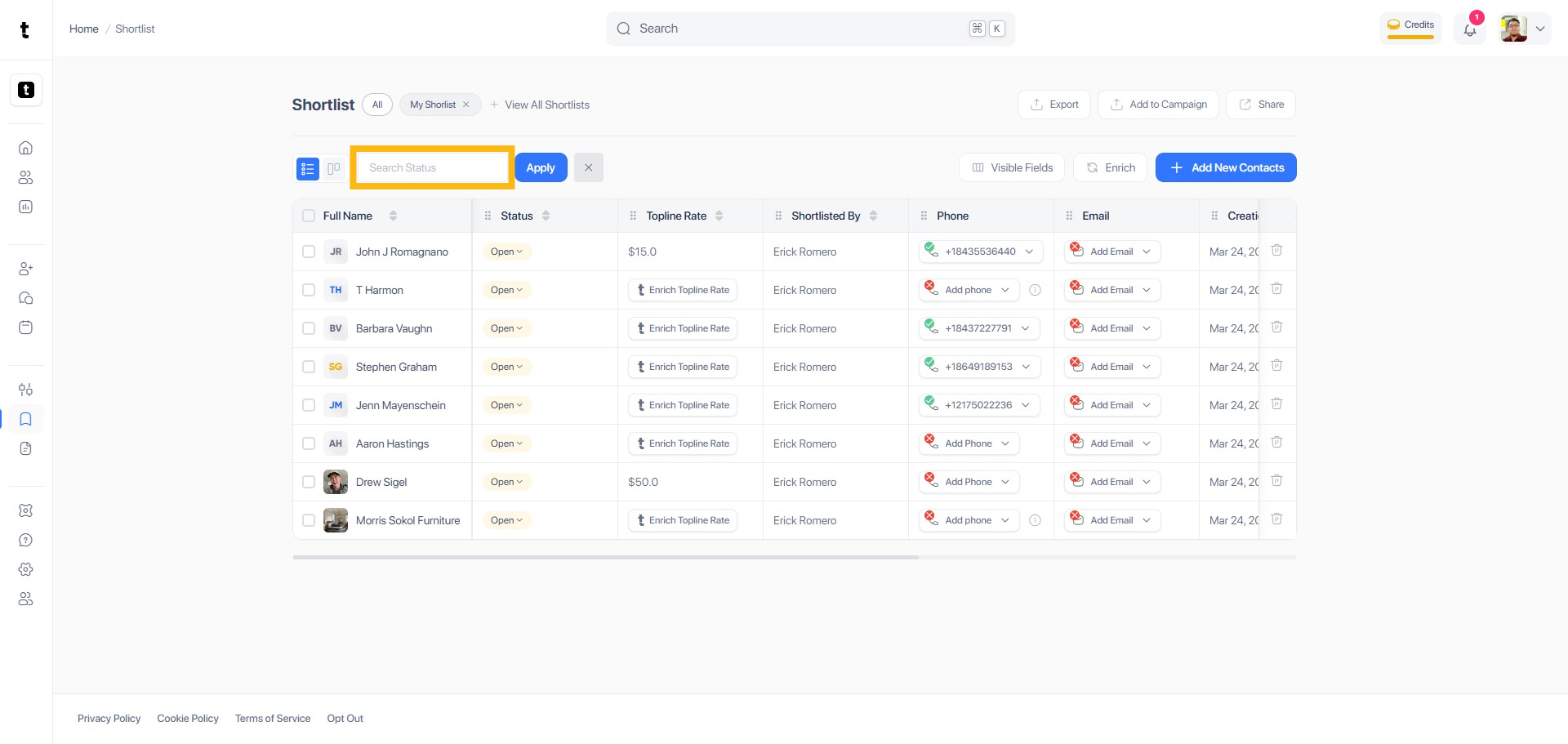
Step 4: Search Status
Click or type the status you want to filter.
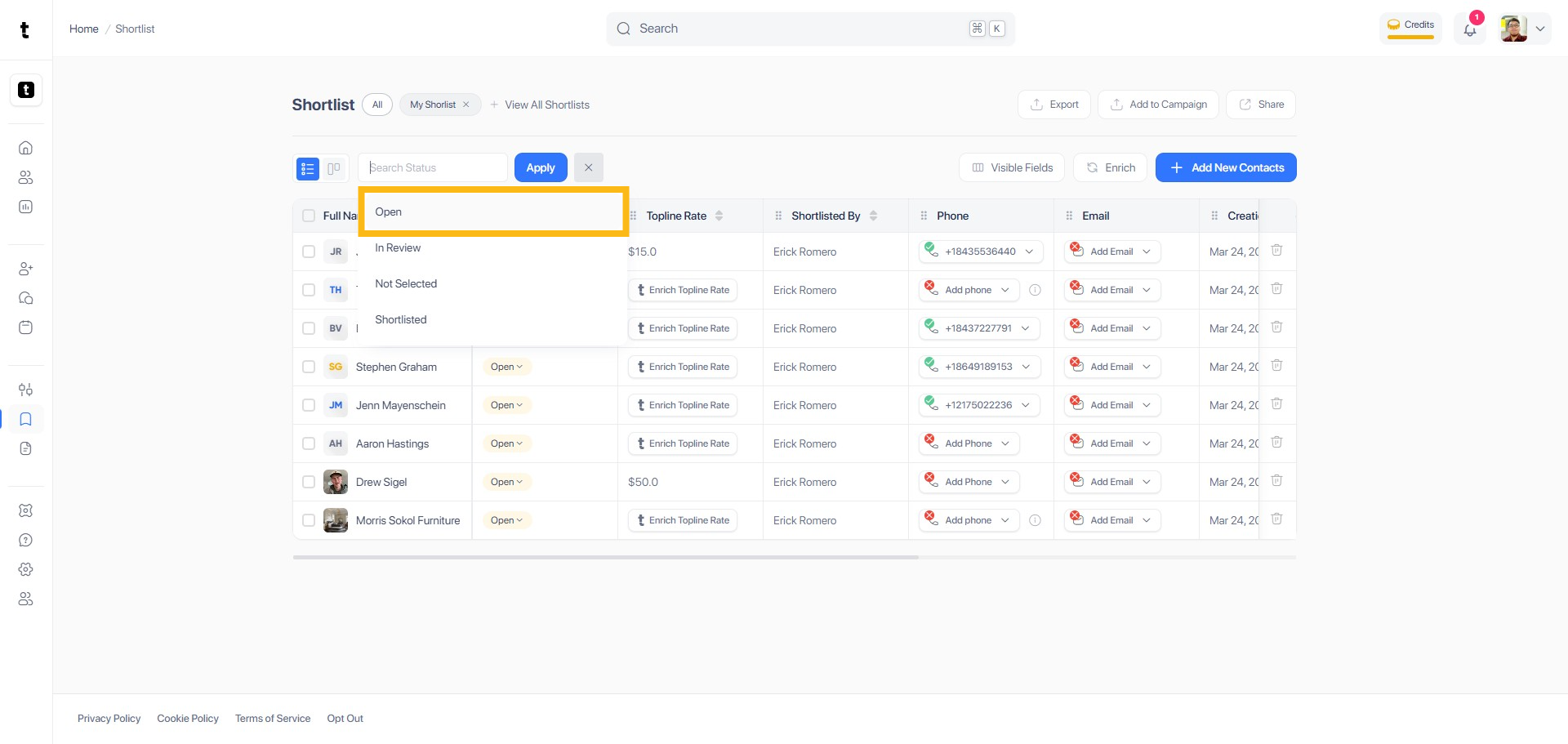
Step 5: Select Filter
Select the appropriate option from the drop-down list and select the filter.
Step 6: Click Apply
After selecting the filter, click the Apply button to begin filtering the results.
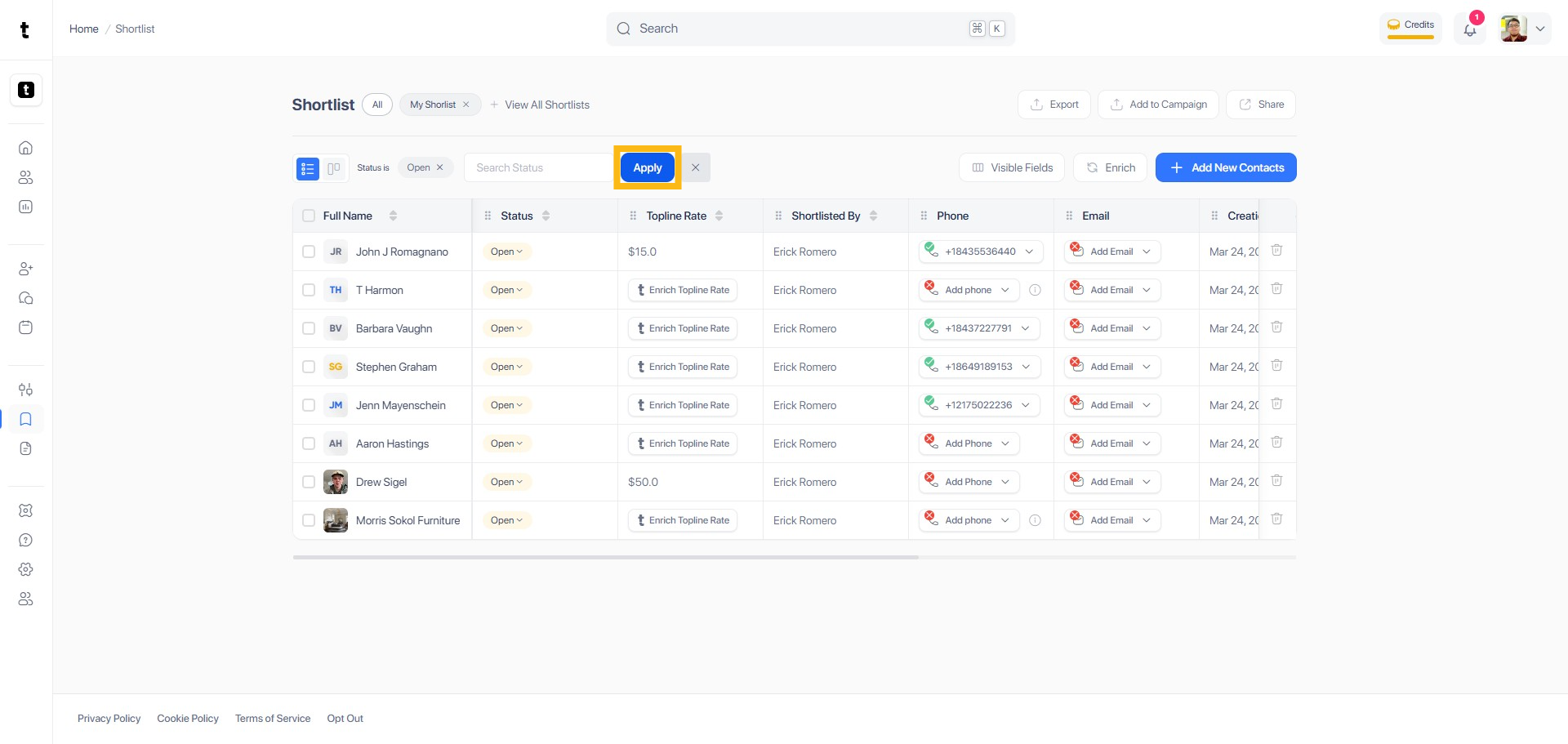
Step 7: Filtered Result List
After applying the filter(Status), a list of filtered results will now appear based on your request.