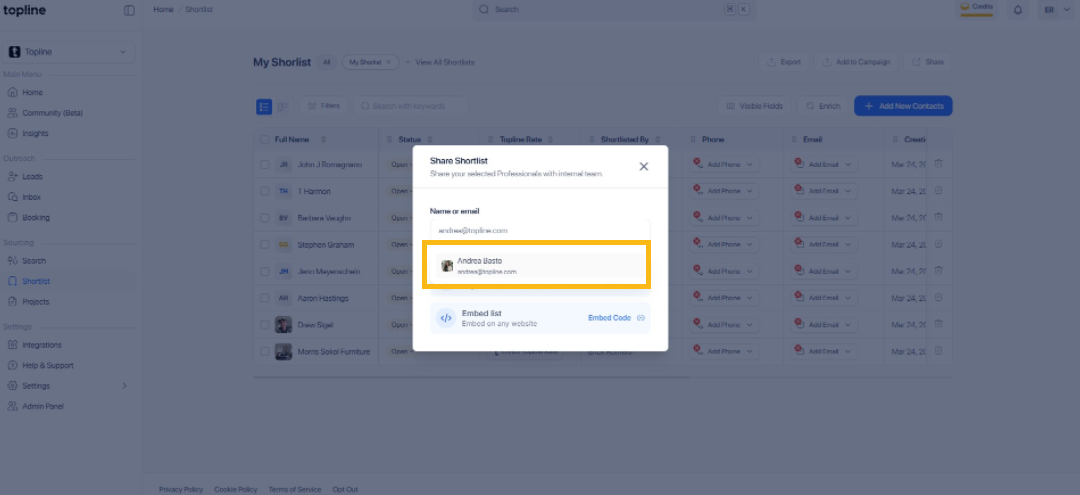
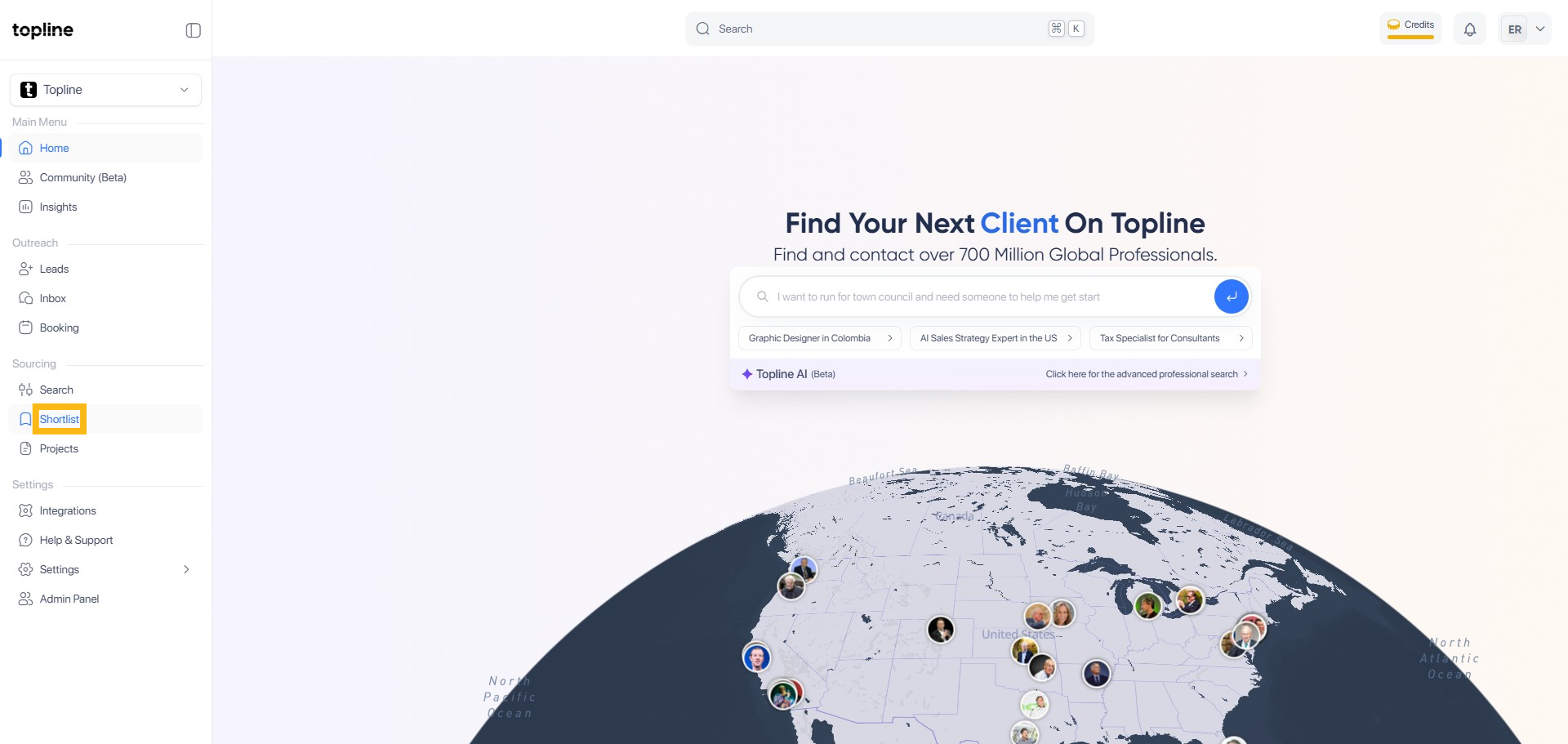
Step 1: Click Shortlist Page
Start by opening your browser and navigating to access the shortlist creation portal.
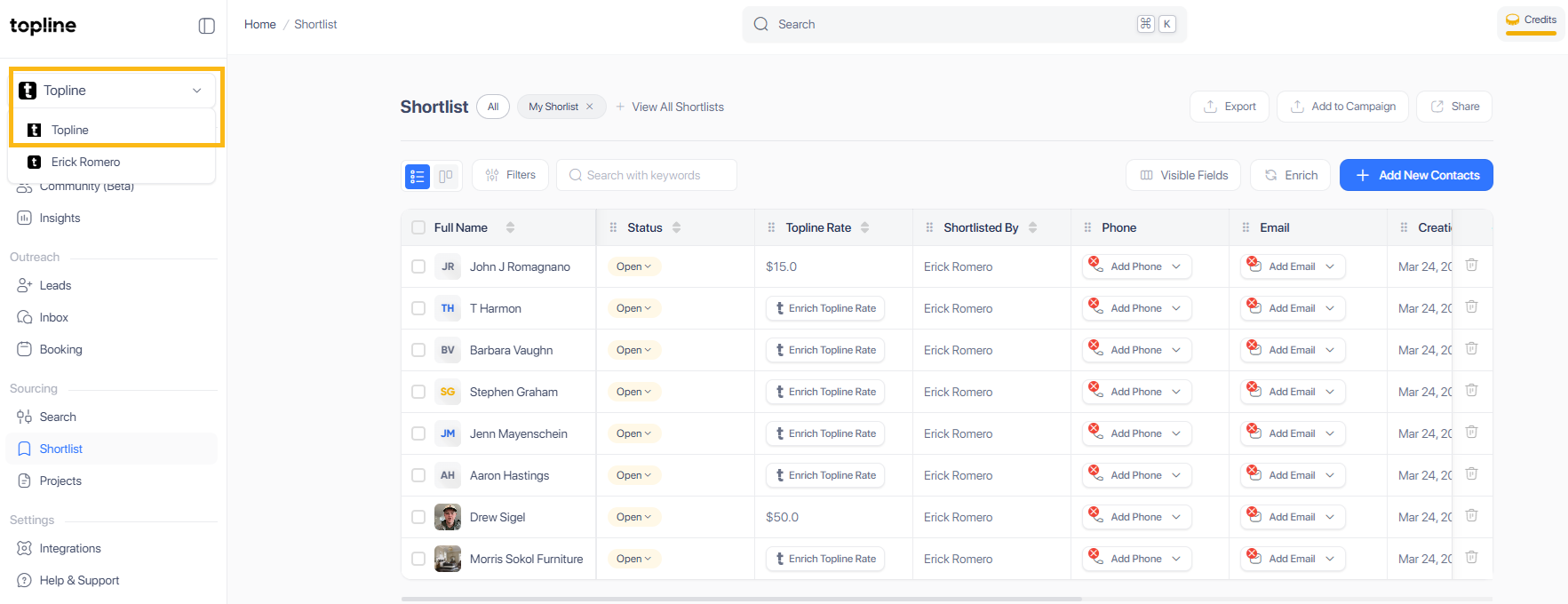
Step 2: Select your team
Select the team's account from the dropdown menu in the upper right corner. To share internally, you must be logged into your team's account.
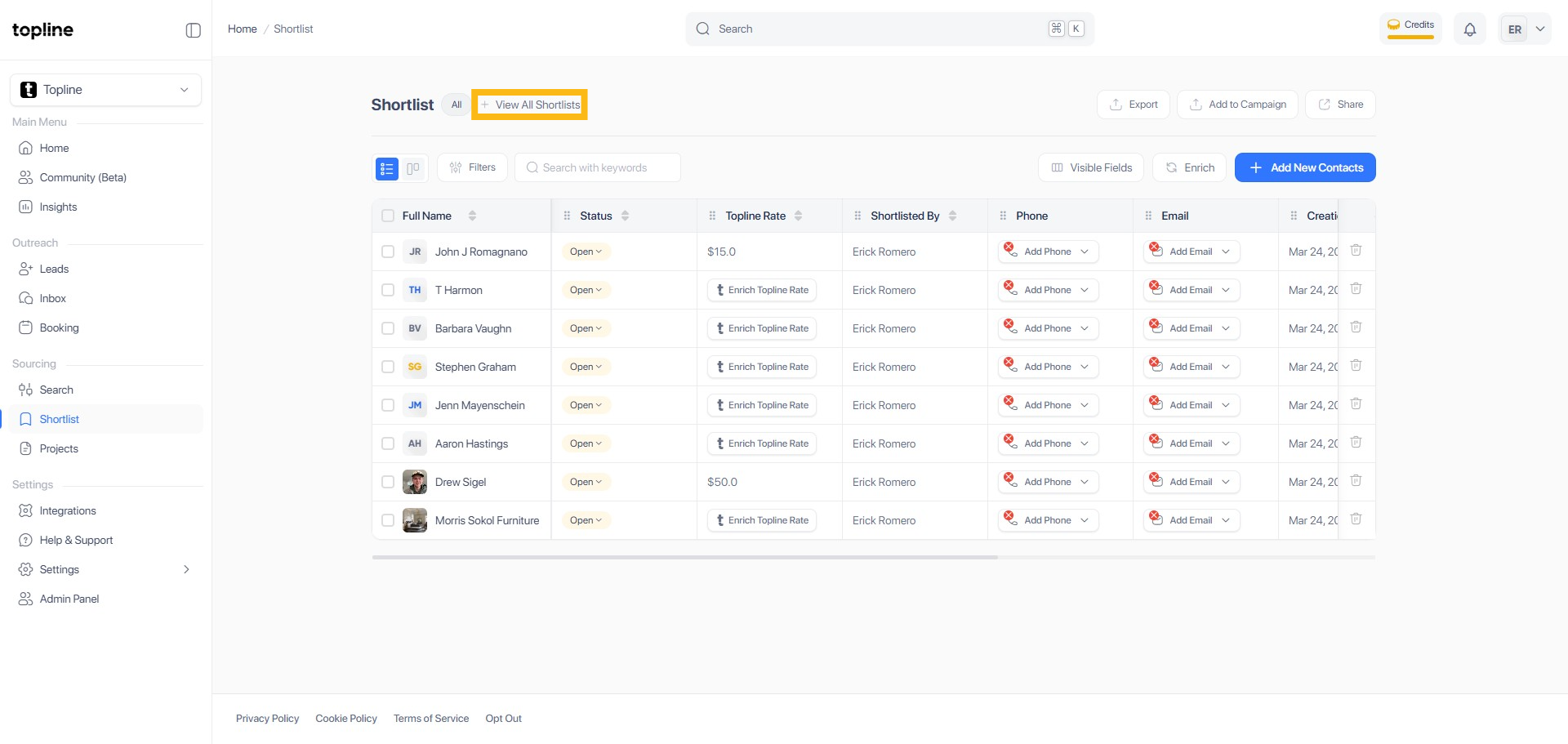
Step 3: Click View All Shortlists
You can view all the shortlists by clicking the View All Shortlist button.
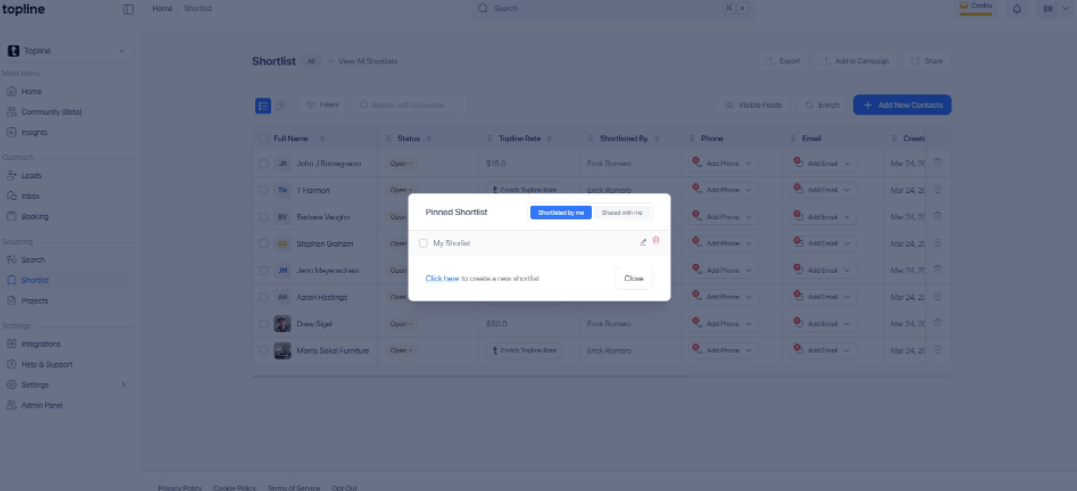
Step 4: Select Shortlist ID
Tick the box to select the shortlist you wanted to share.
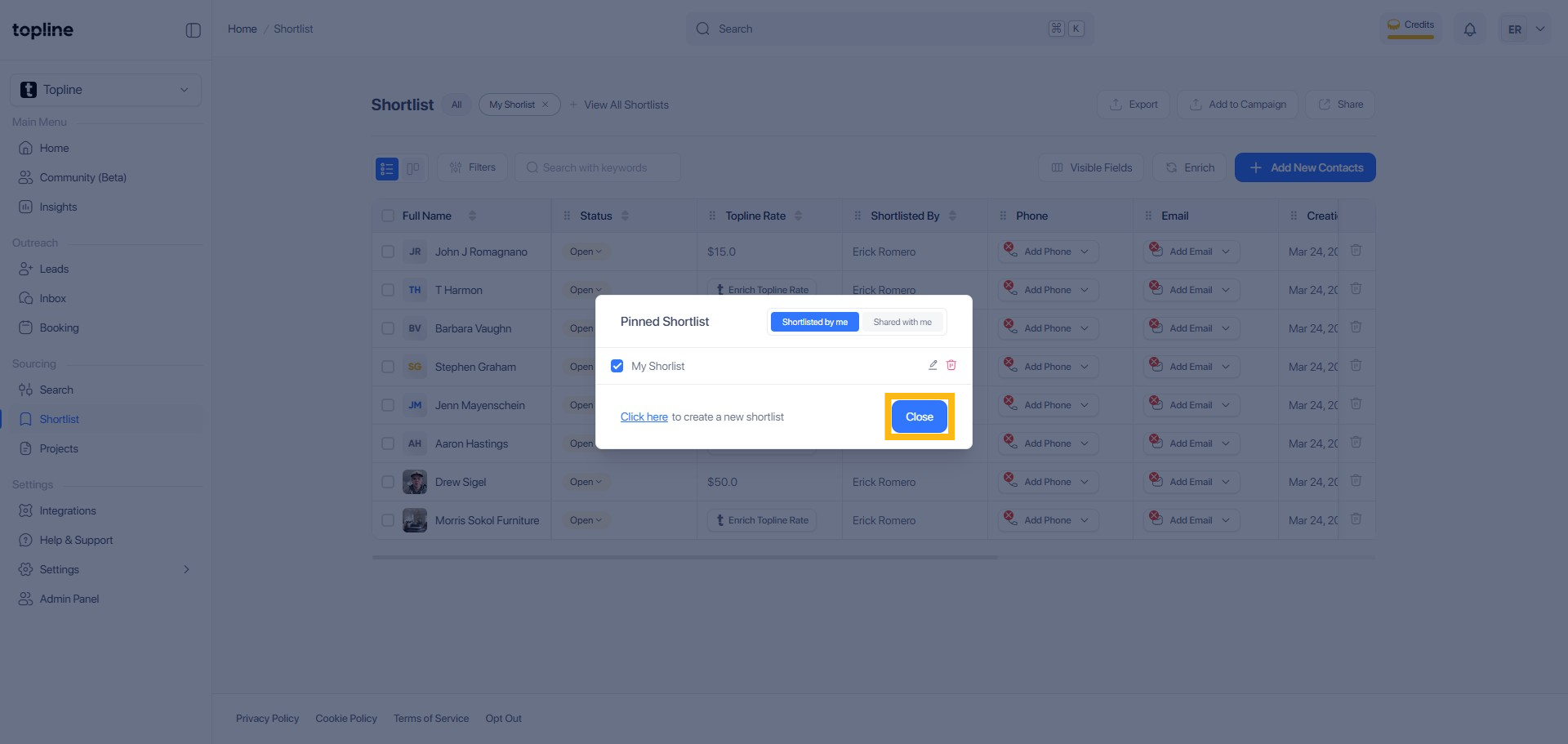
Step 5: Click Close
To exit the dialog box, click Close.
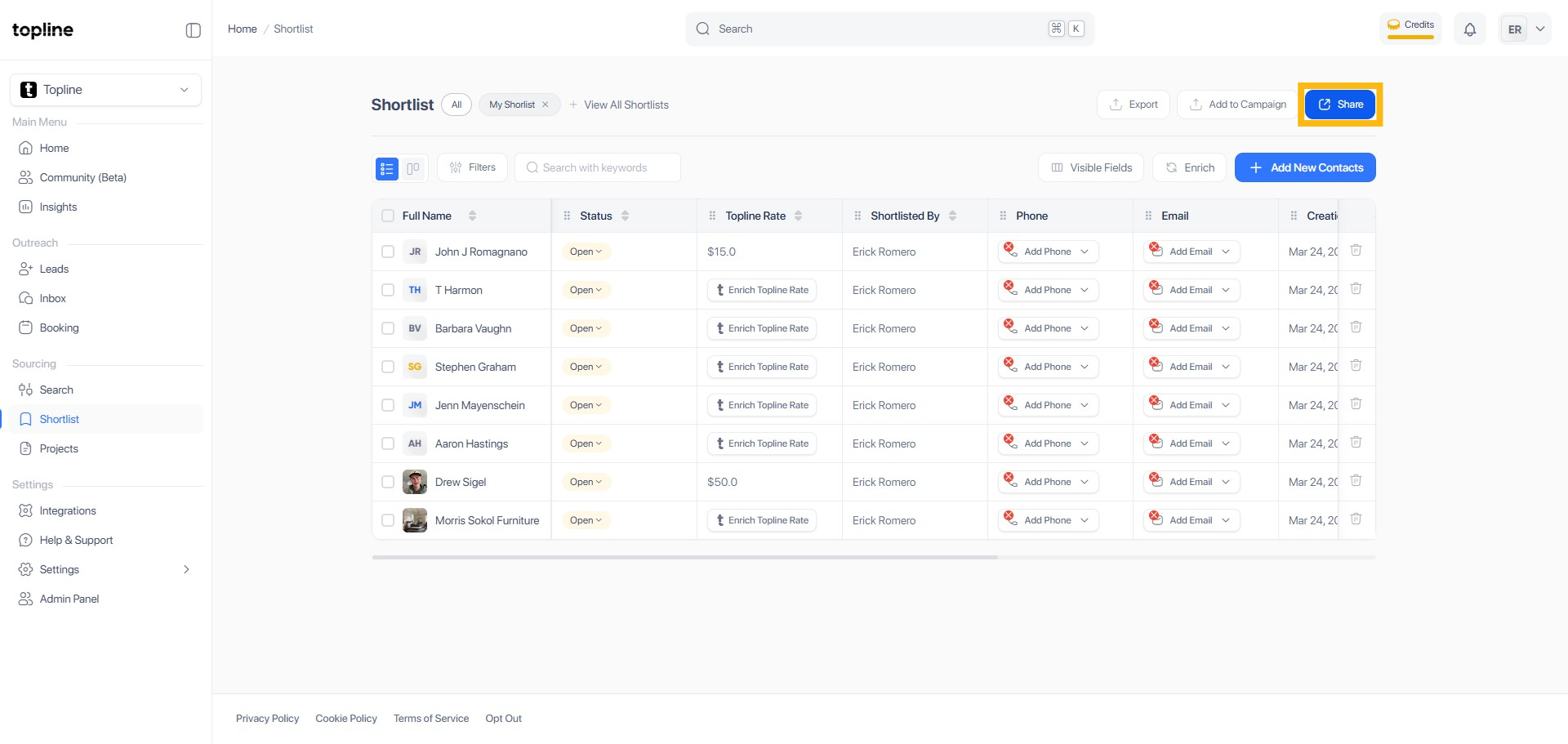
Step 6: Click the Share Button
On the upper right corner, locate and click the Share button.
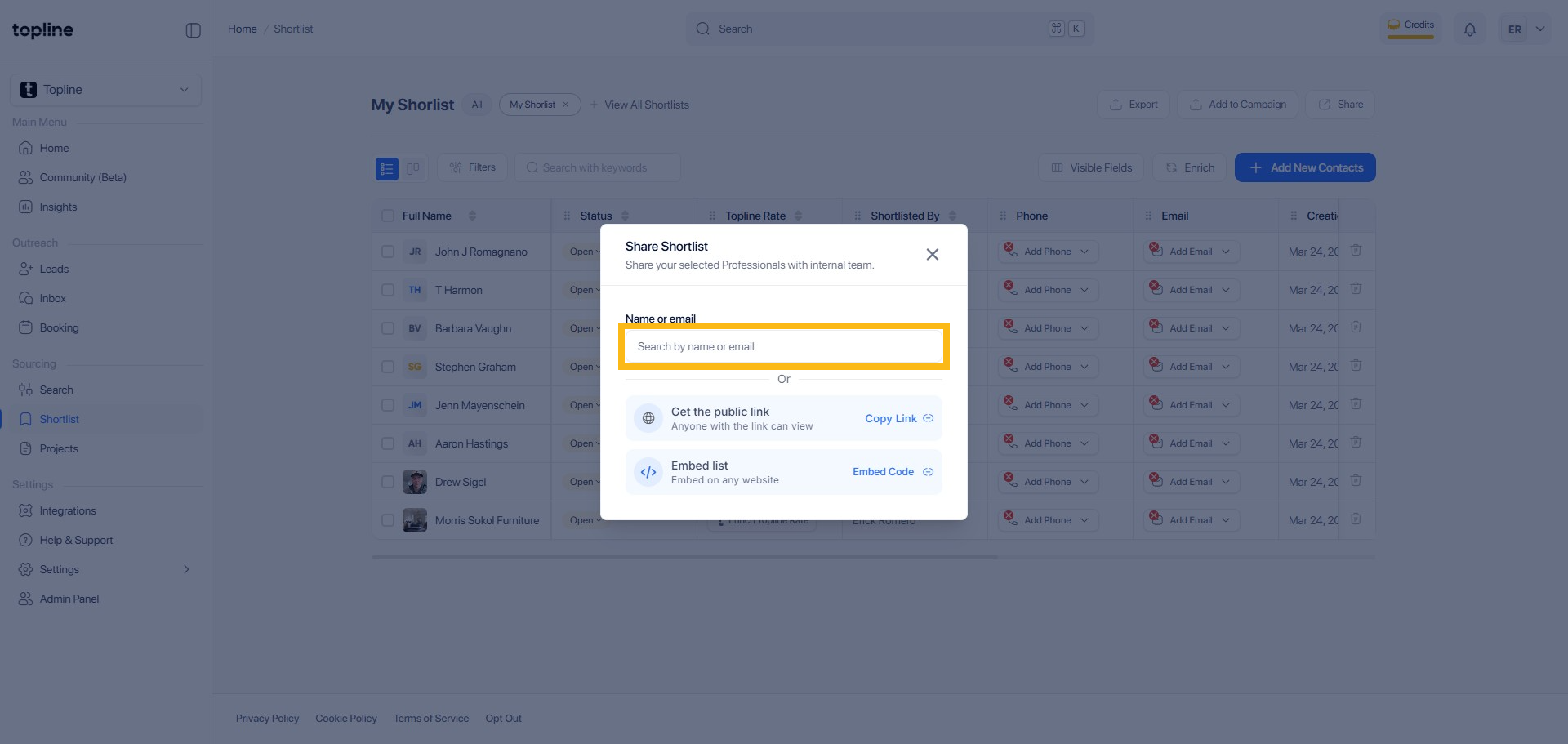
Step 7: Search by Name or Email
Type the recipient's name or email address.
Step 8: Click the Name and Share
Choose the appropriate list from the dropdown menu and click the name to share the shortlist.