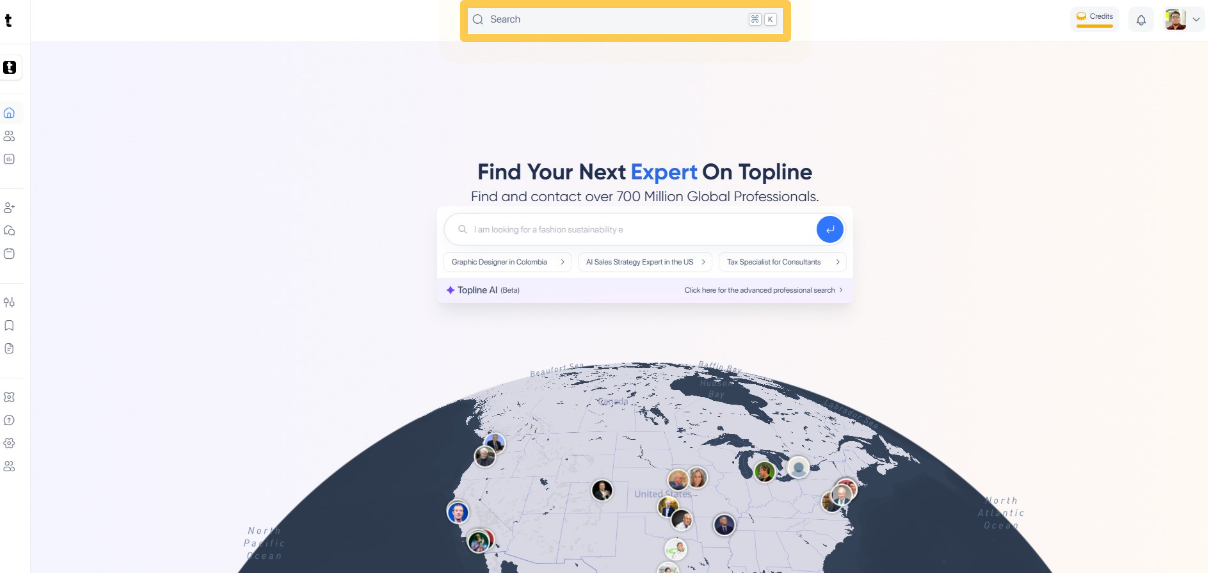
Go to topline.com and select the Search option on the top menu.
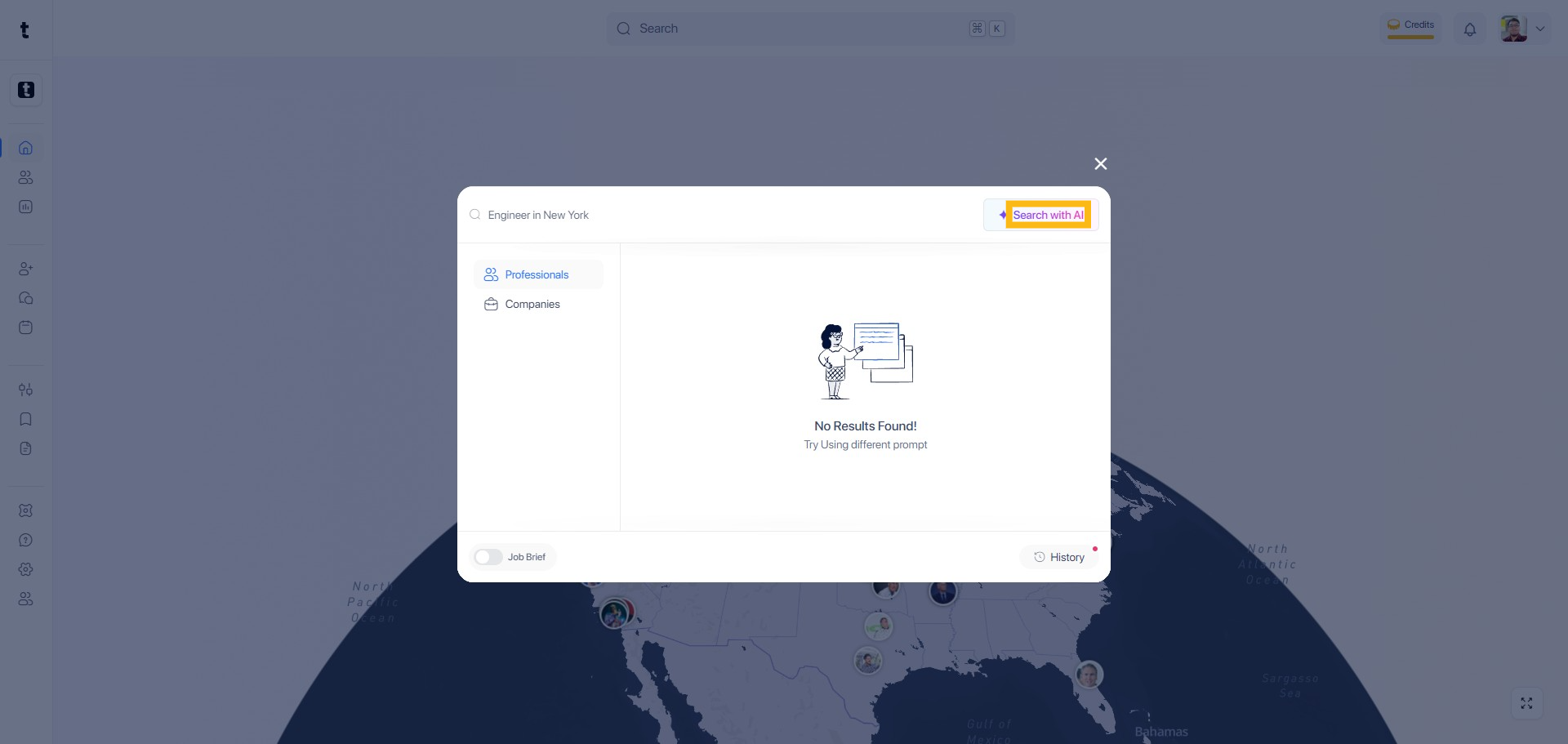
In the search bar, type the phrase to begin your search. The search view allows you to find Professionals or Companies.

Click Search with AI button to start the search process.
You can also add Criteria section to refine your search parameters.
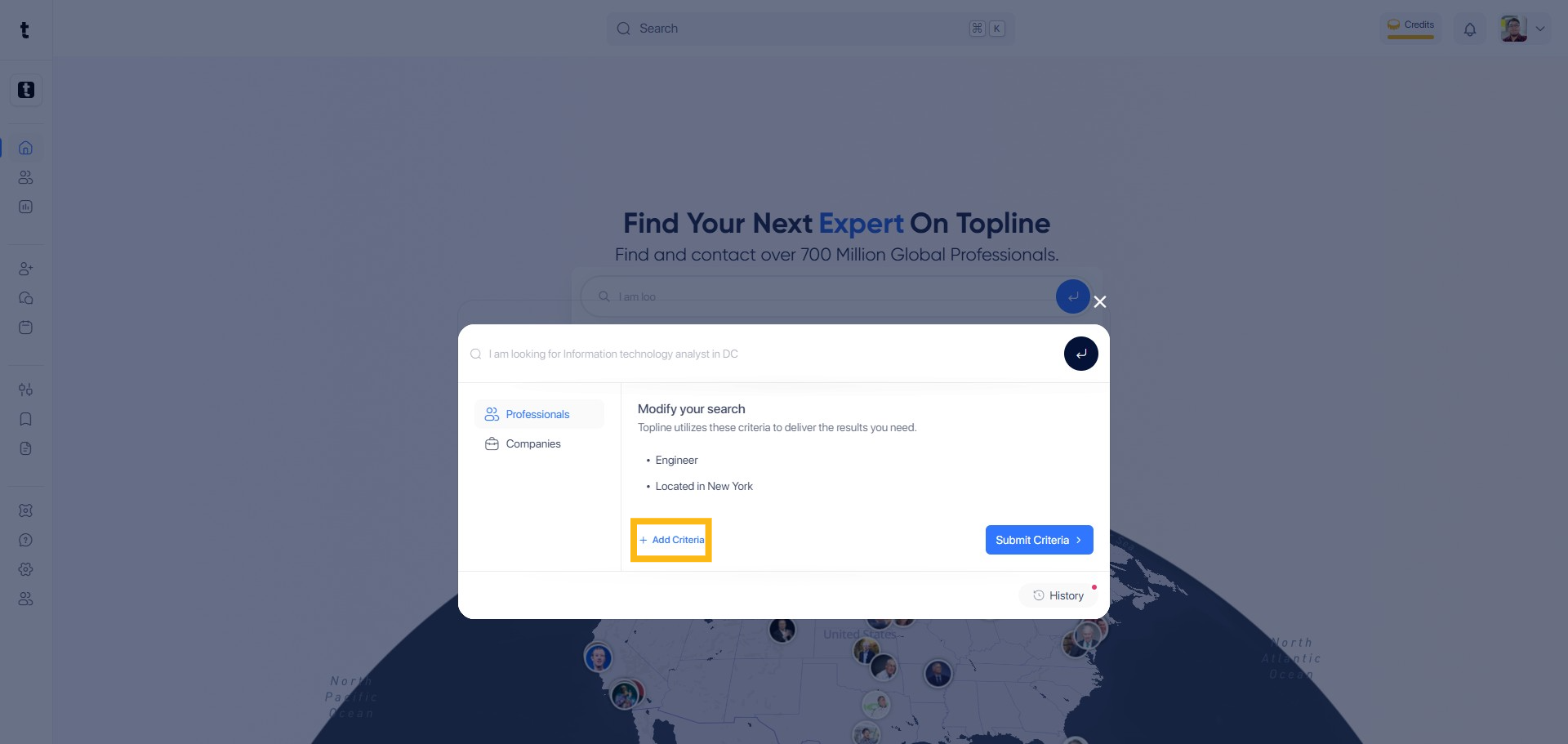
Type the phrase to set your criteria.
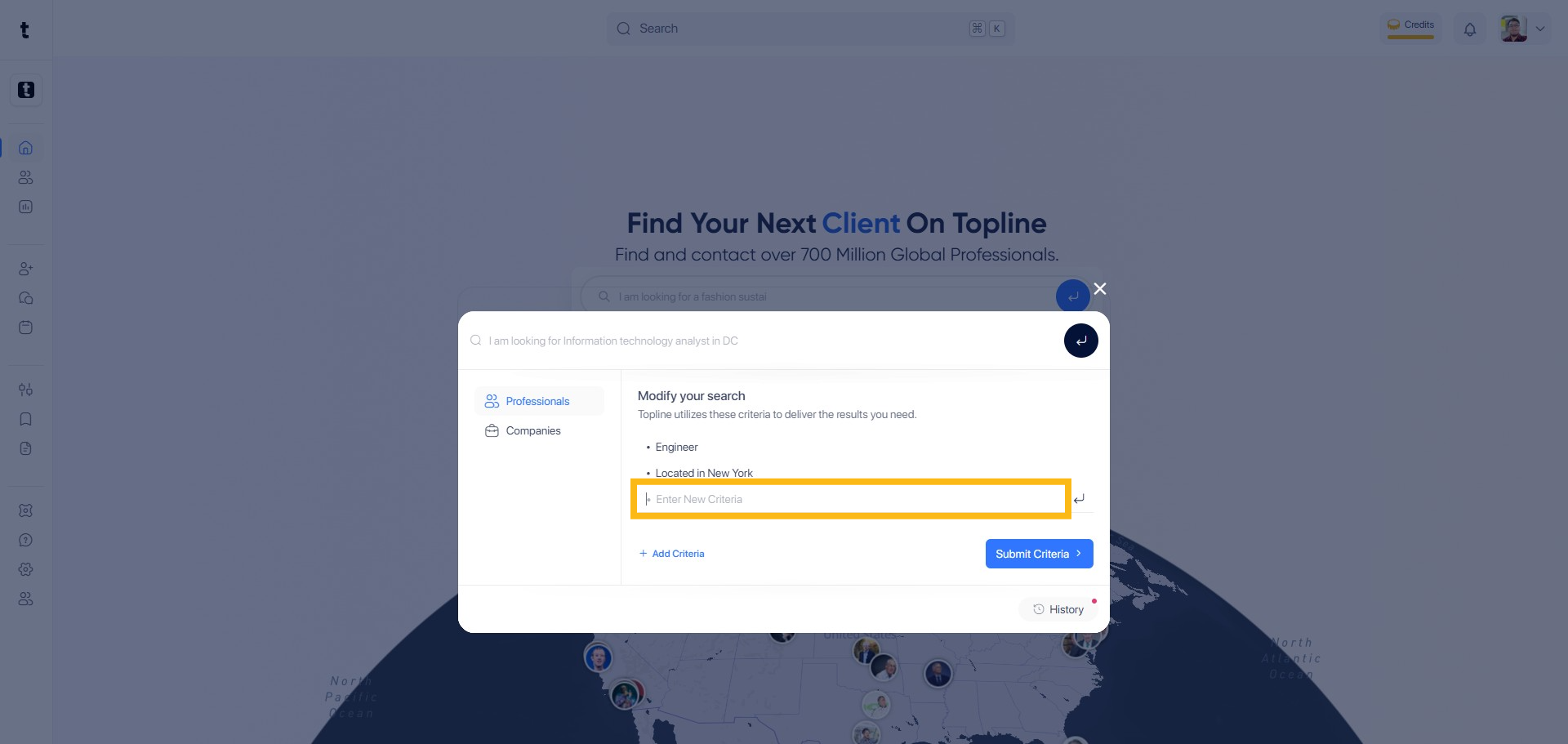
Click the button next to the input field to add your criteria.
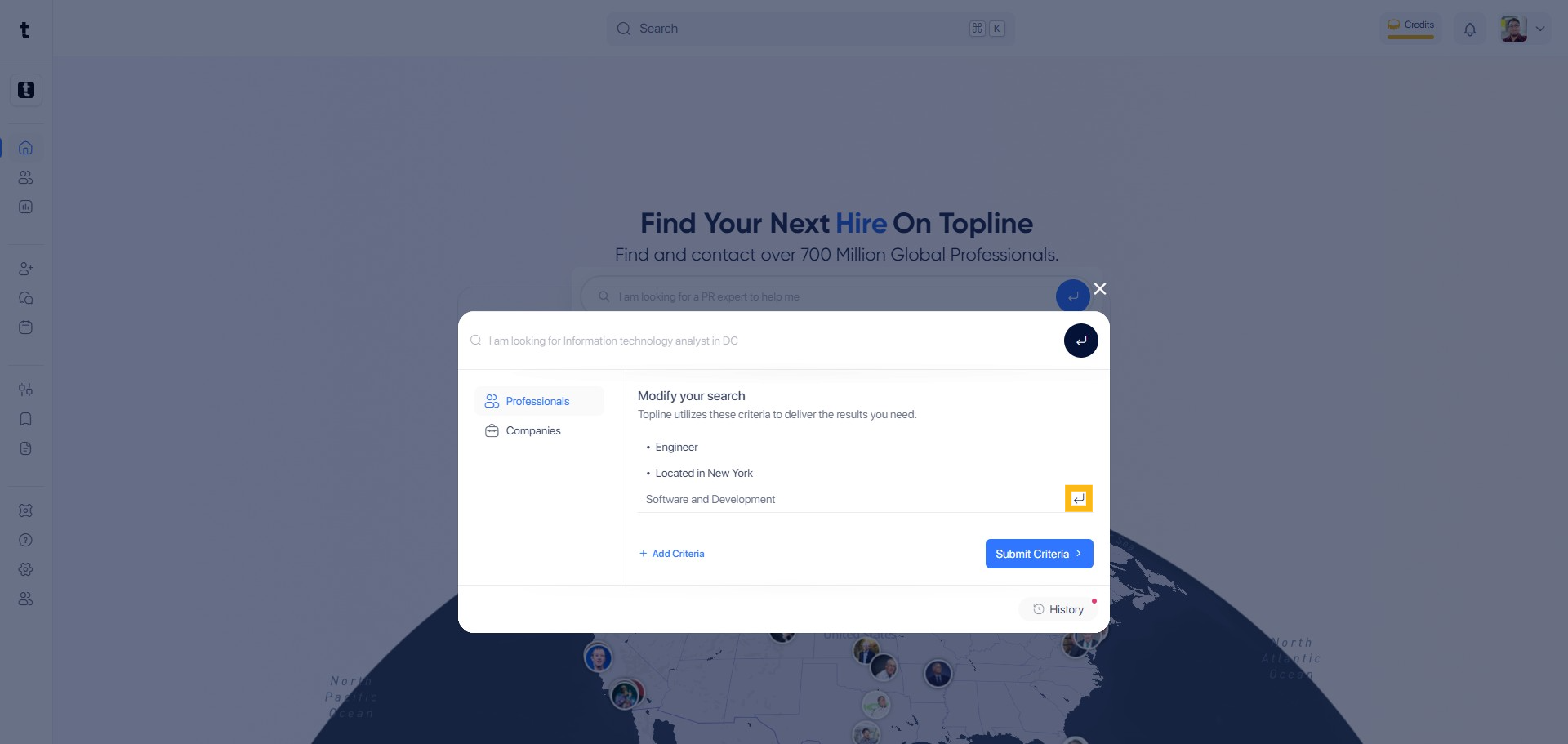
To finalize the search, click the Submit Criteria button.
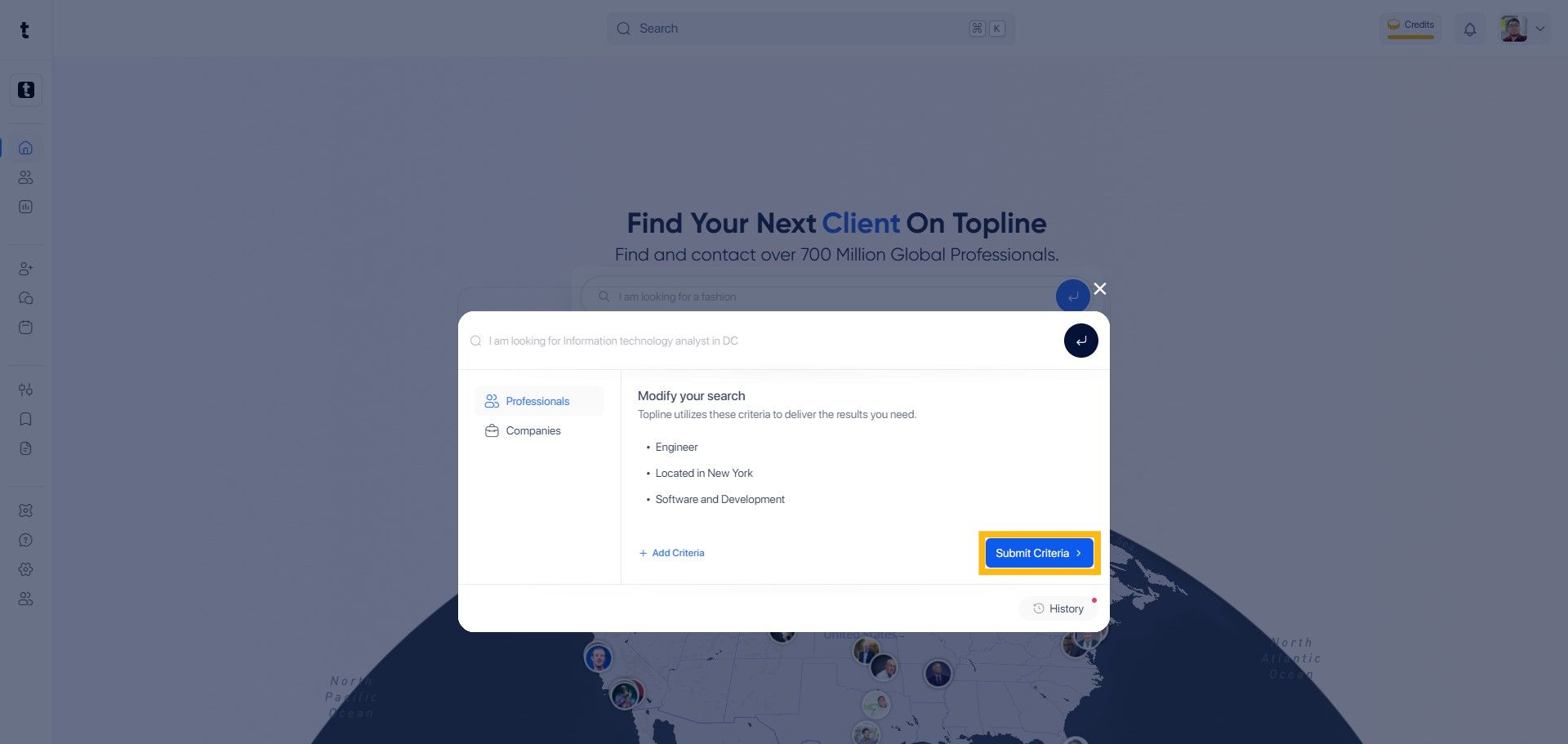
Click the 'Submit Criteria' button to finalize your search parameters.
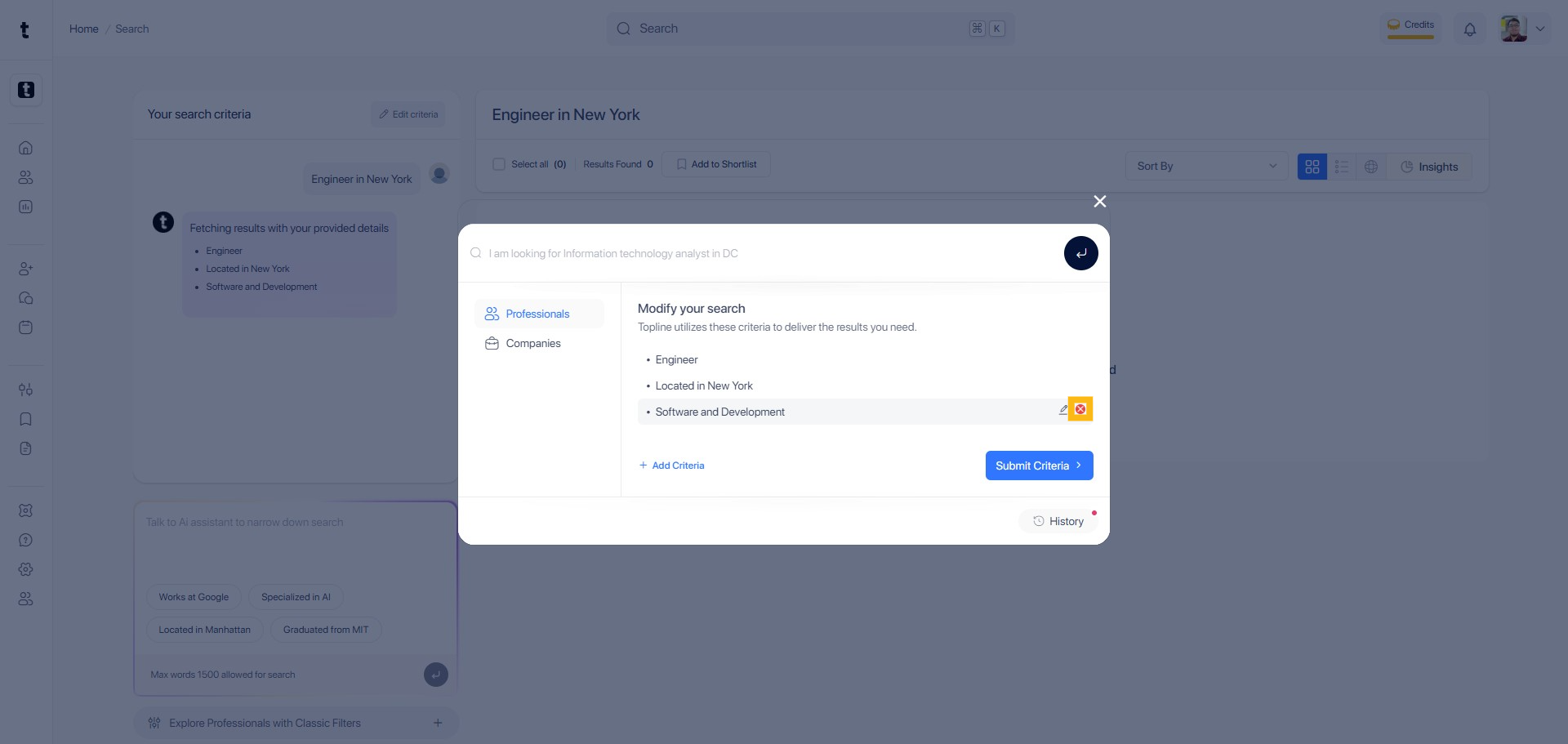
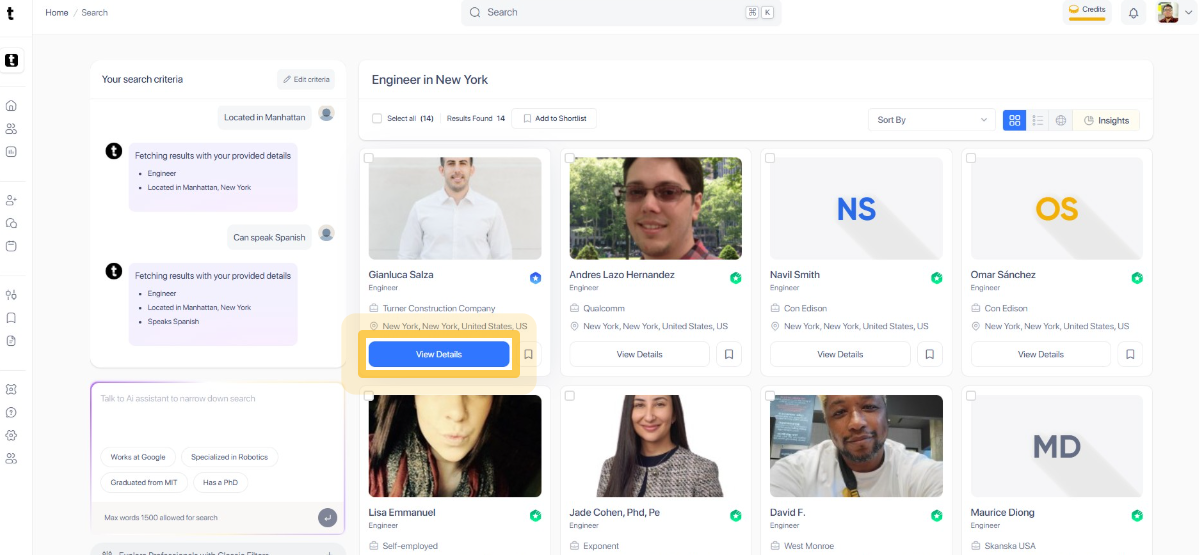
You can talk to AI assistant to narrow down your search results.
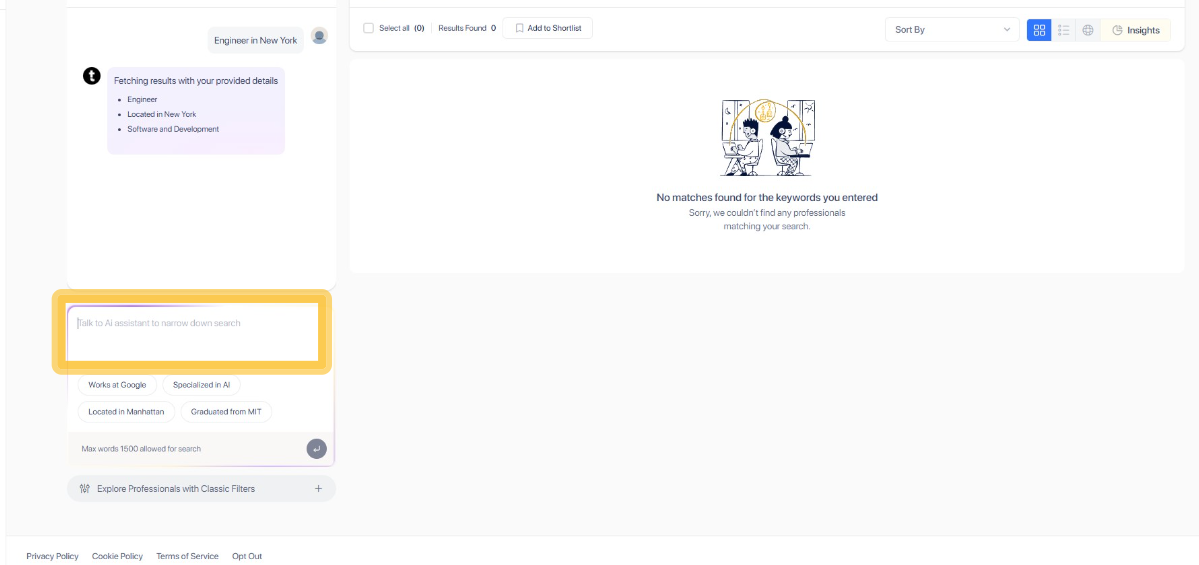
You can also click the suggested filter to further refine your search.
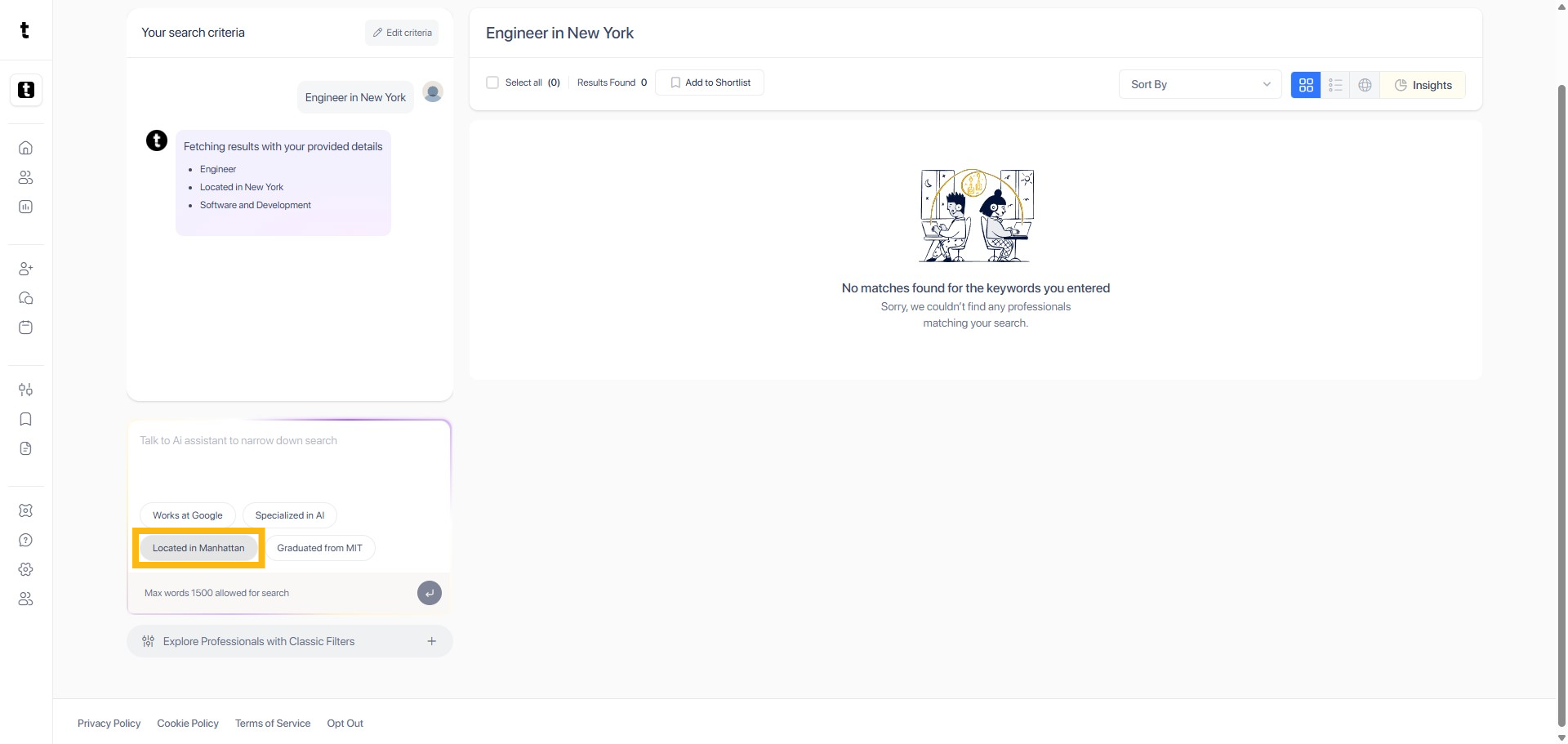
Type the phrase to set your criteria in the chat box to look for your company or professional.
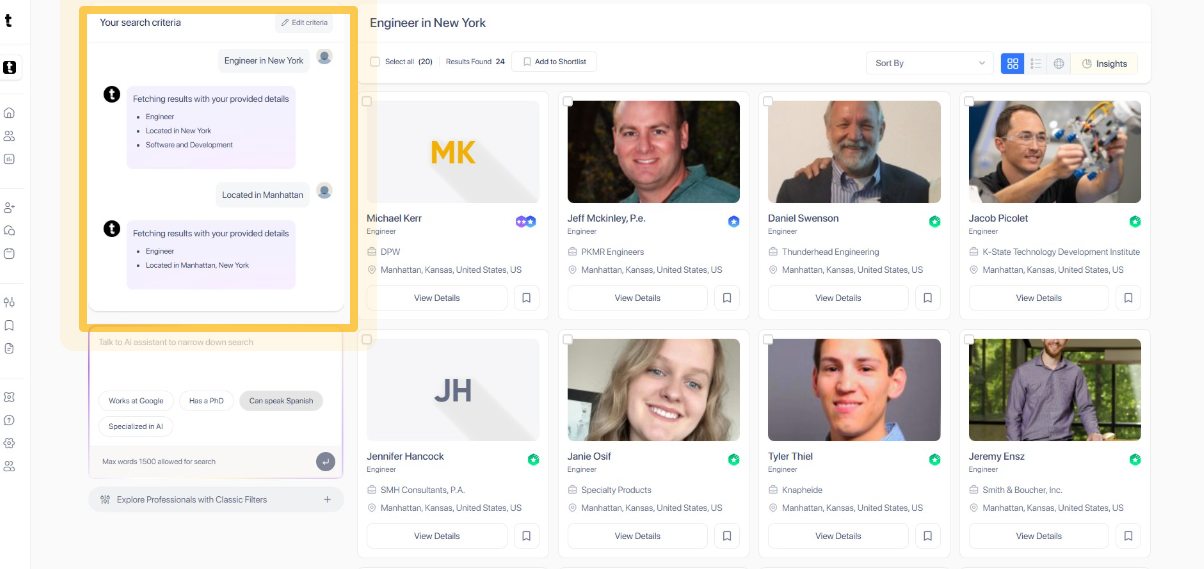
Navigate to the View Details section to open the profile of your detailed results of your search.