Go to topline.com and select the Search option on the top menu.
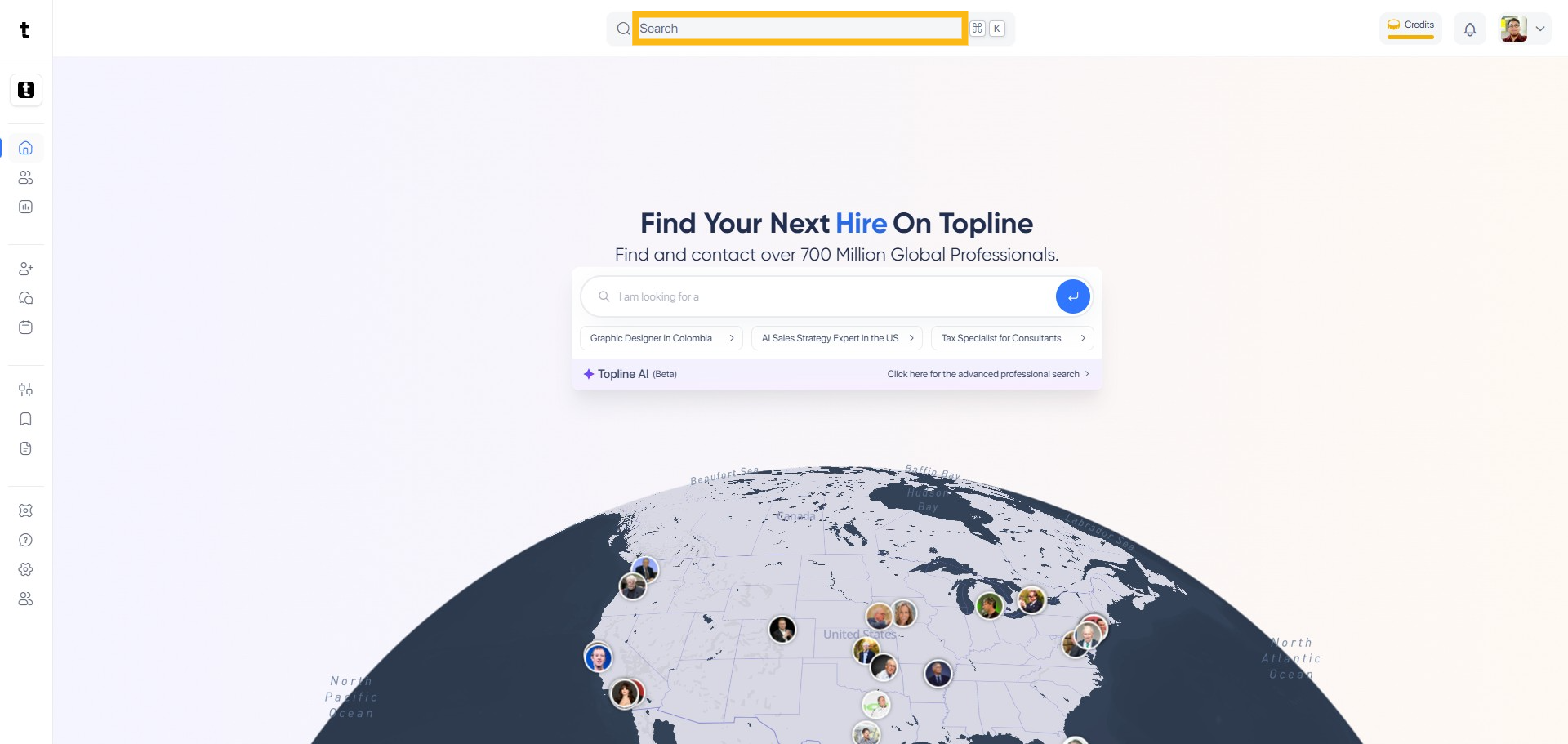
In the search bar, type the phrase to begin your search. The search view allows you to find Professionals or Companies.

Click Search with AI button to start the search process.

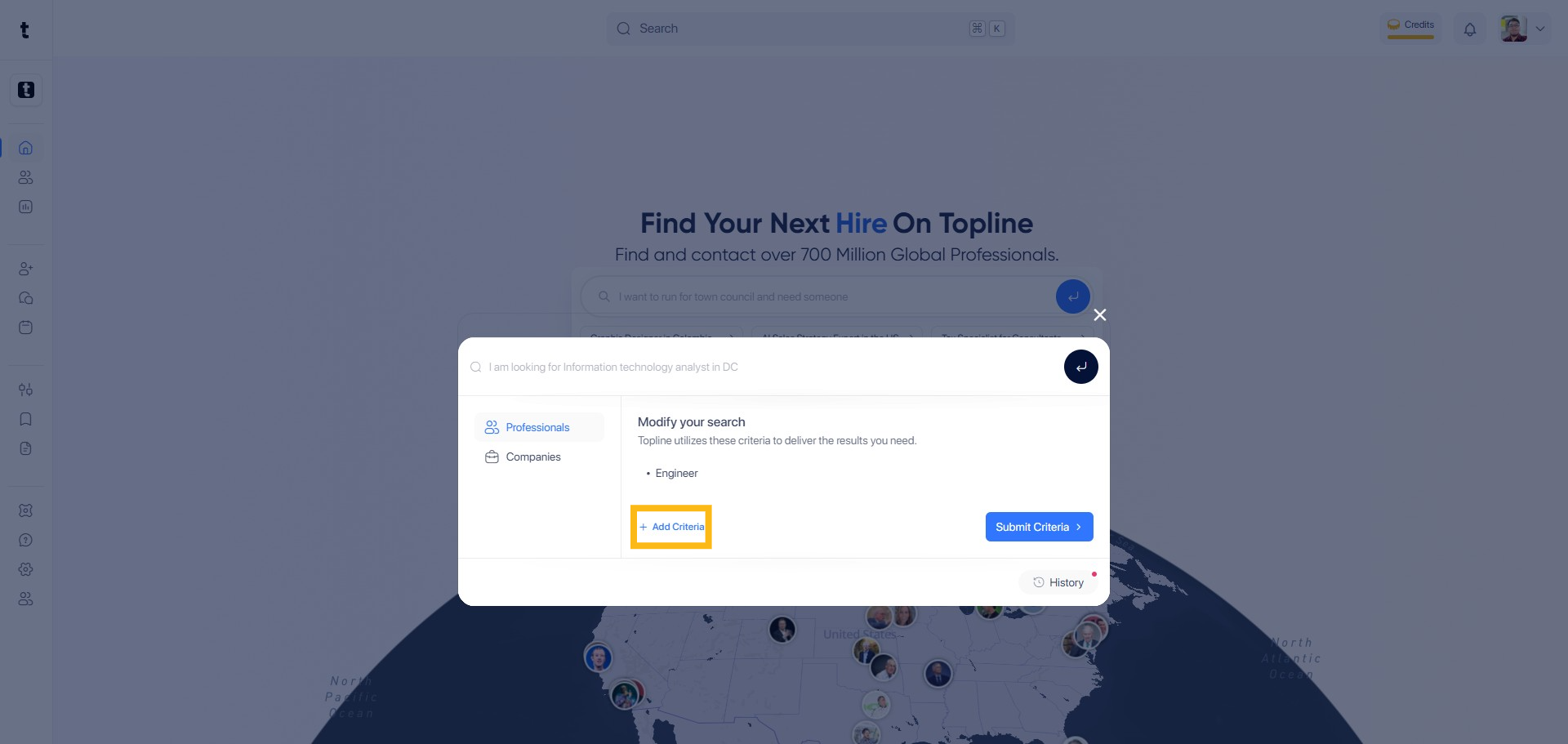
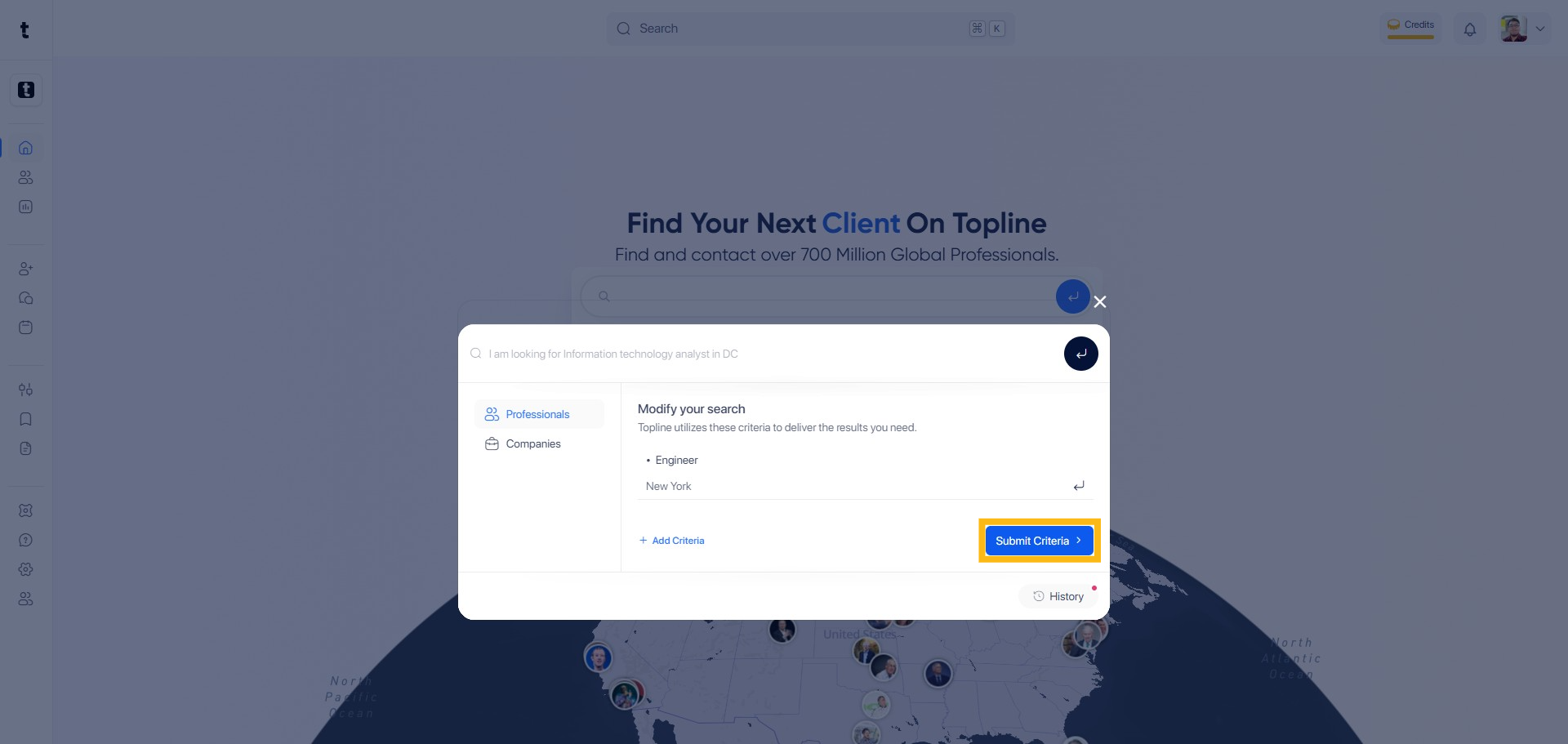
You can also add Criteria section to refine your search parameters.
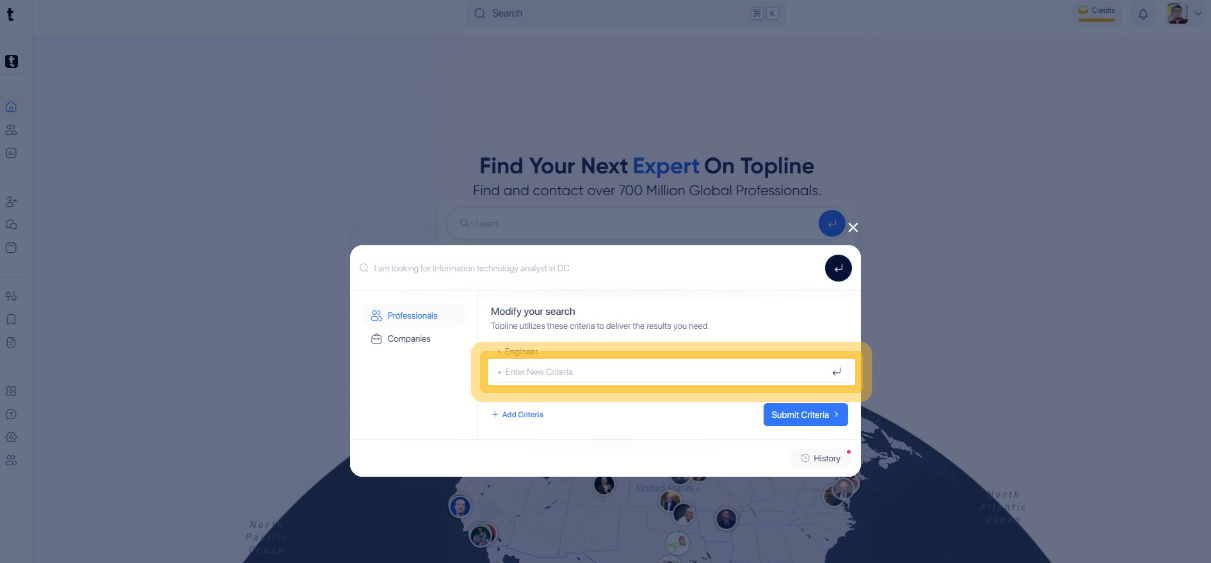
Type the phrase to set your criteria and click the button next to the input field to add your criteria.
To finalize the search, click the Submit Criteria button.
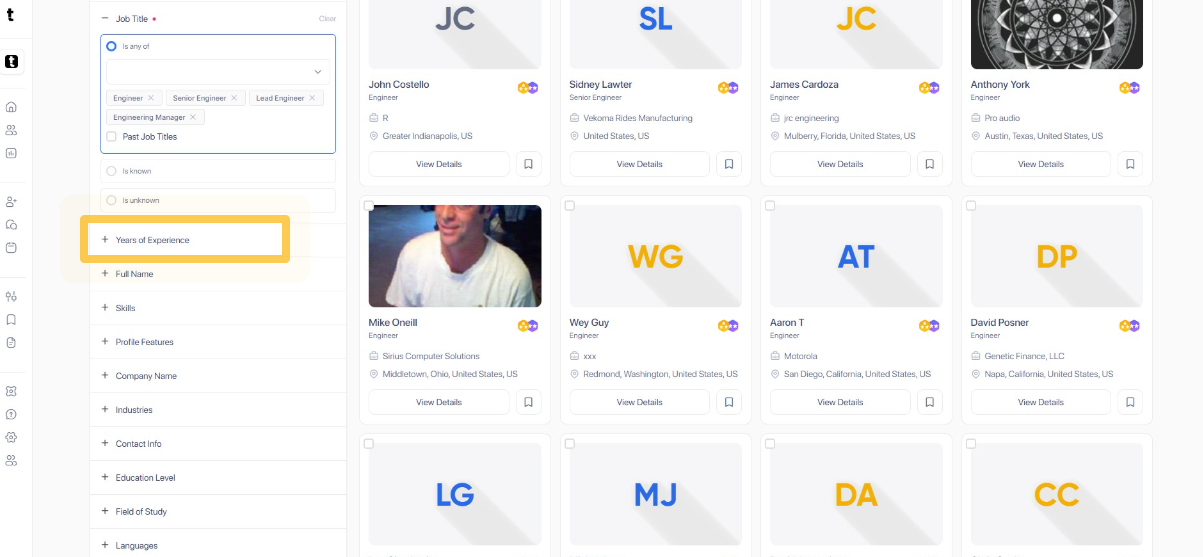
You can explore using Classic Filters to narrow down your search results. You can filter by Years of Experience by clicking the tab.
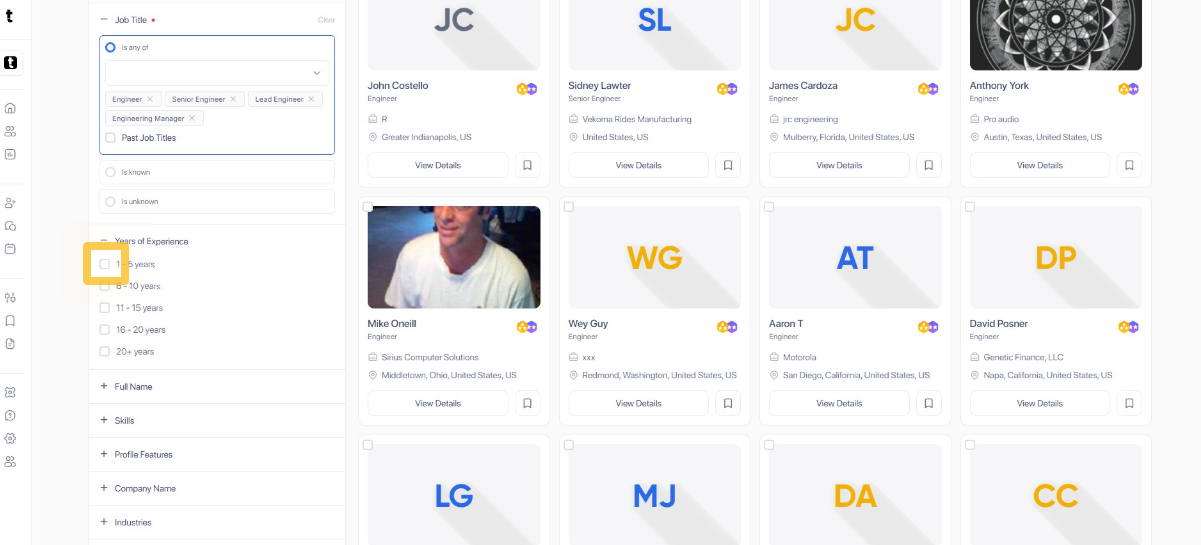
Tick the box to select years of experience.
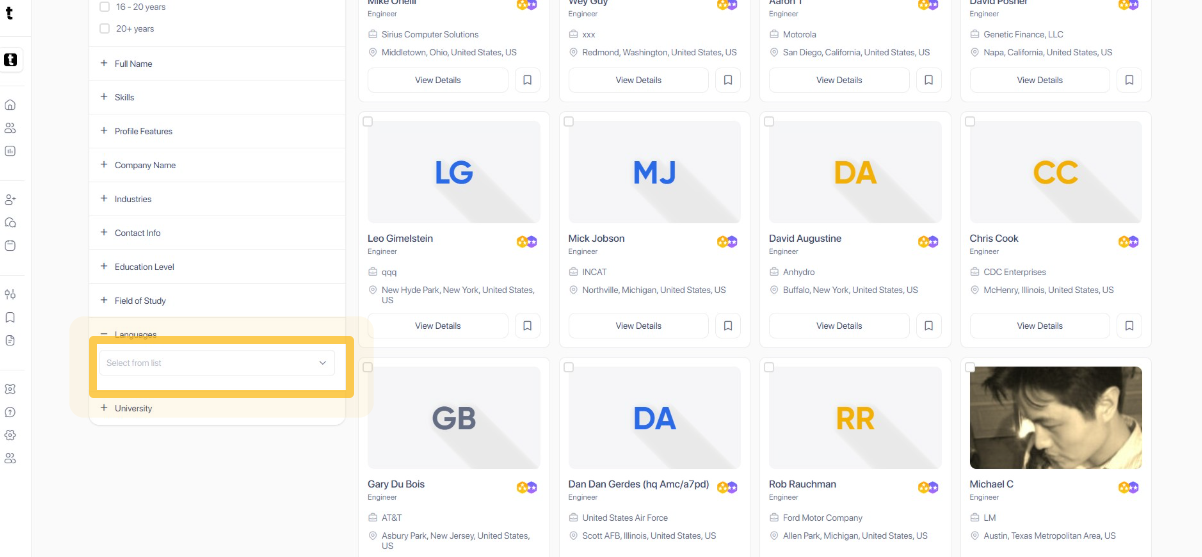
You can filter by Language also by clicking the tab.
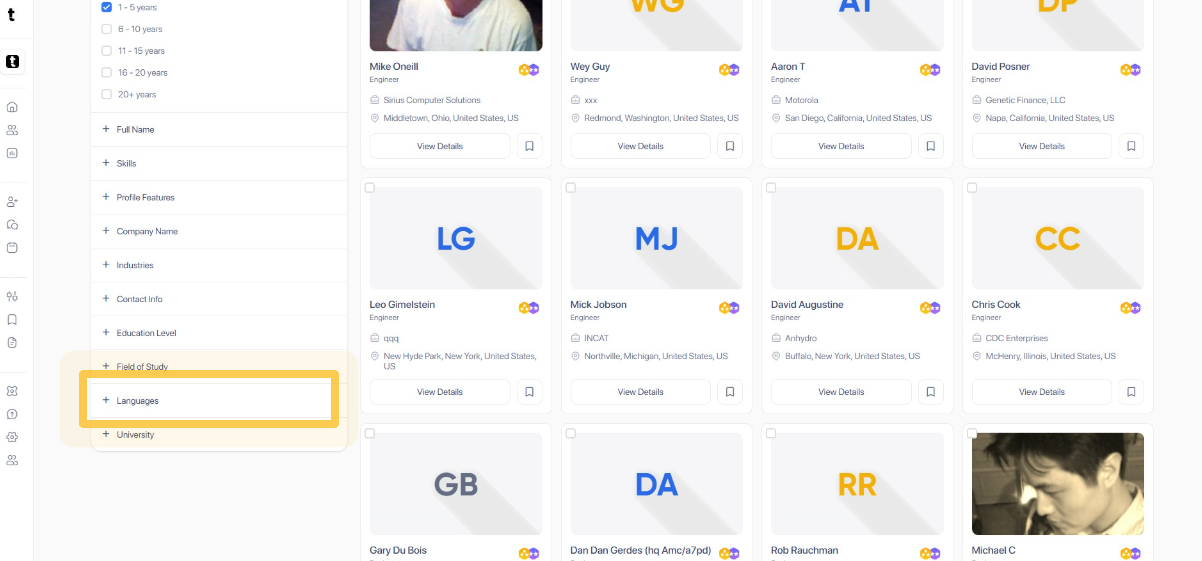
Choose and select the language from the drop bar list.
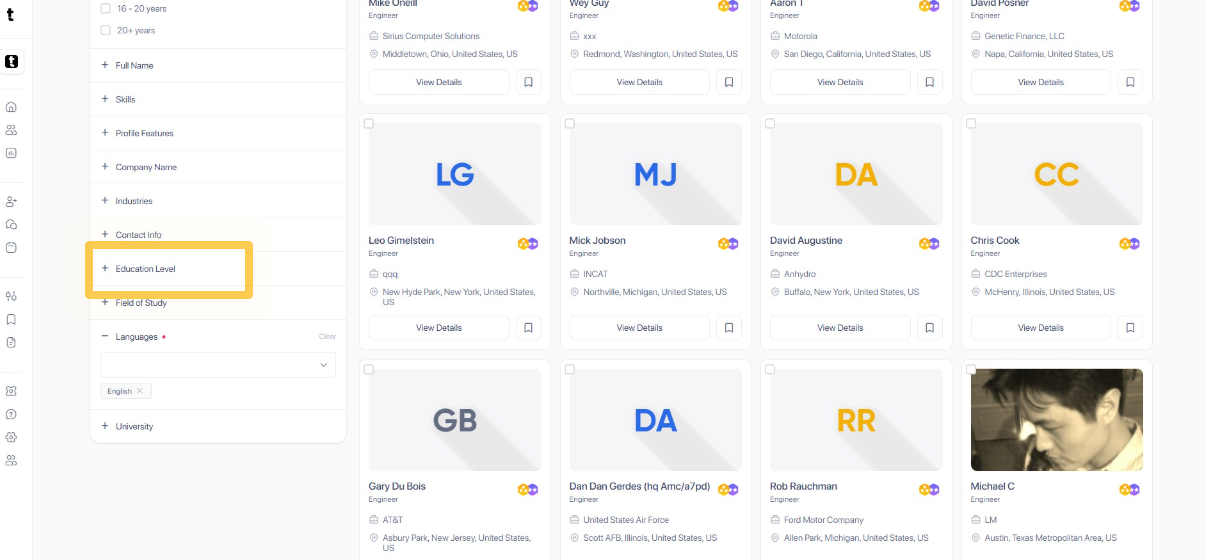
You can also filter by Education Level by clicking the tab to expand.
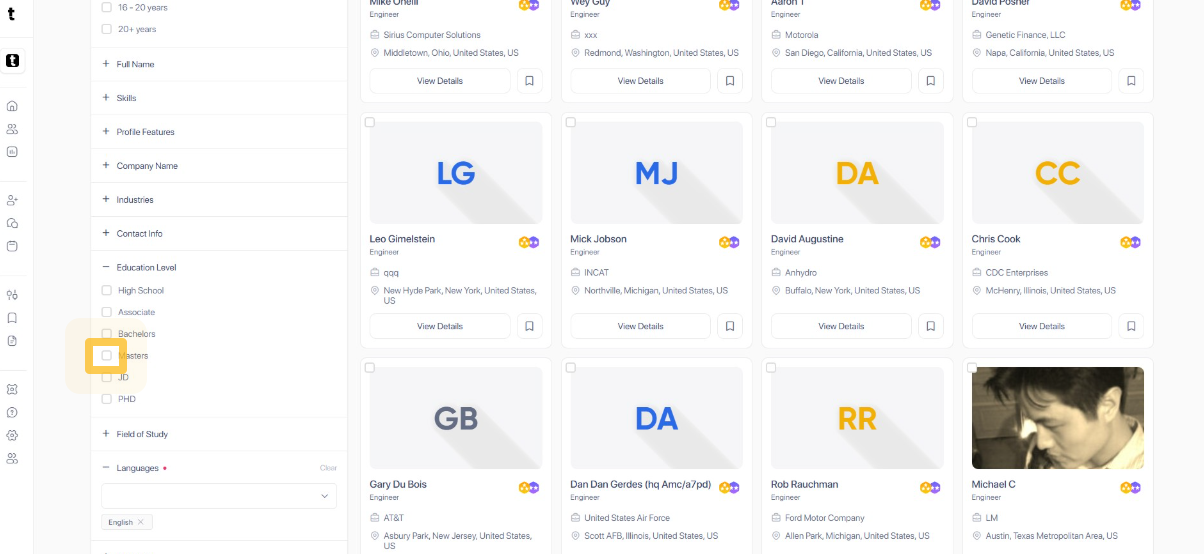
Tick the box to select the education level.
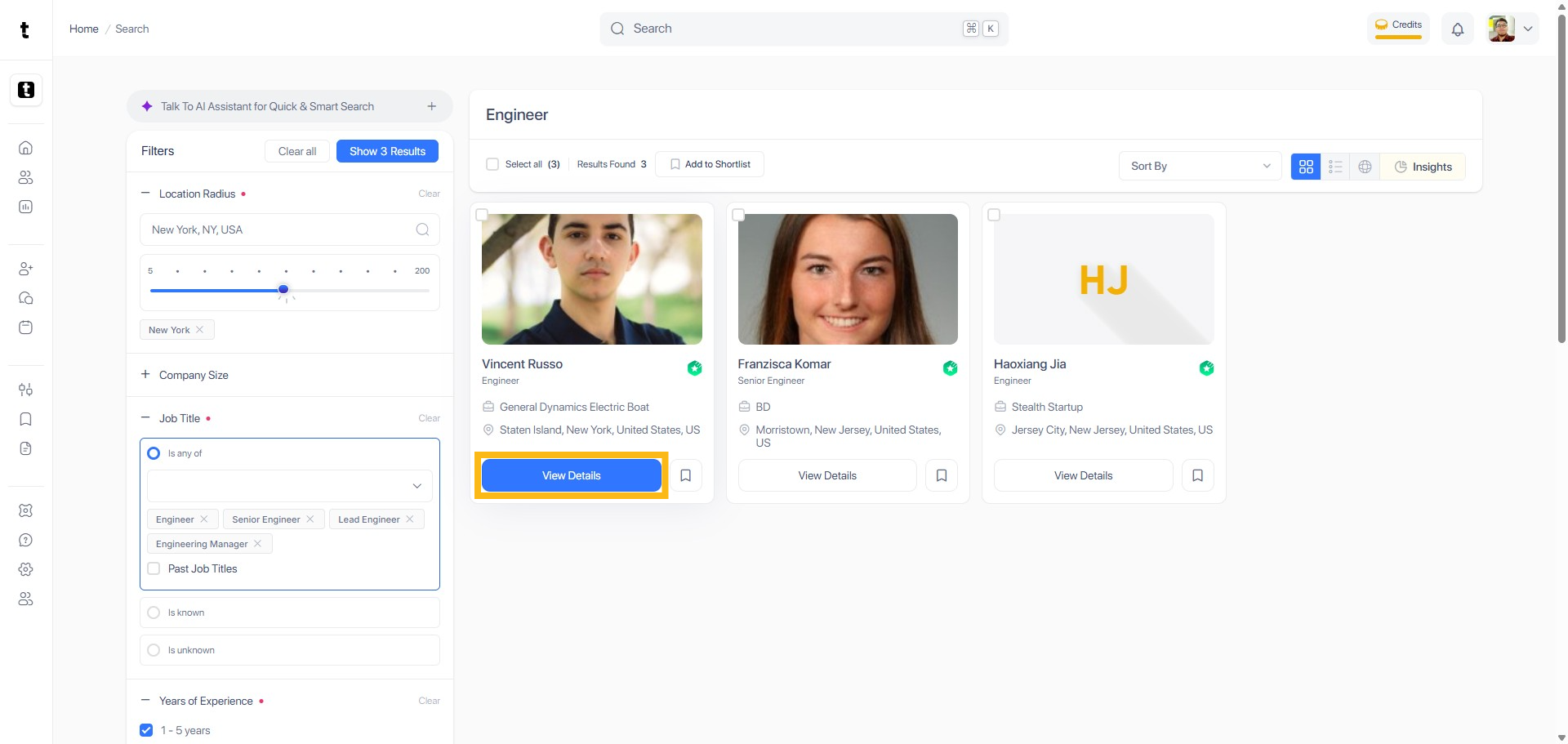
Once done adding filters, scroll up and click the Blue button to show the results.
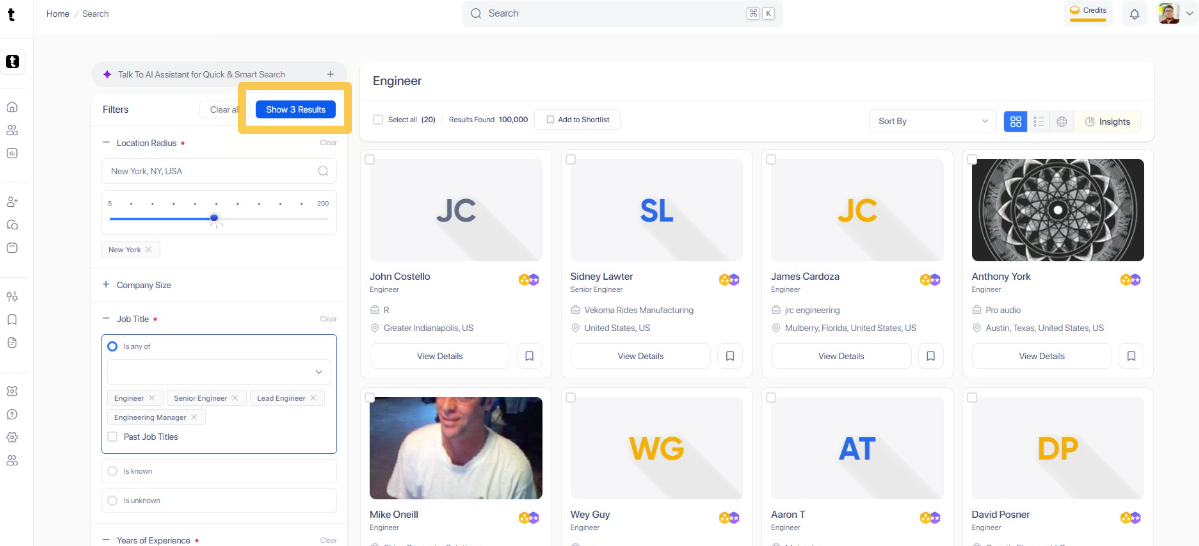
Navigate to the View Details section to open the profile of your detailed results of your search.