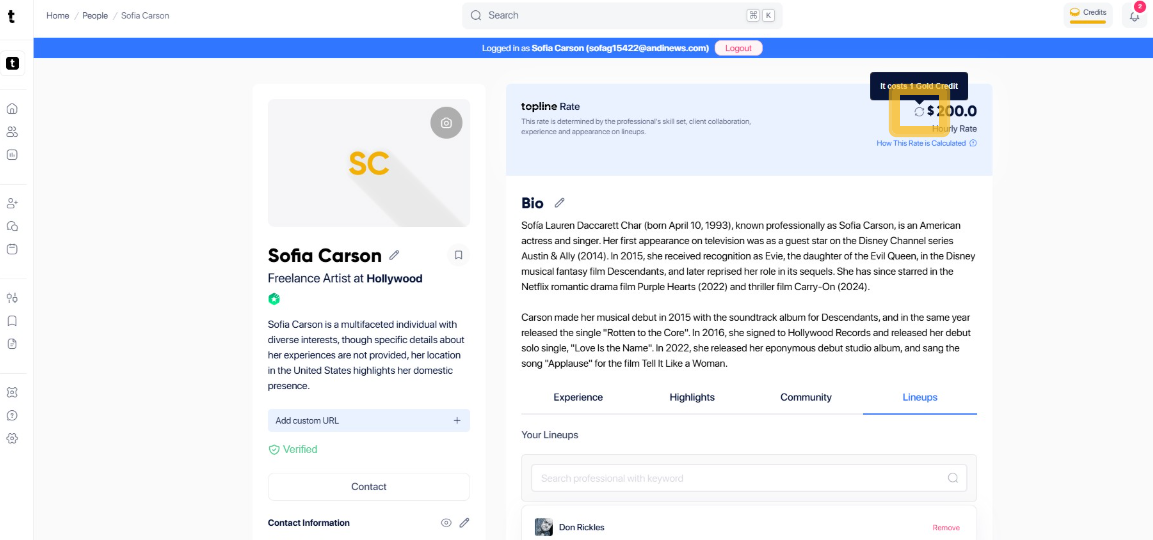
Step 1: Click + Add New
By Adding Credentials, you can increase your Topline Rate. Click + Add New to proceed in Credentials.
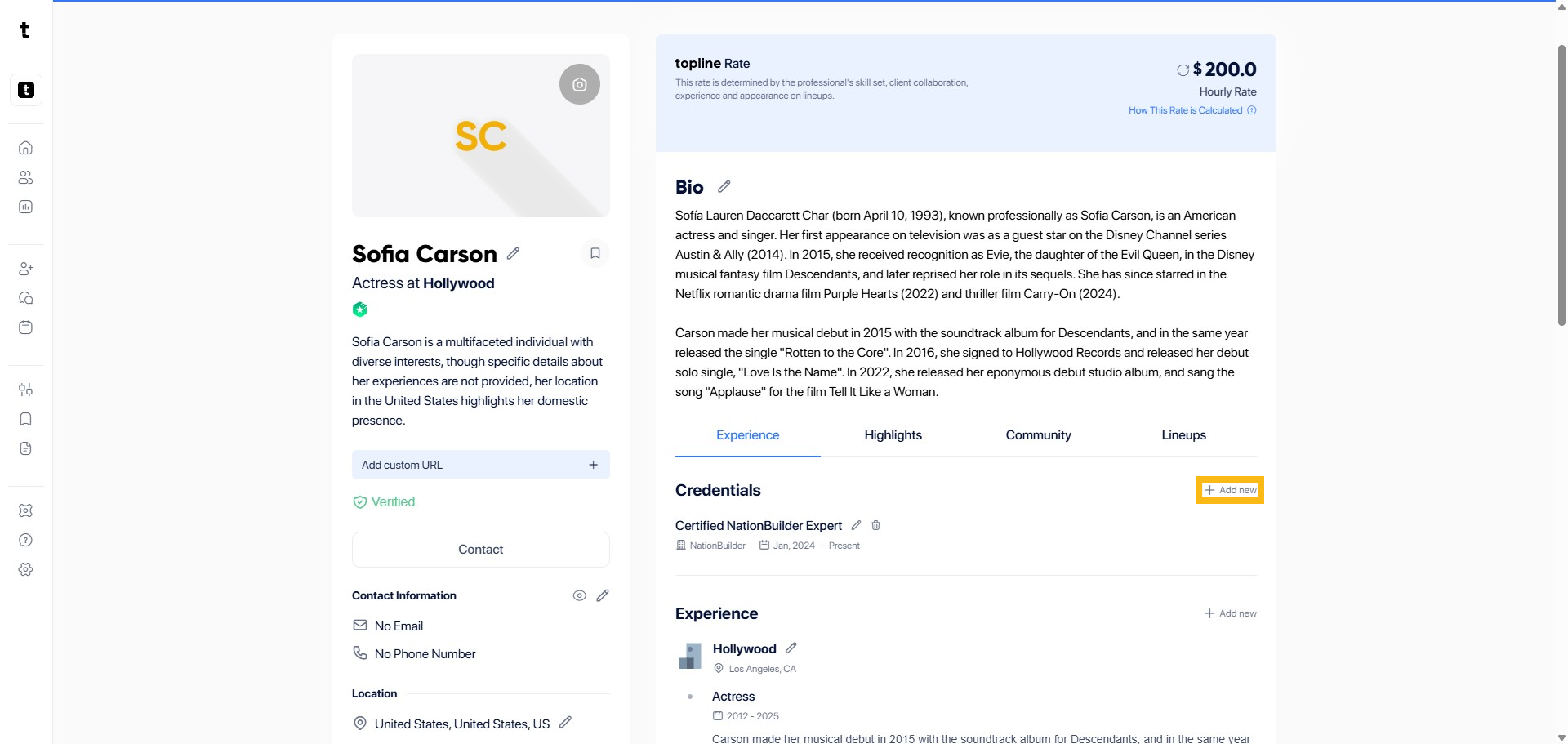
Step 2: Add Credentials
Add the Title, Organization, Issue date, Credential ID and URL of your certificate in the empty field.
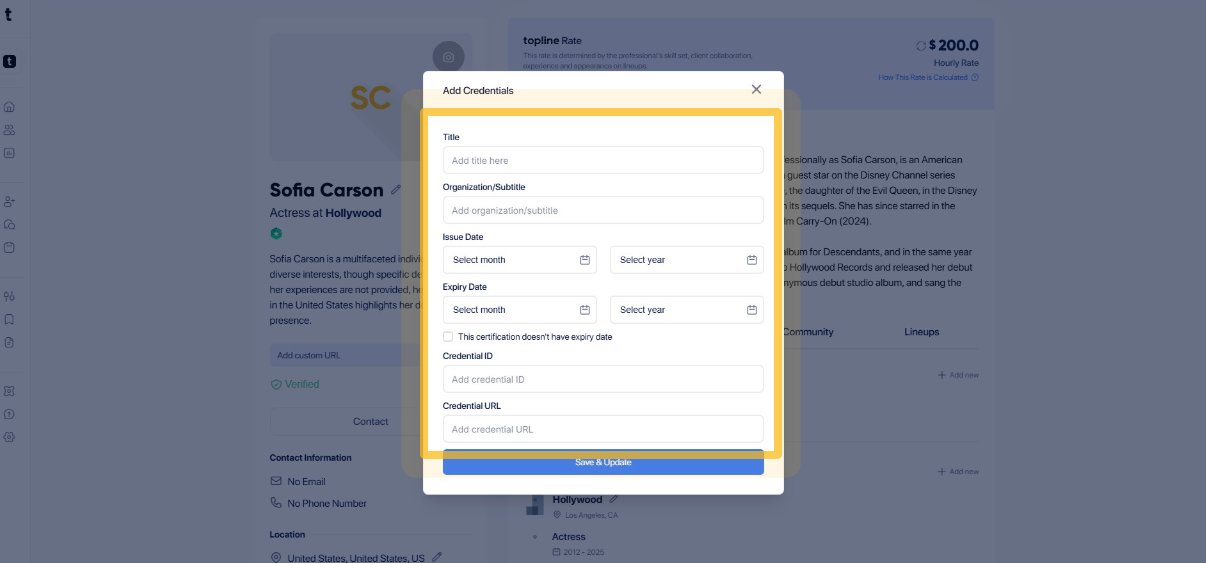
Step 3: Click the Save & Update
Click the Save & Update button to store your changes.
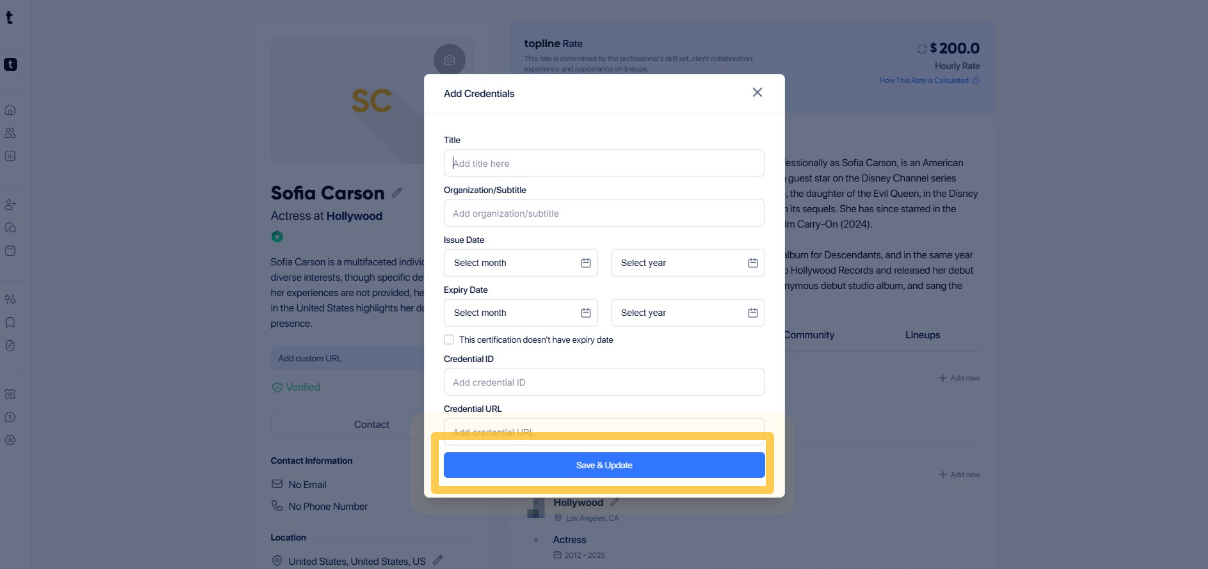
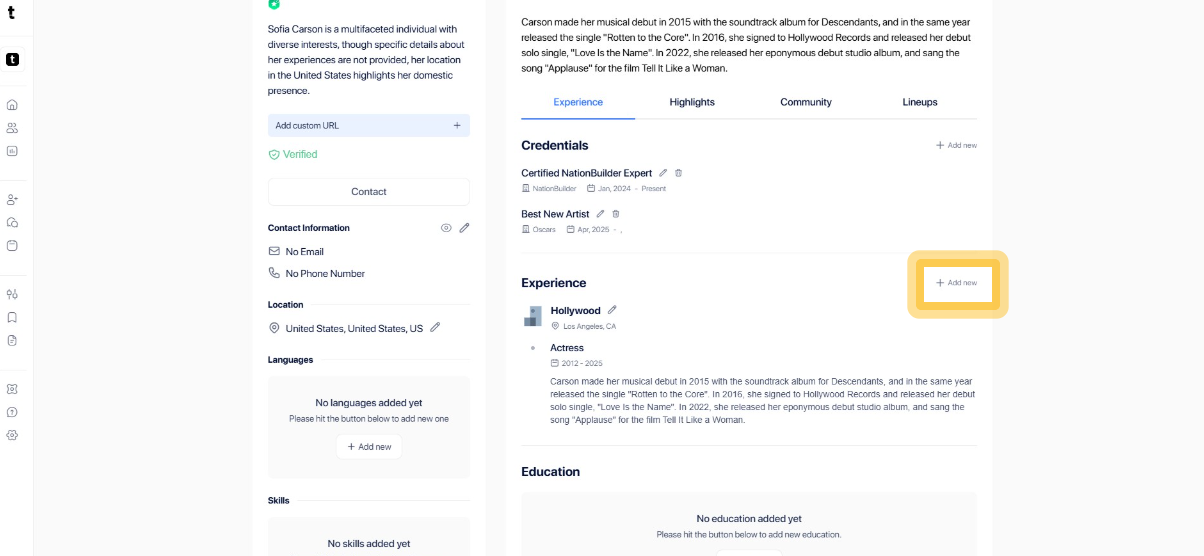
Step 4: Click + Add New
You can also improve your Topline Rate by adding Experience. Click + Add New to proceed.
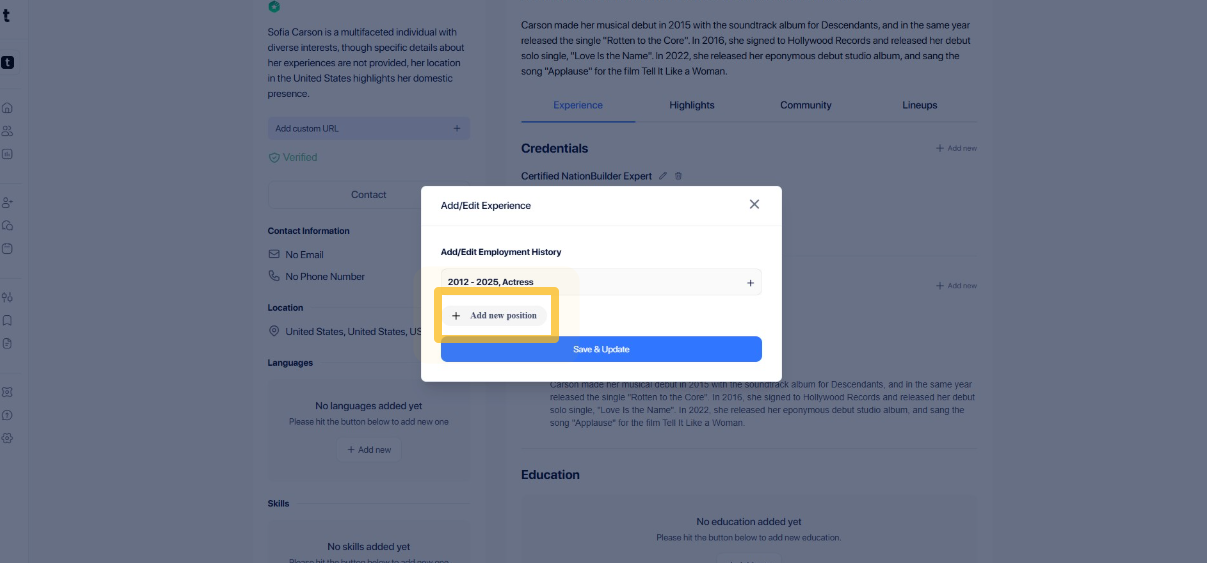
Step 5: Click + Add new position
Click on + Add New Position to begin the process of adding a new job or role to your experience.
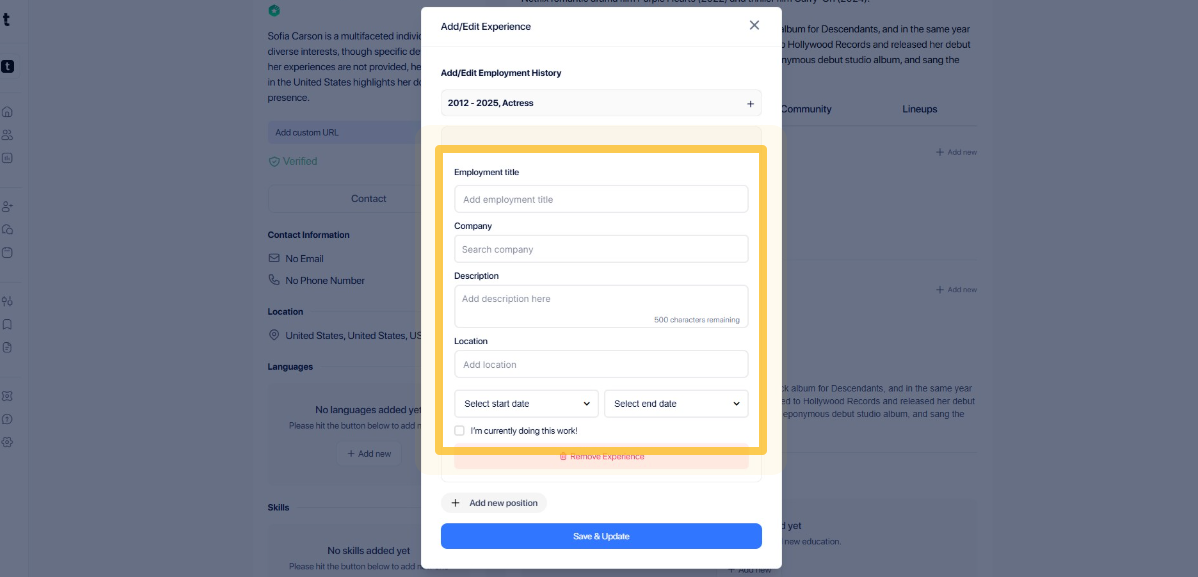
Step 6: Add Experience
Add the Employment Title, Company, Description, Location, Start and End of your experience in the empty field.
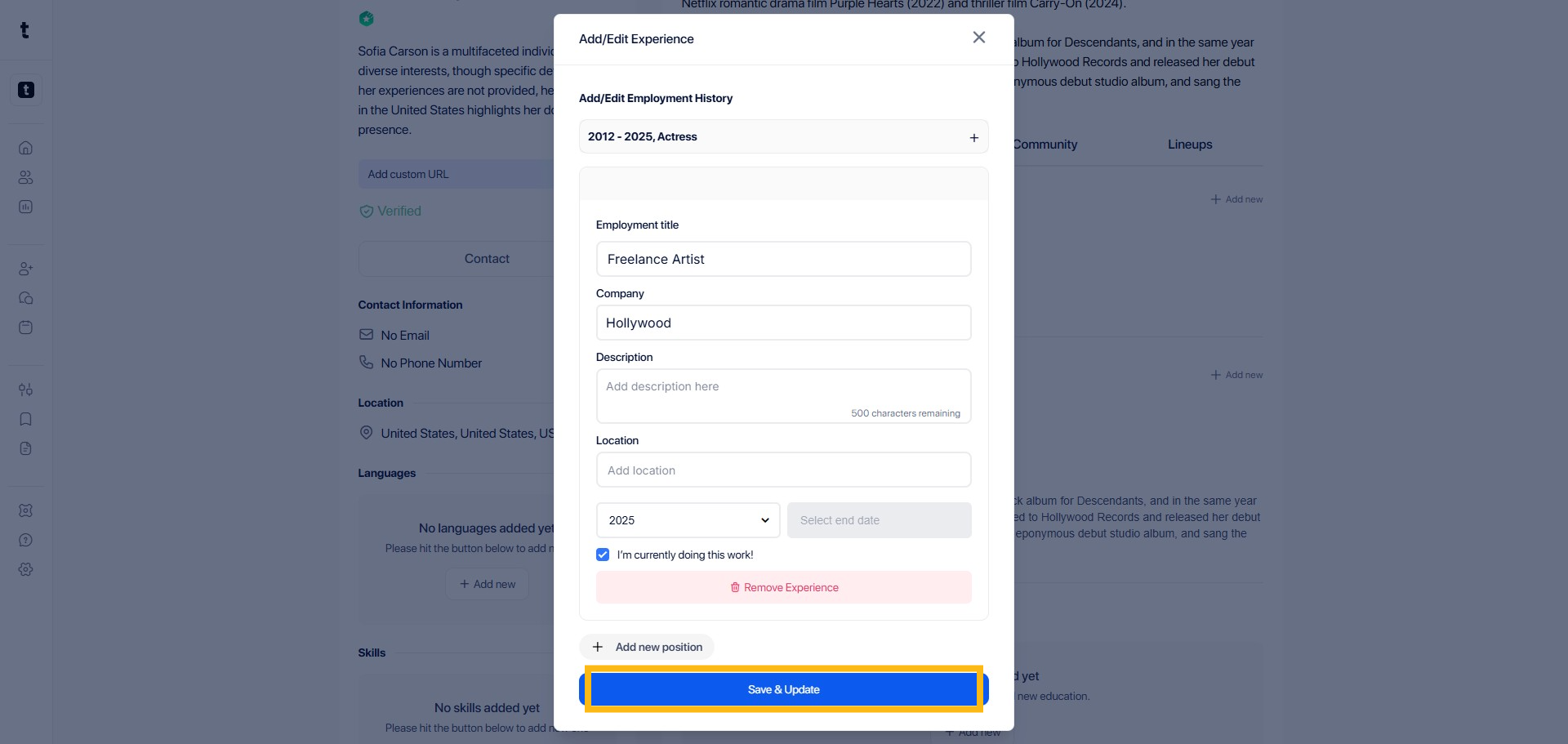
Step 7: Save and Update
Click Save & Update in the required field to confirm your changes.
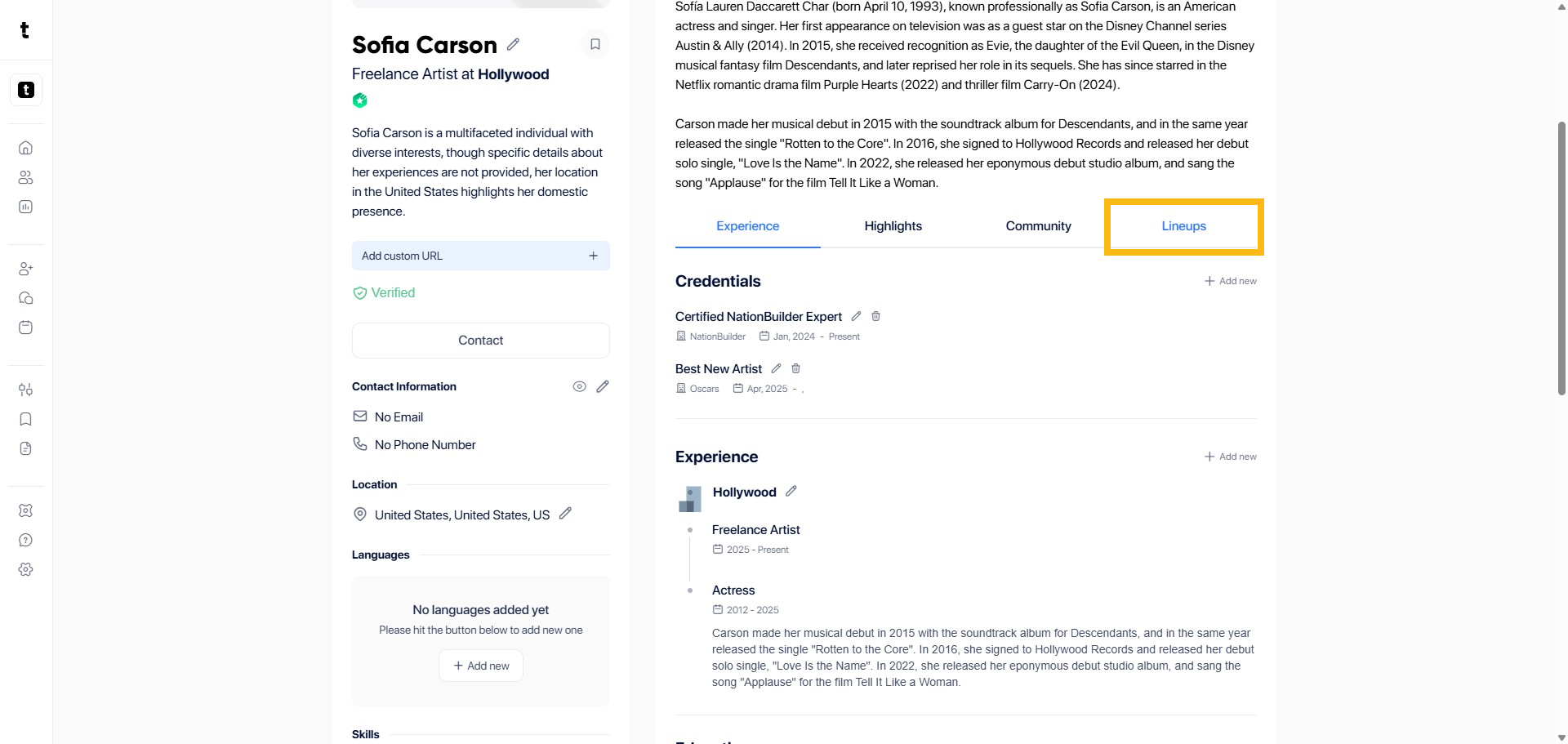
Step 8: Click Lineups
Another way to increase your Topline Rate by adding Lineups. Click Lineup tab to proceed.
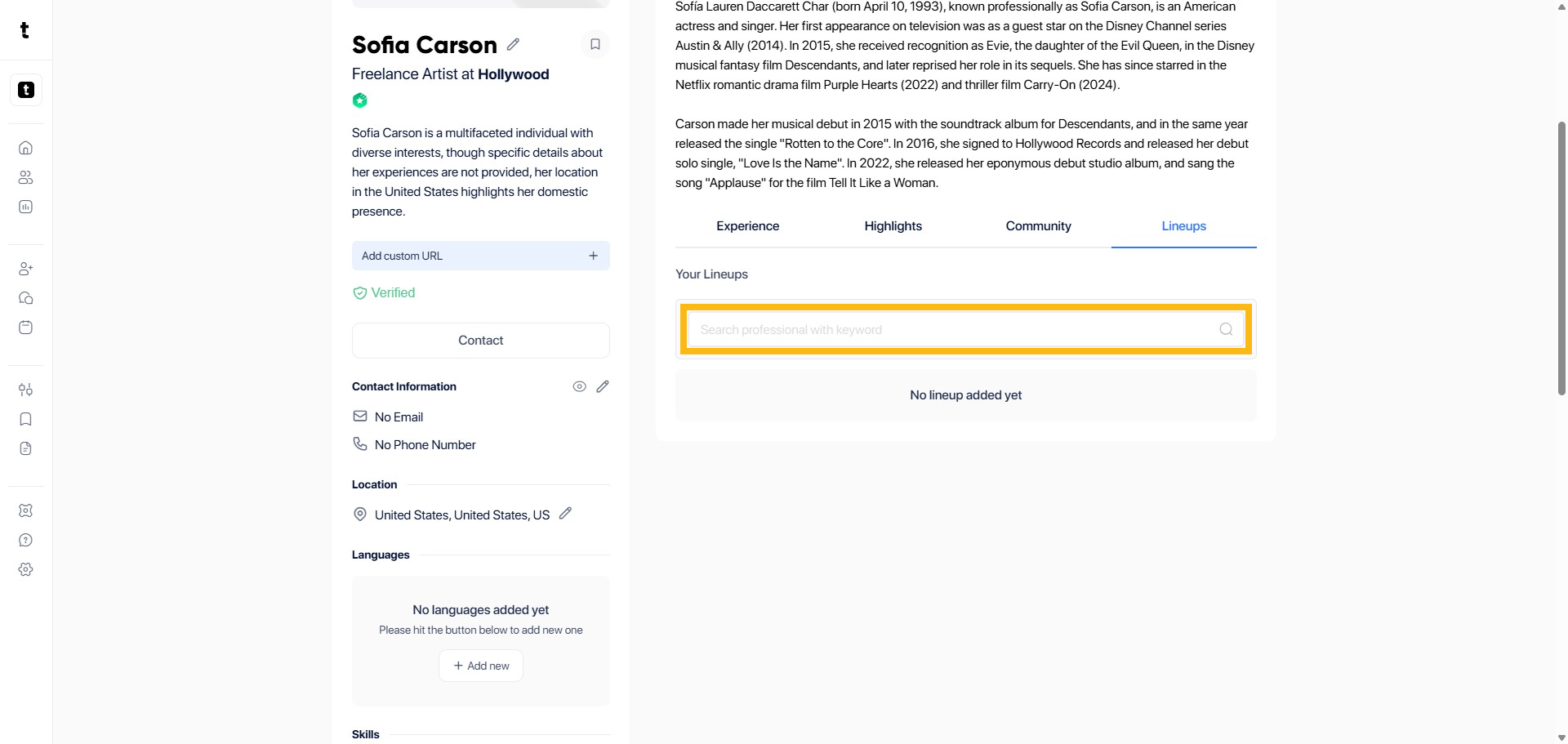
Step 9: Click or search with keyword
Search for professionals by clicking or typing a keyword.
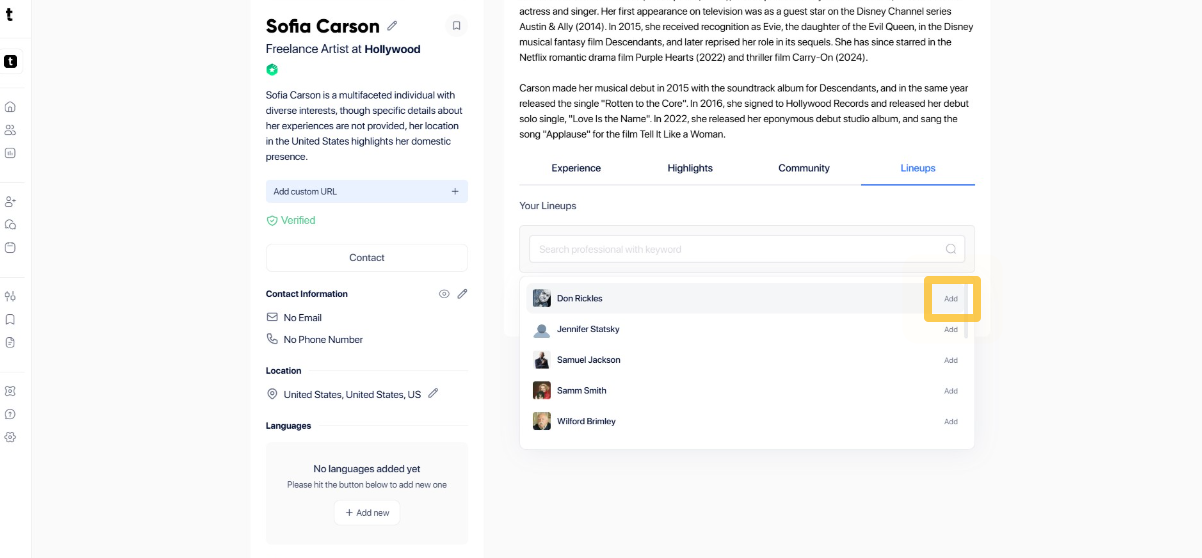
Step 10: Click Add
Click the Add button to create a new lineup entry.
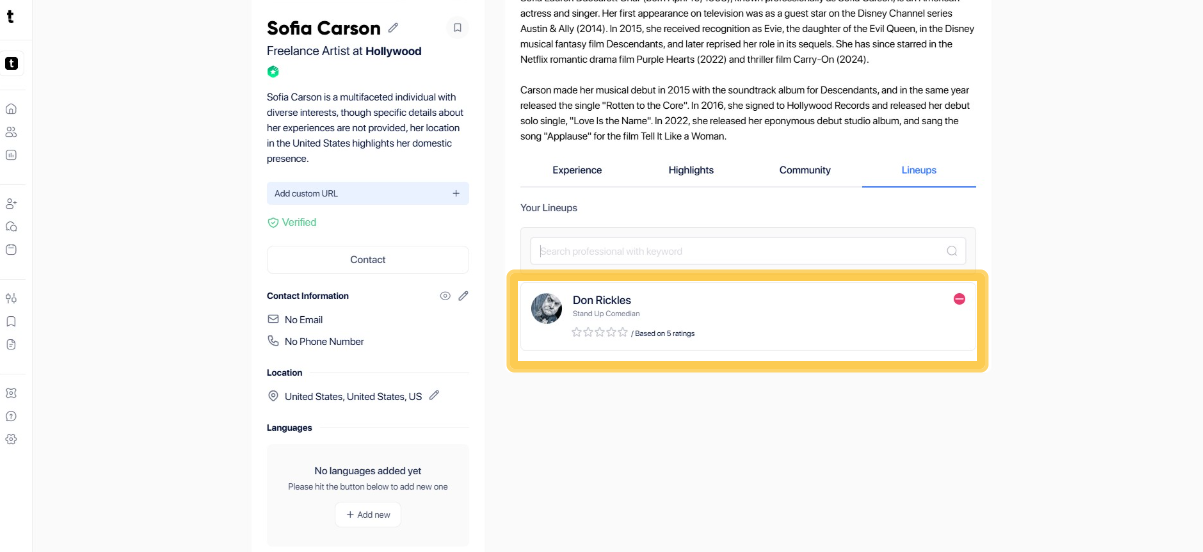
Step 11: Go to the lineups section
When you go to the Your Lineup tab, the profiles you added will appear in your list.
Step 12: Click the refresh icon
Click the refresh icon to get the new Topline rate. This rate is determined by the professional's skill set, client collaboration, experience and appearance on lineups.