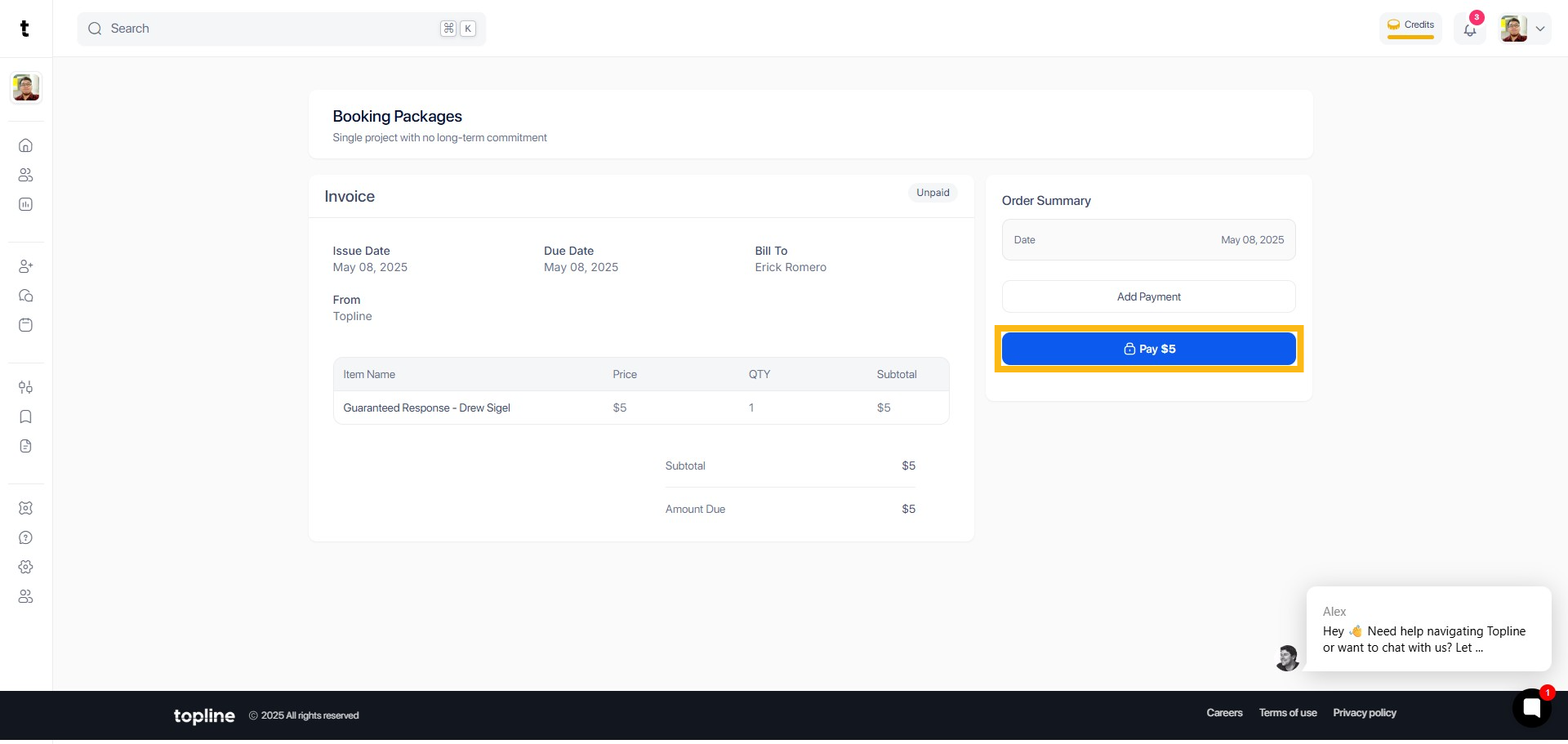
Step 1: Search Portal
In the search bar, type the phrase to begin your search. The search view allows you to find Professionals or Companies.
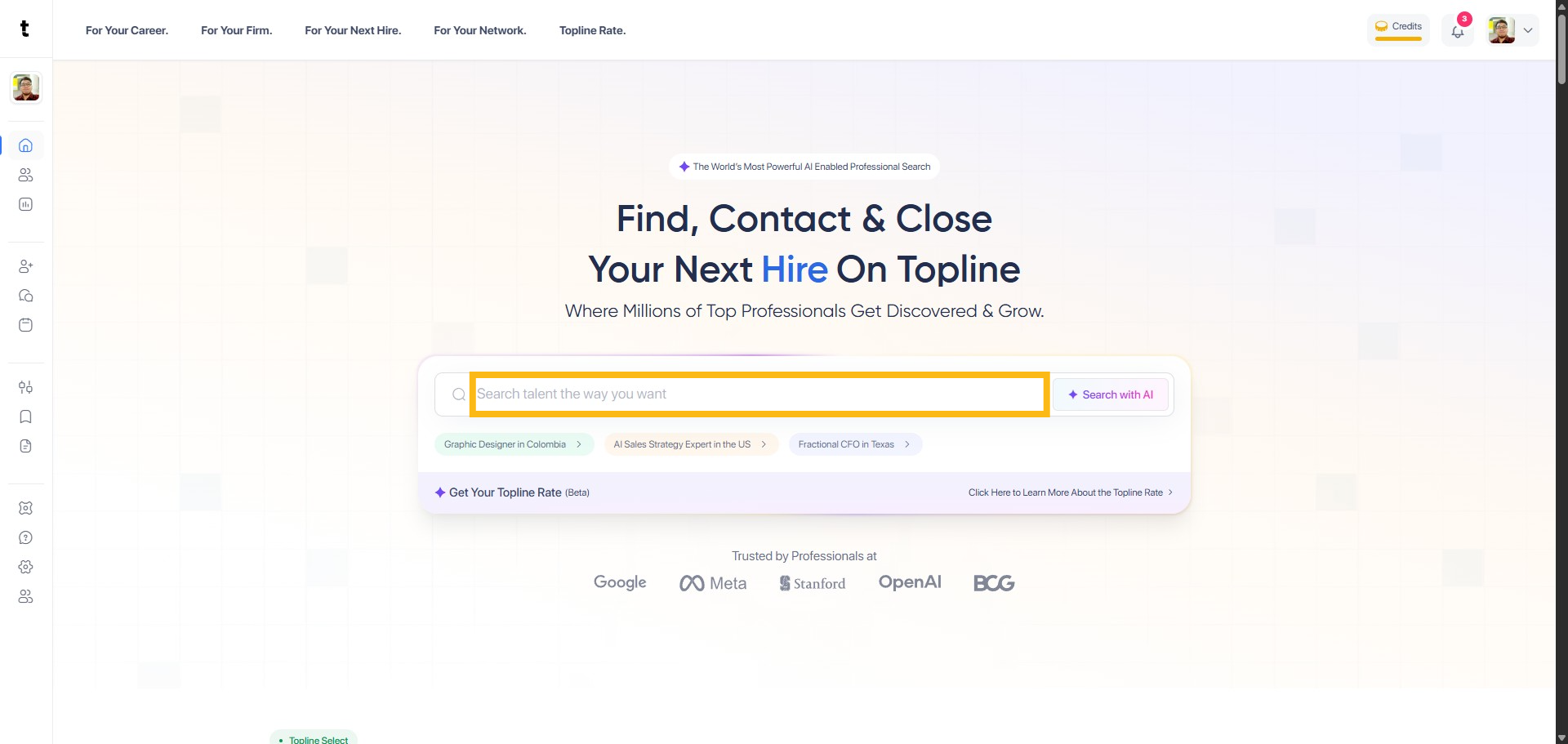
Step 2: Select Profile
Click the name to open the profile of your search results.
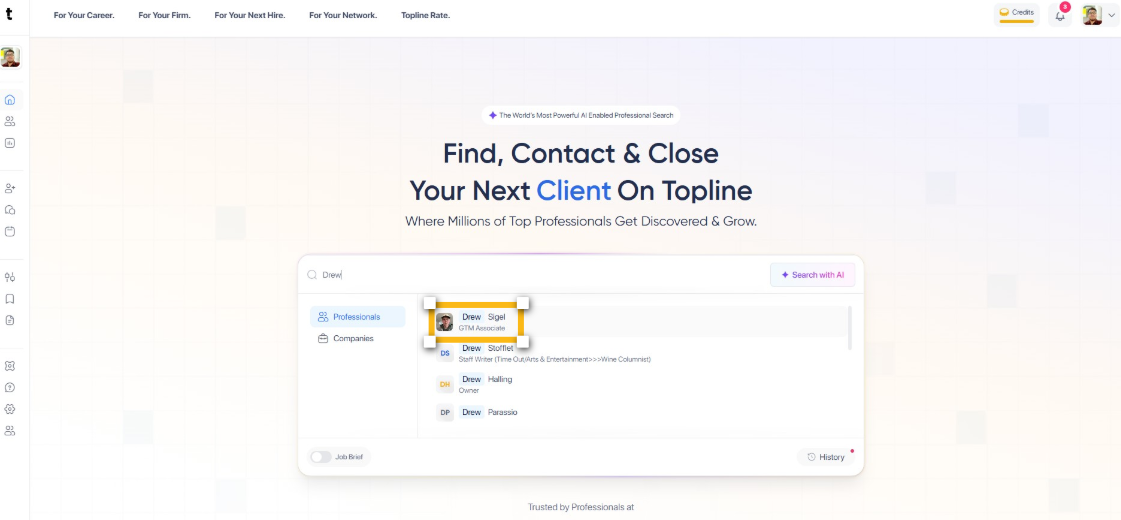
Step 3: Click Book button
Find and click the Book option. This will take you to the booking section where you can schedule sessions or meetings.
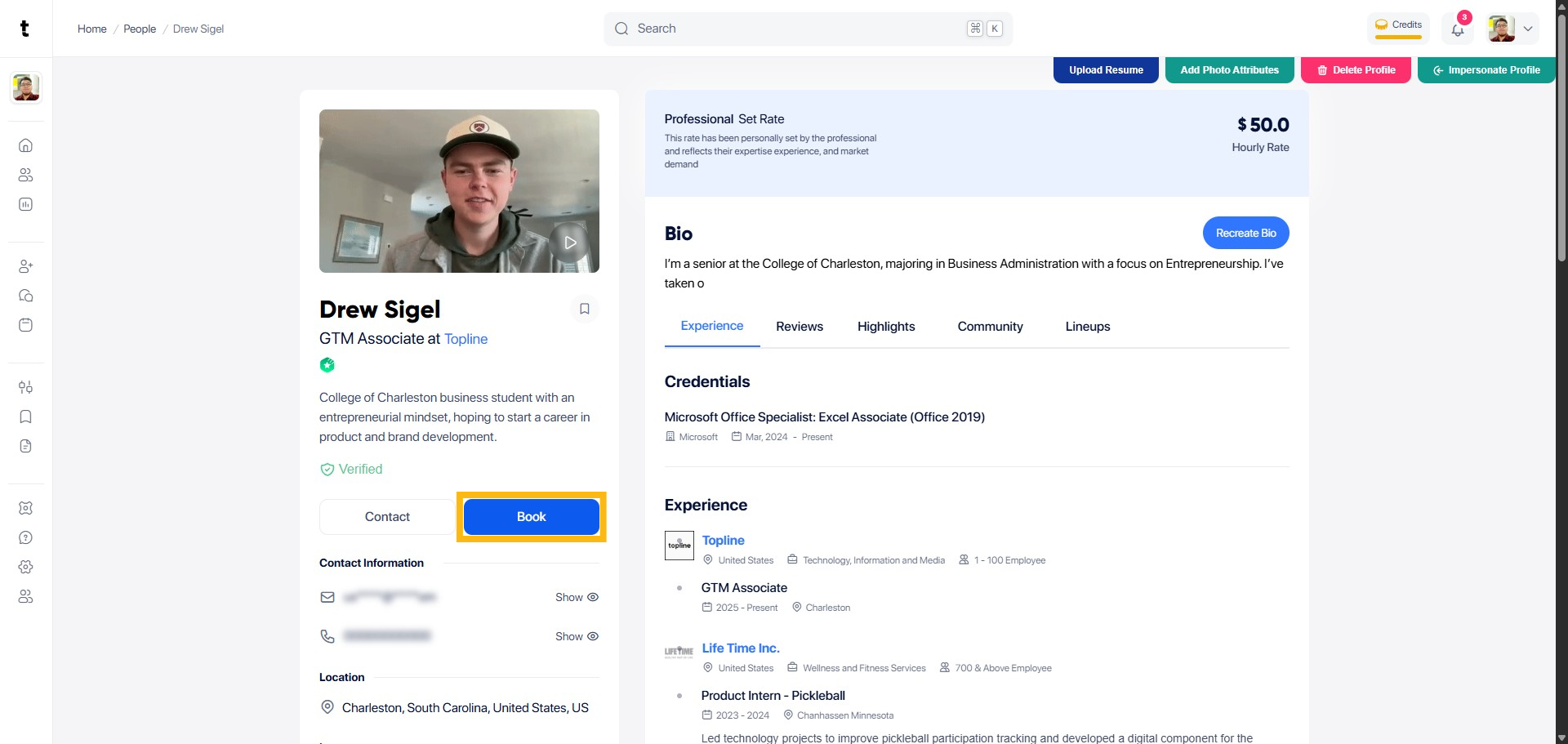
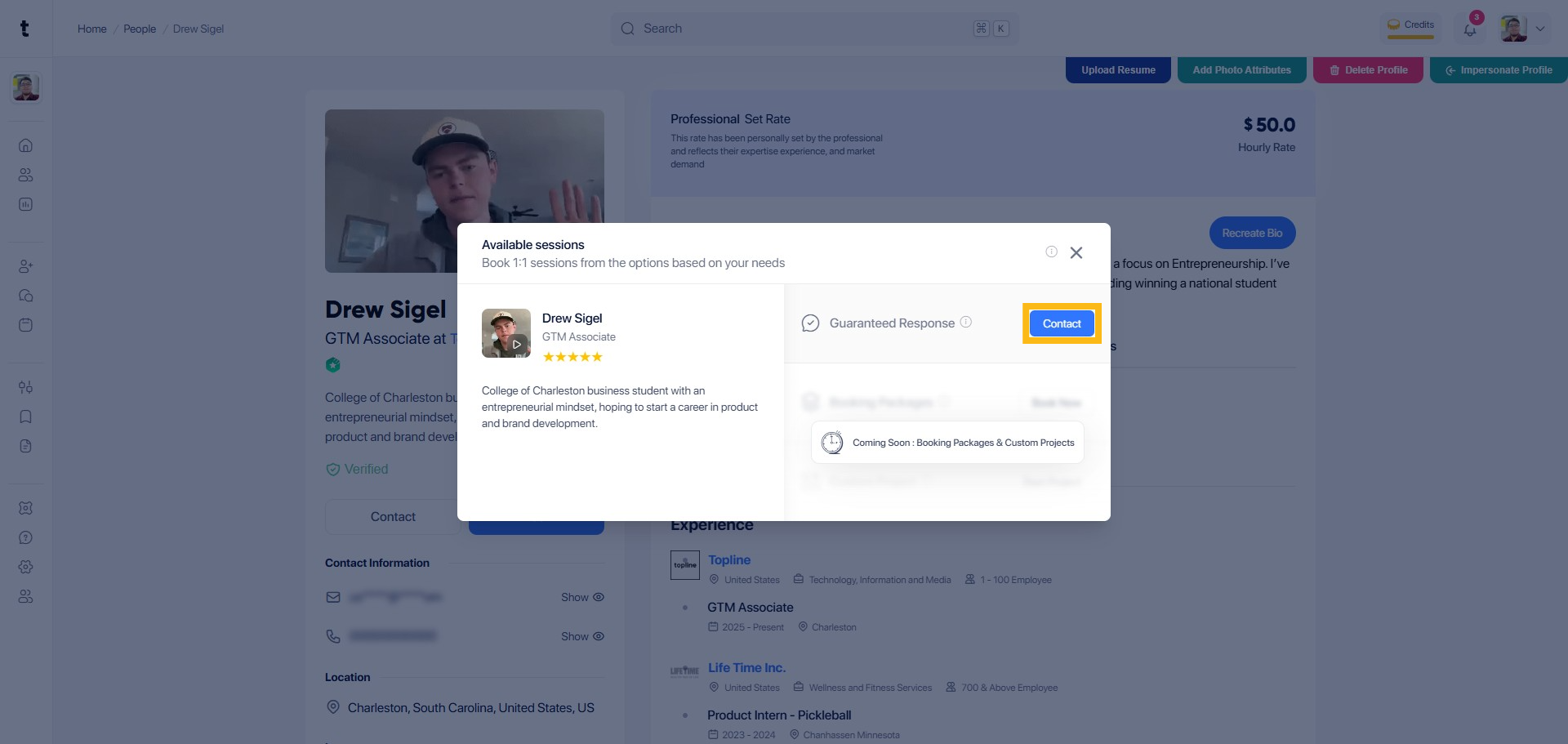
Step 4: Click Contact
While in the booking section, click the Contact option to open the contact form where you can send a message or inquiry.
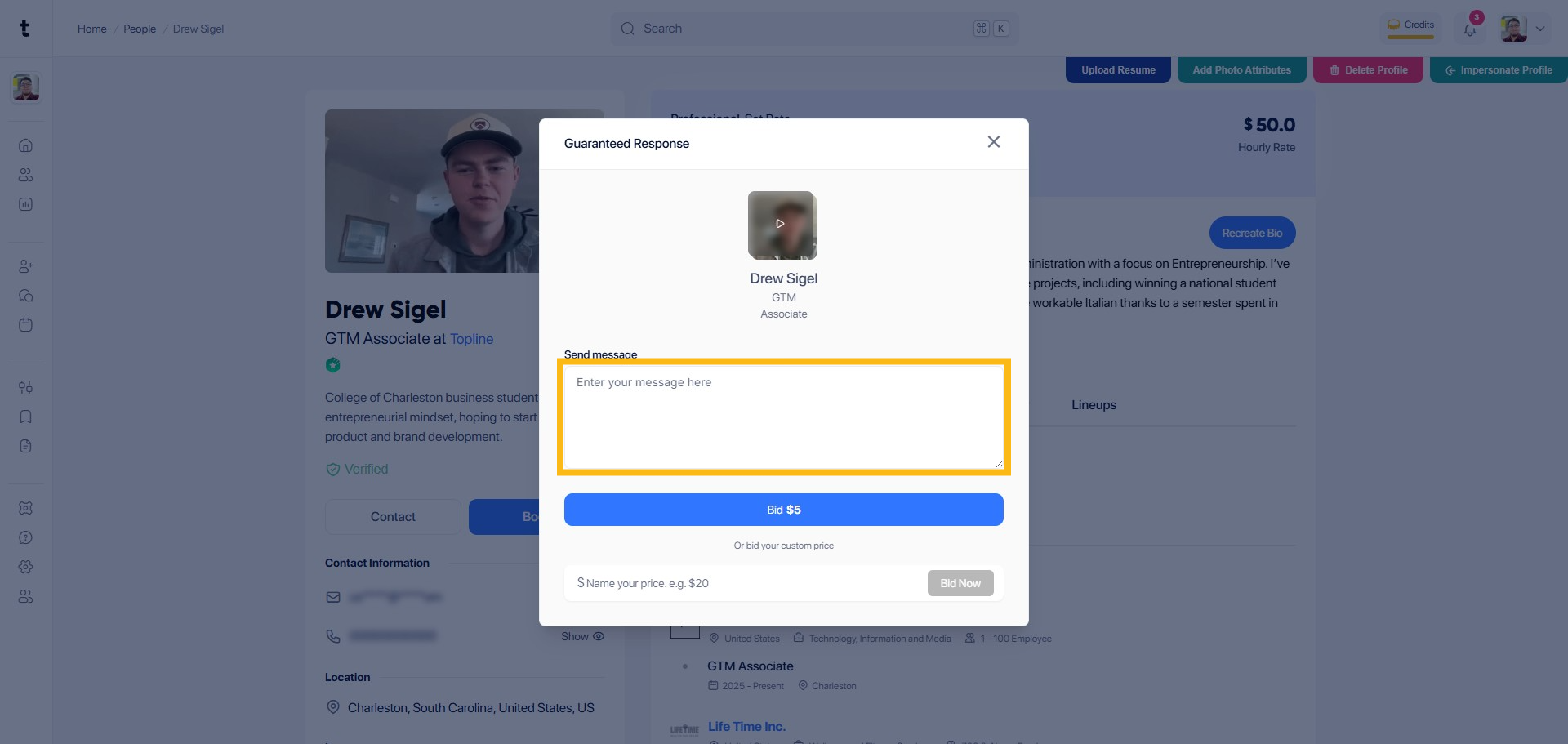
Step 5: Send Message
Enter your message here.
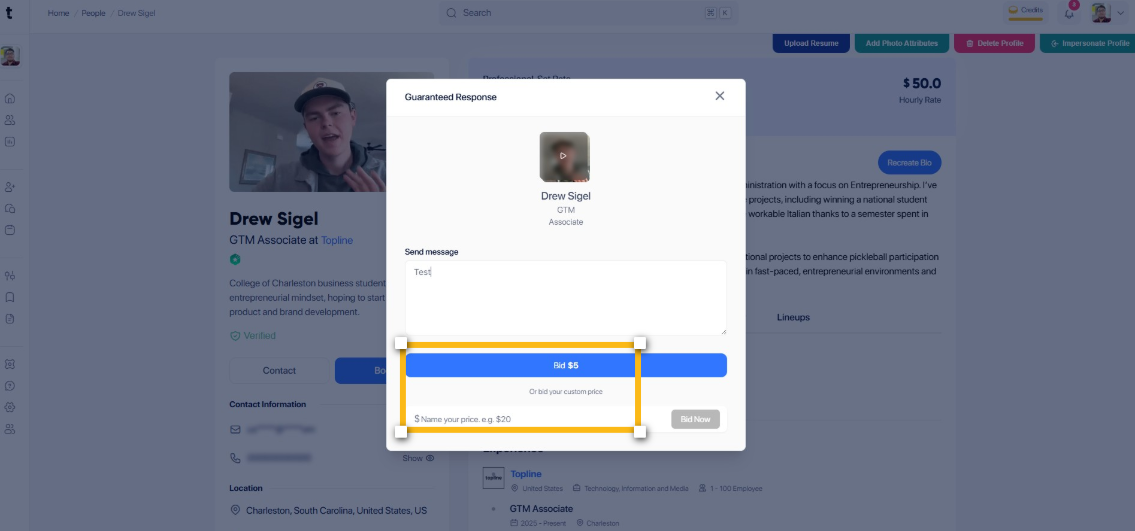
Step 6: Click the Bid button
Click the bid amount button or bid your custom price below.
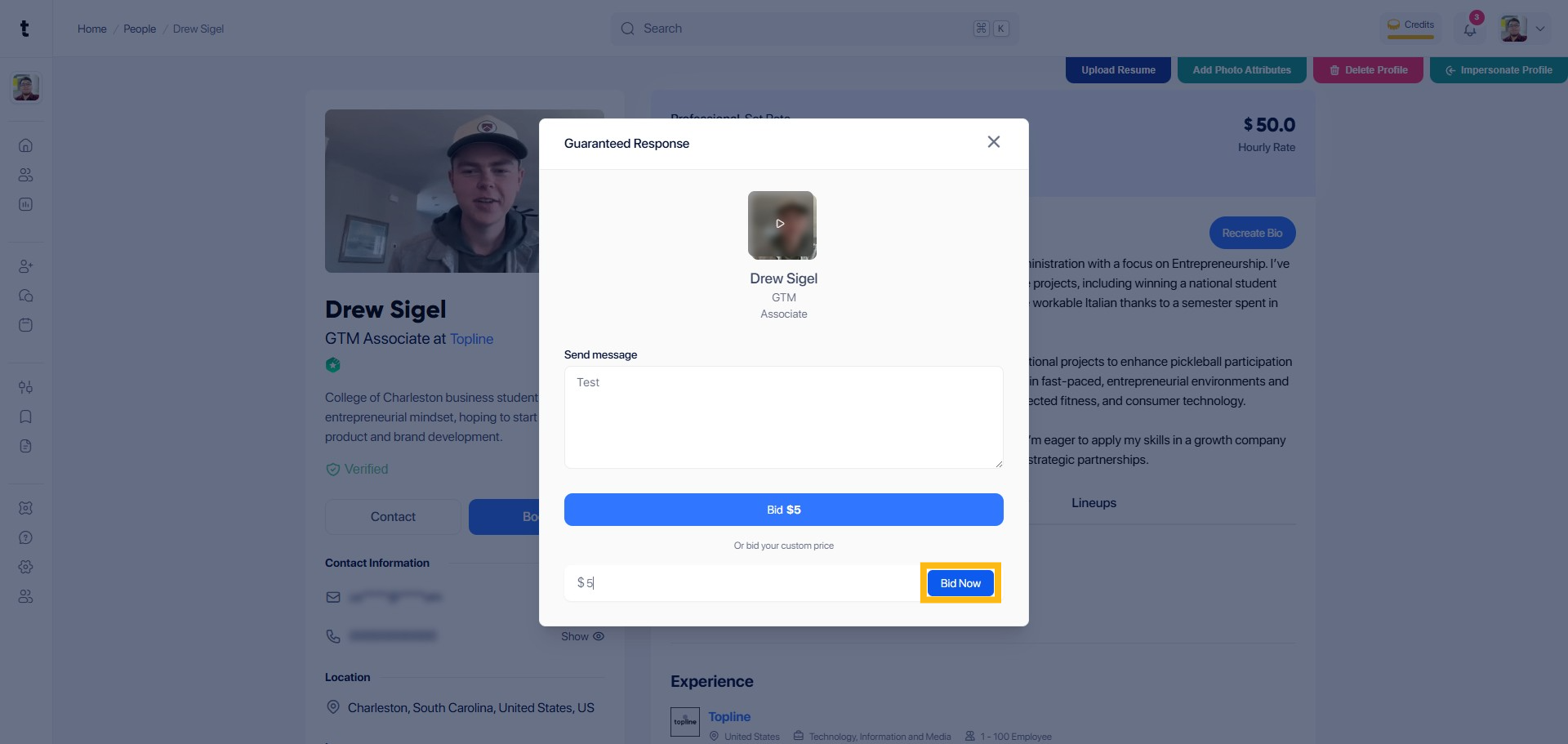
Step 7: Click Bid Now button
Locate the Bid Now button on the current page and click on it to place your bid.
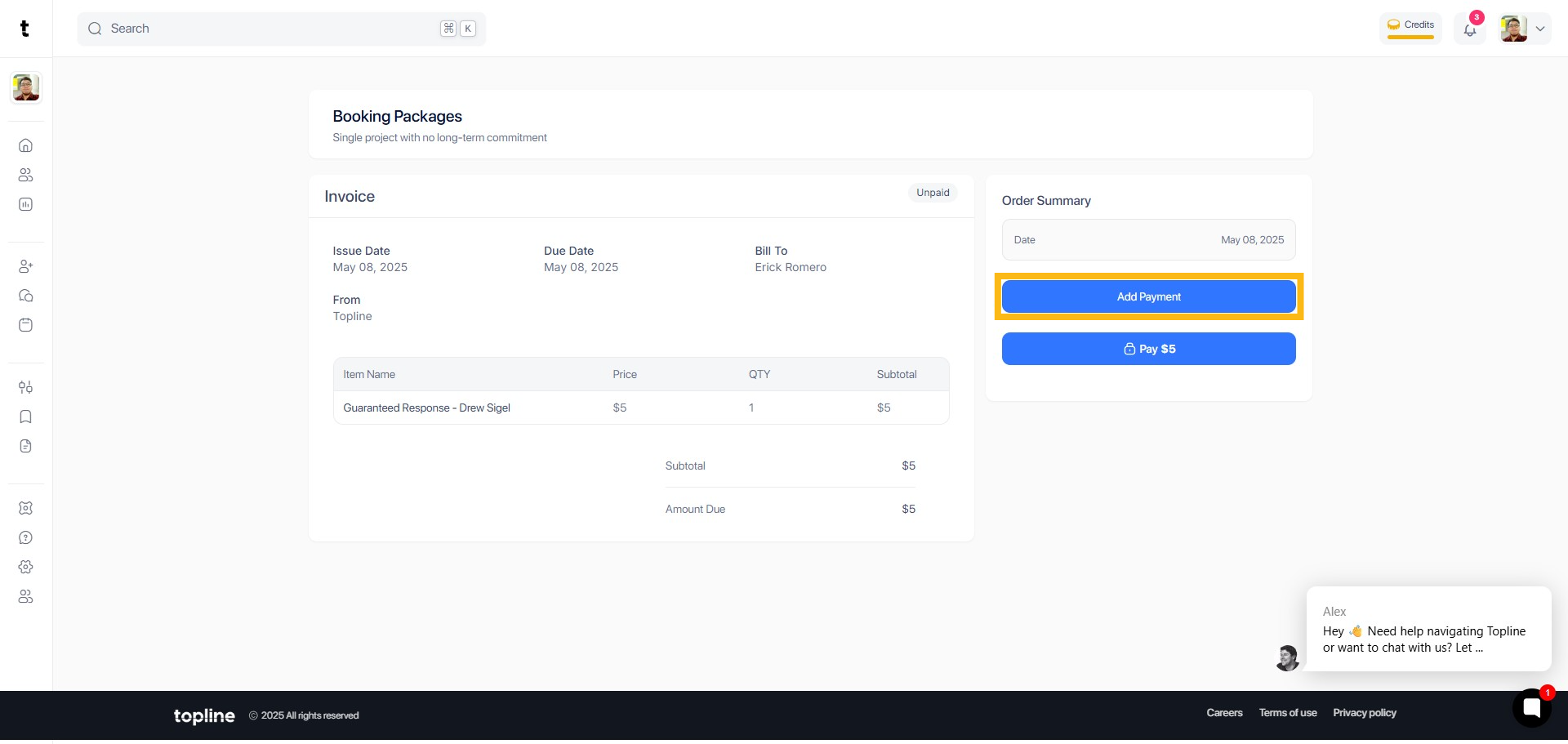
Step 8: Add Payment
On the bidding confirmation page, find the Add Payment option and click on it to enter your payment details.
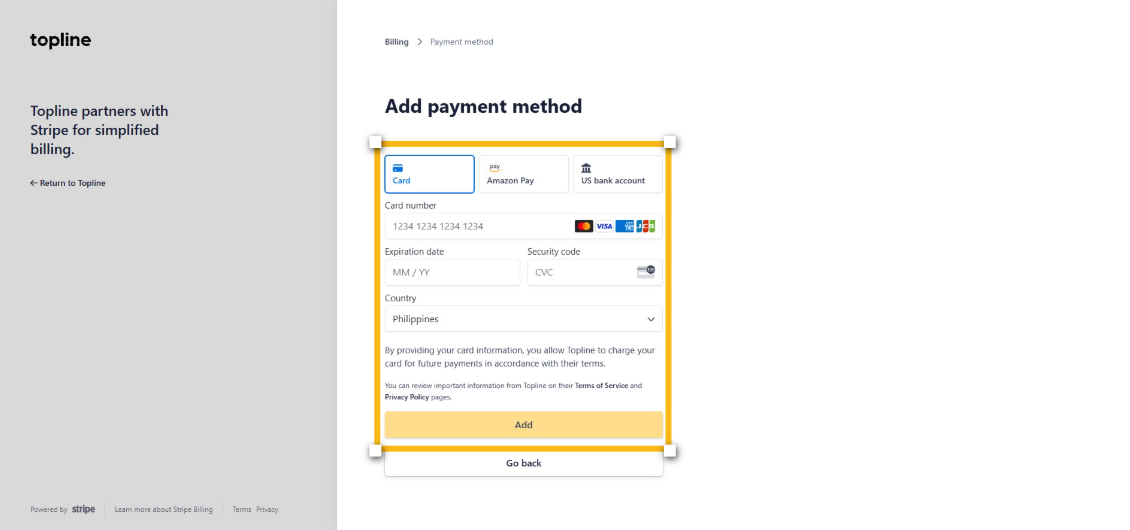
Step 9: Select Payment Method
Add your payment method here. You can pay using card, Amazon Pay or US Bank Account and click the add button to proceed.
Step 10: Click Pay
To complete the booking request, click the Payment button on the bidding confirmation page.