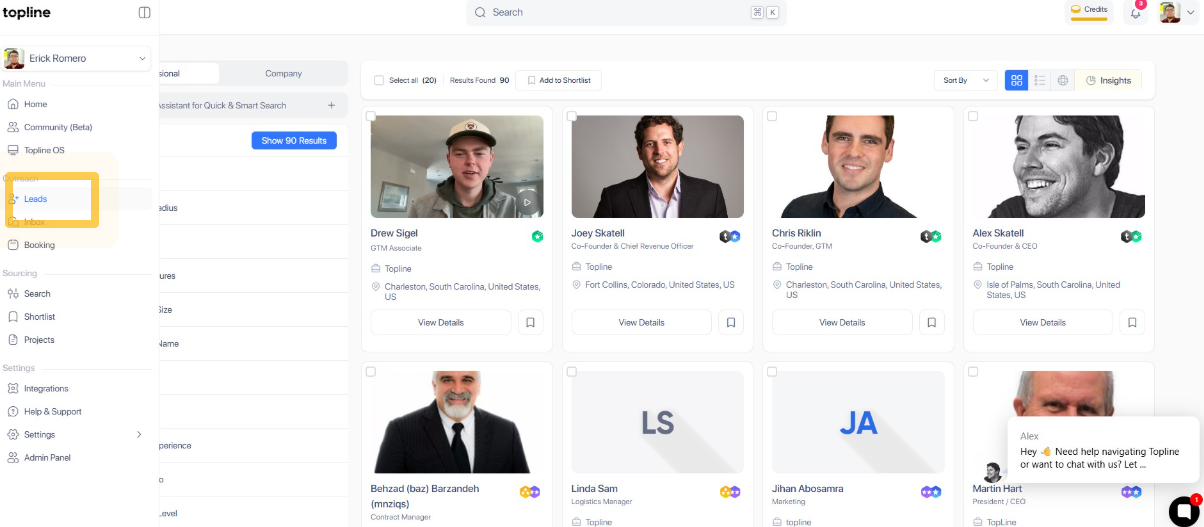
Step 1: Open Leads Portal
Using your preferred browser, go to topline.com and click on Leads, located on the left side menu.
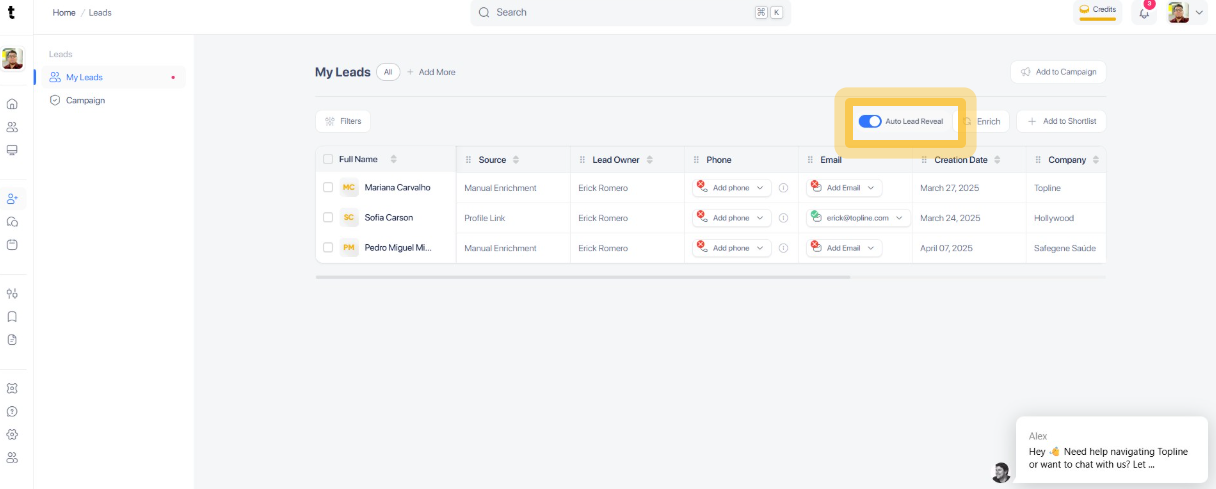
Step 2: Enable Auto Lead Reveal
Within the Settings section, locate the option for Auto Lead Reveal. Click on the toggle switch to enable this feature.