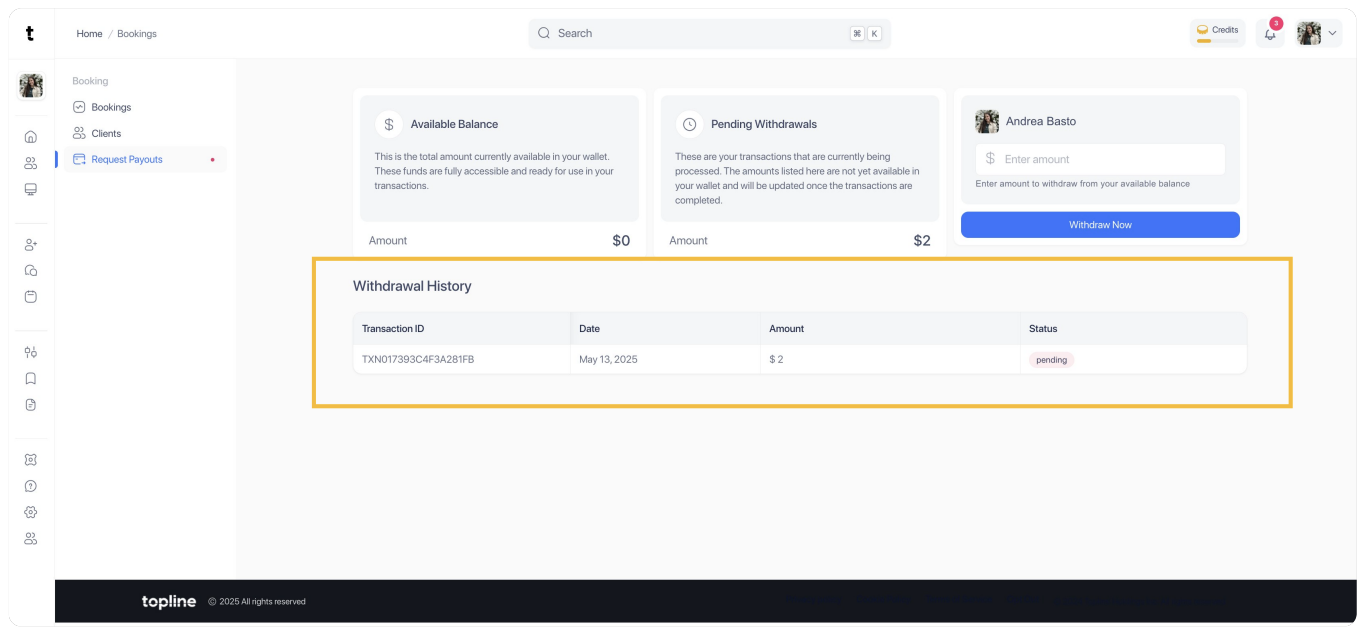
Anytime you get paid from a lead that wants to contact you, you will receive an email like this. This amount will be reflected in your balance and here is how you can request a payout.
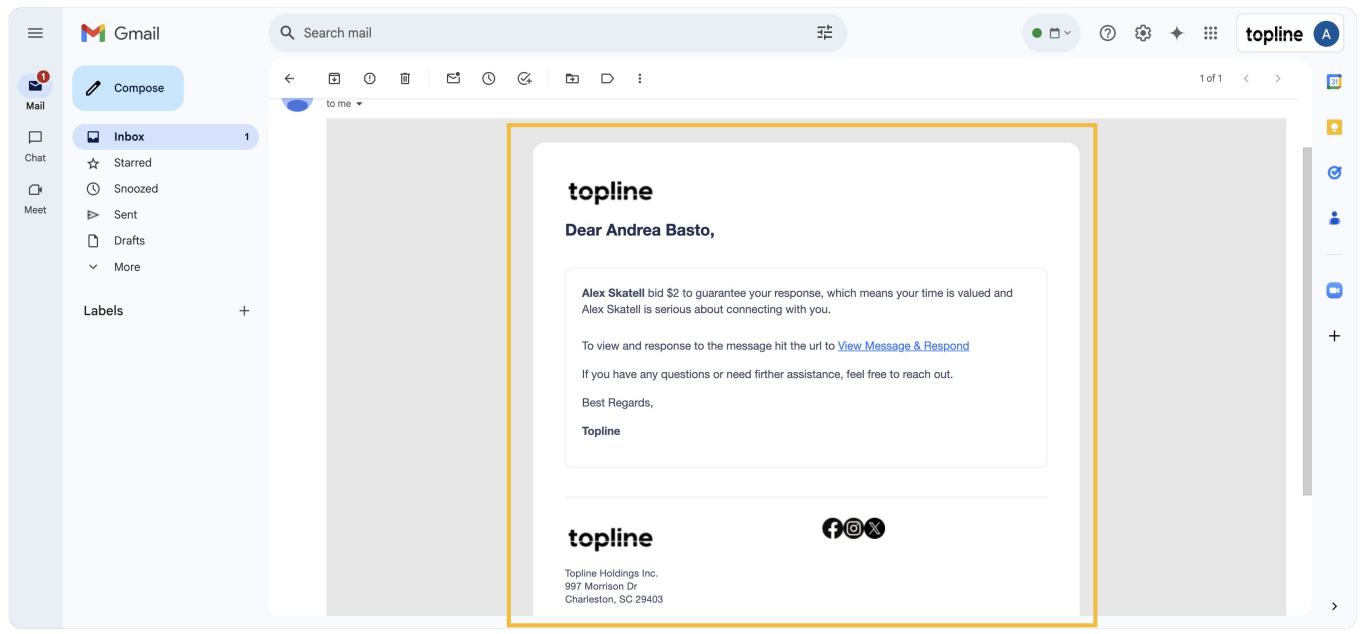
Log in into your topline.com account to request a payout.
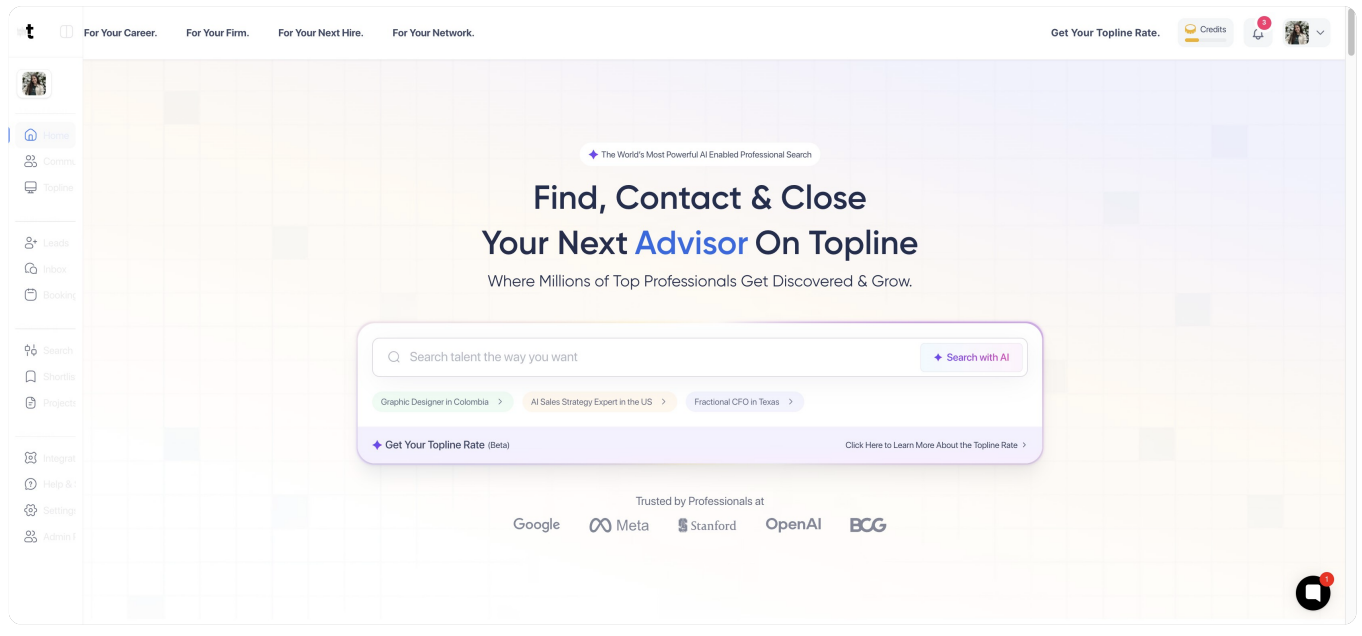
Step 3: Click on Booking
On the left side menu, look for the Booking option and click on it.

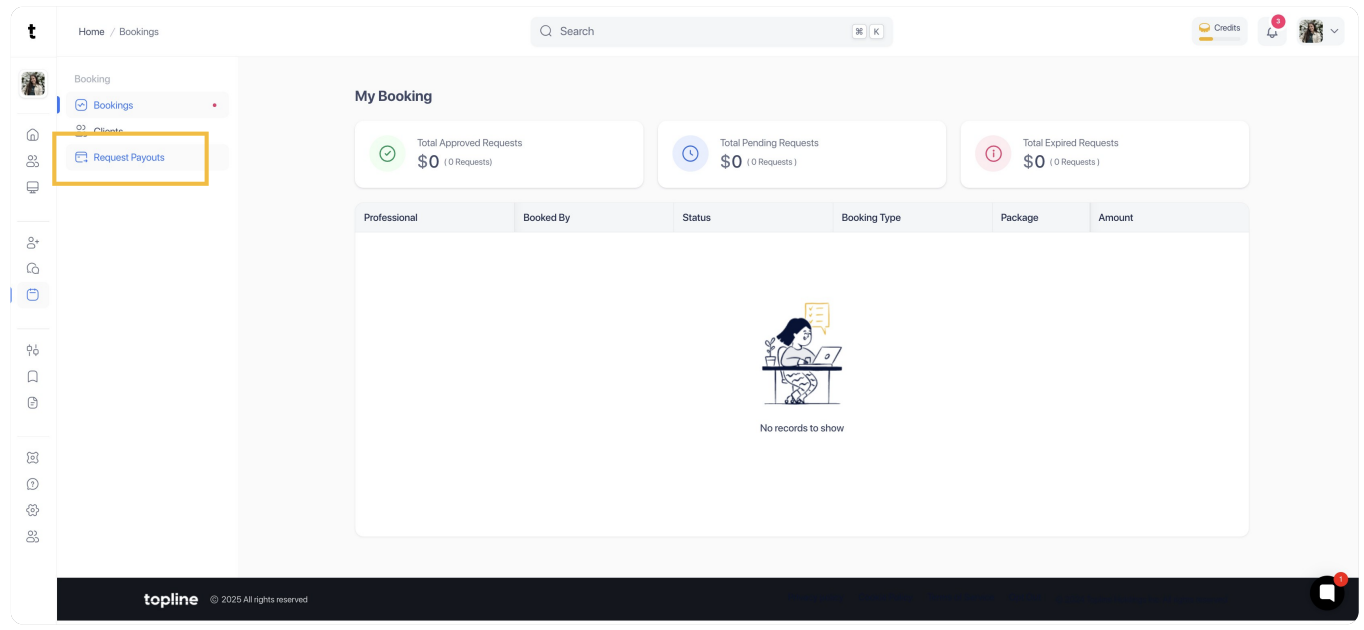
Step 4: Click on Request Payouts
Look for the Request Payouts button on the Booking menu.
You can check the balance you have available before requesting a payout.
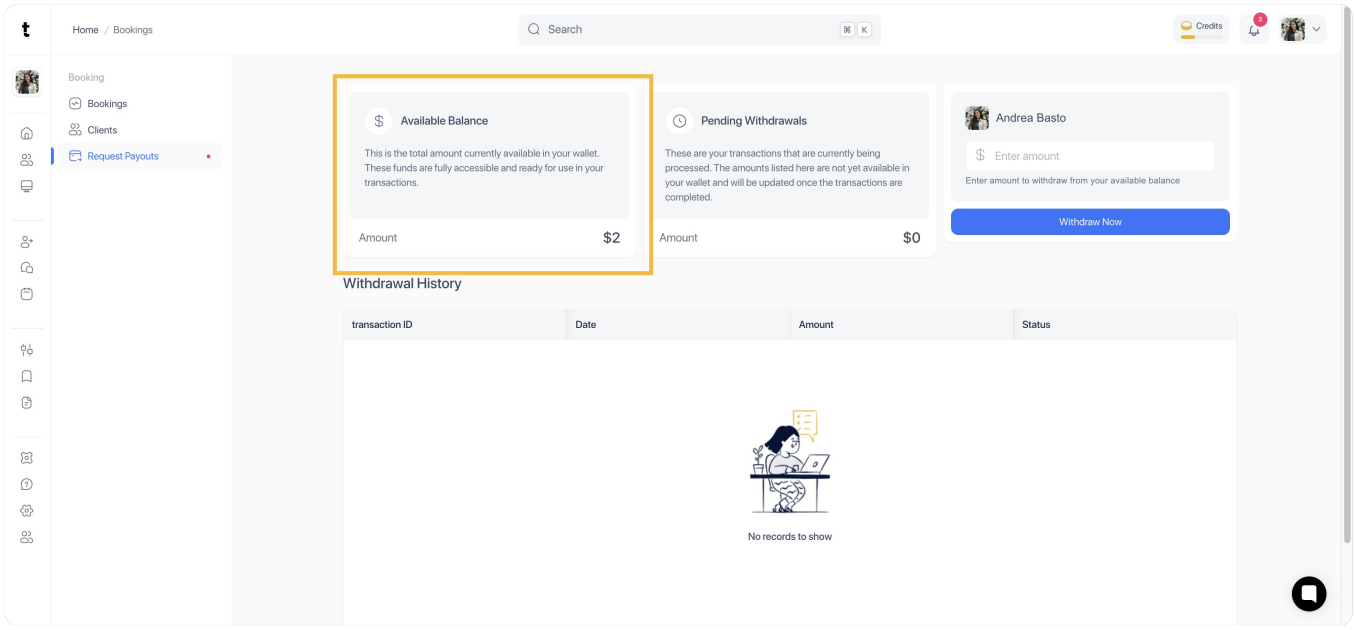
Step 6: Enter the Payout Amount
Go to the right side of the view, and enter the amount you want to withdraw. Make sure is less or equal to your available balance.
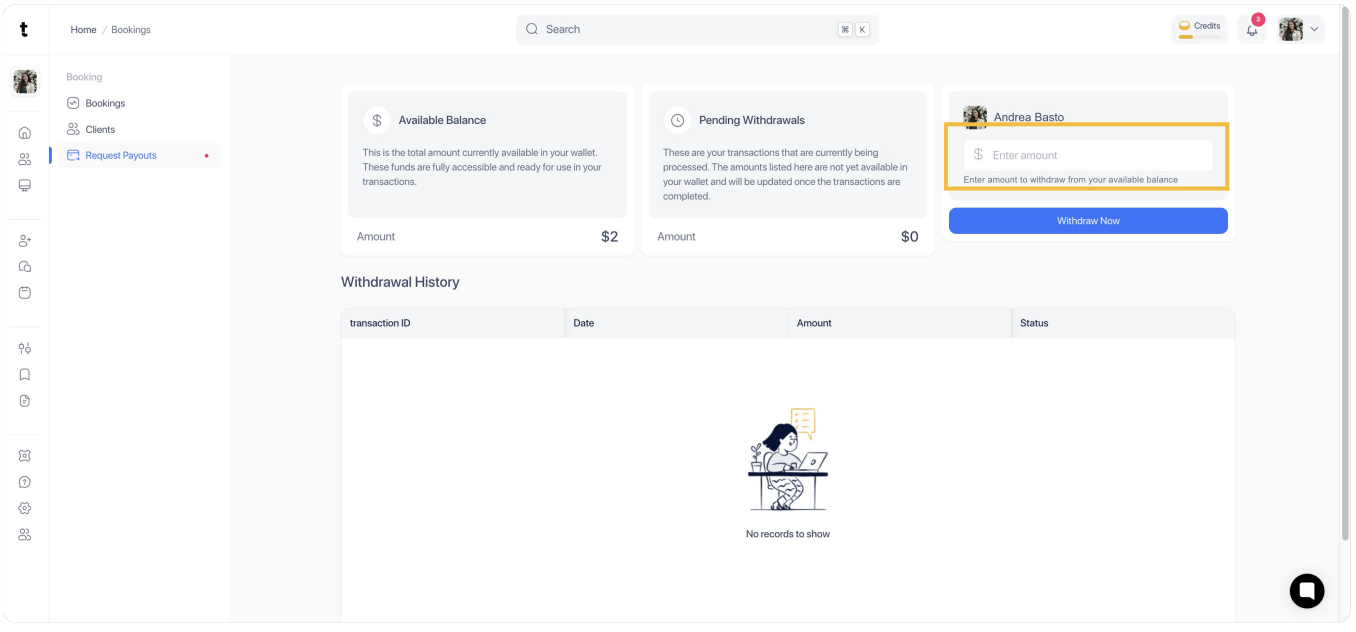
Once you have entered your payout amount, click on Withdraw Now.

Step 8: Withdrawal History
After sending the request, you will be able to visualize the transaction ID, date, amount and status on the Withdrawal History view.