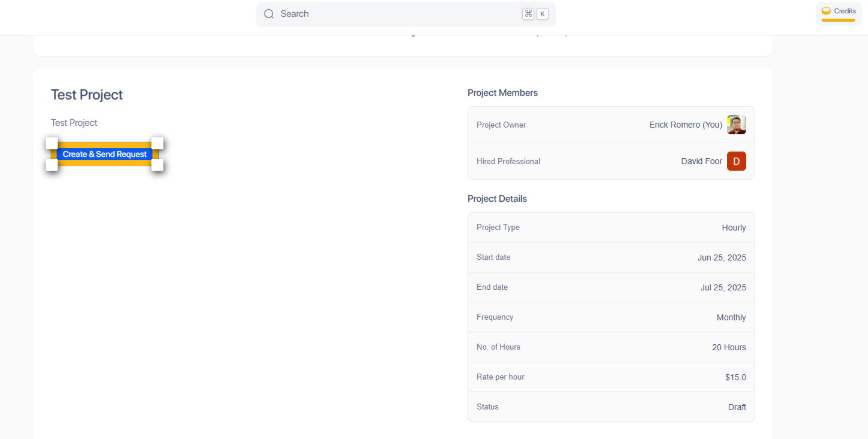
Step 1: Open the Project Creation Portal
Start by opening your browser and navigating to access the project creation portal.
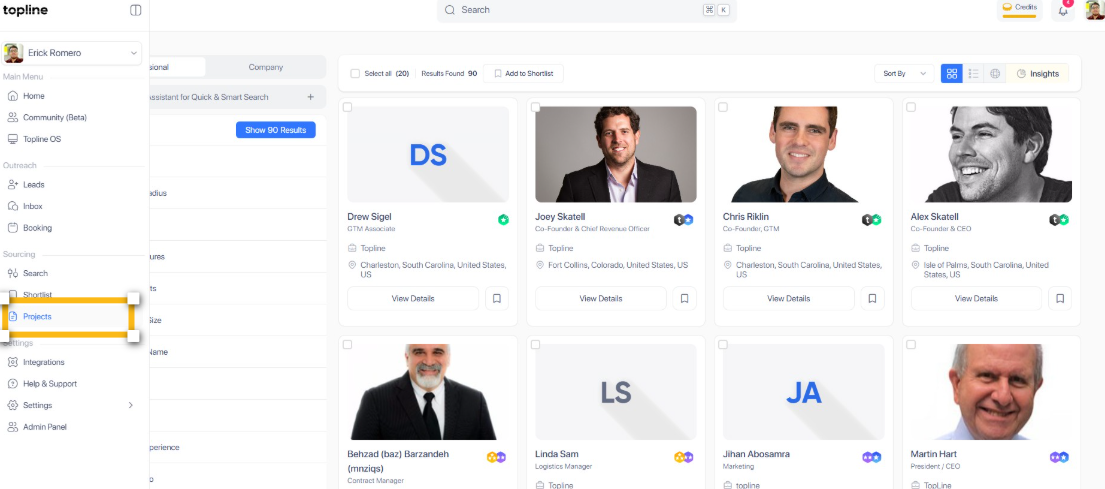
Step 2: Start a New Project
Once on the projects portal, locate and click on the Start Project button to begin the creation process.
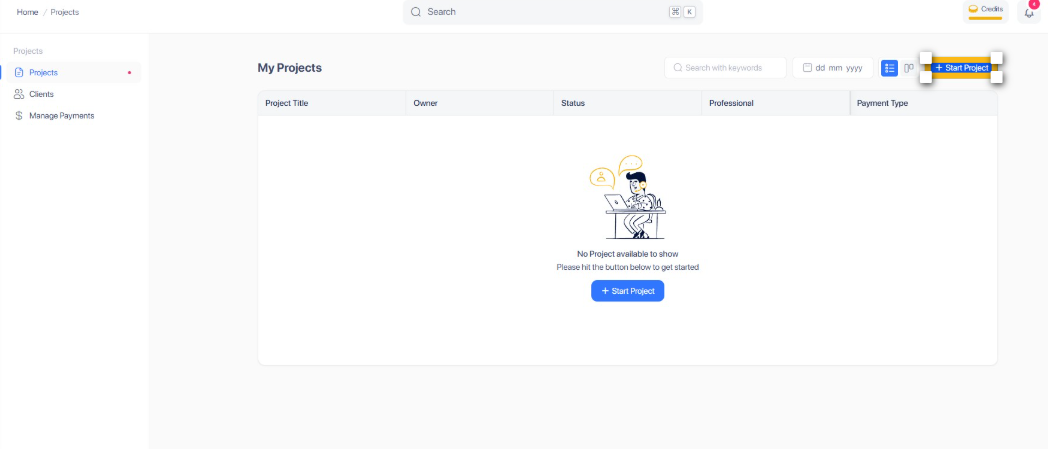
Step 3: Enter Project Title
Enter your project title here.
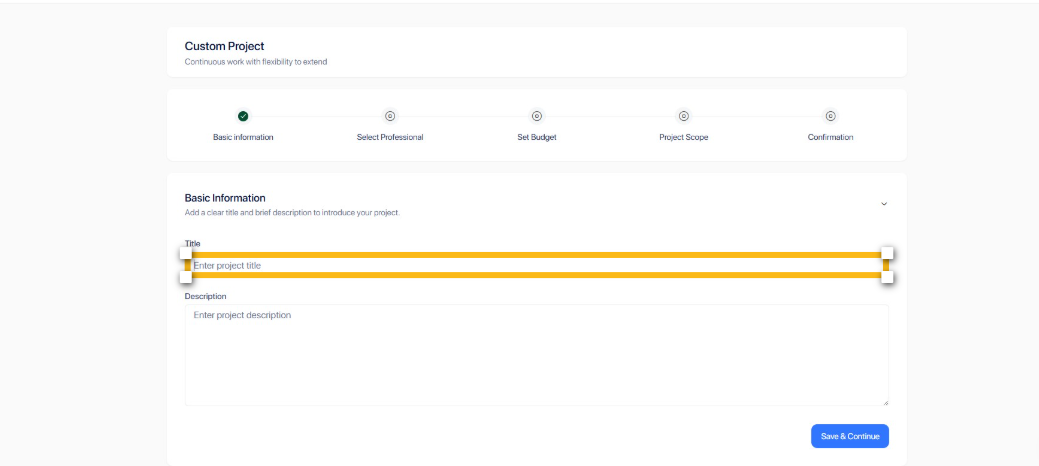
Step 4: Enter Project Description
Enter your project description here.
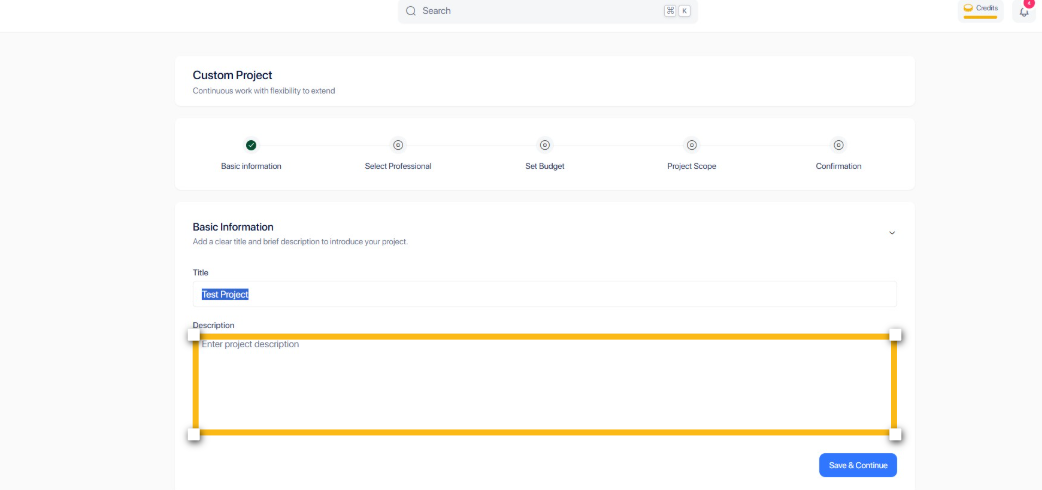
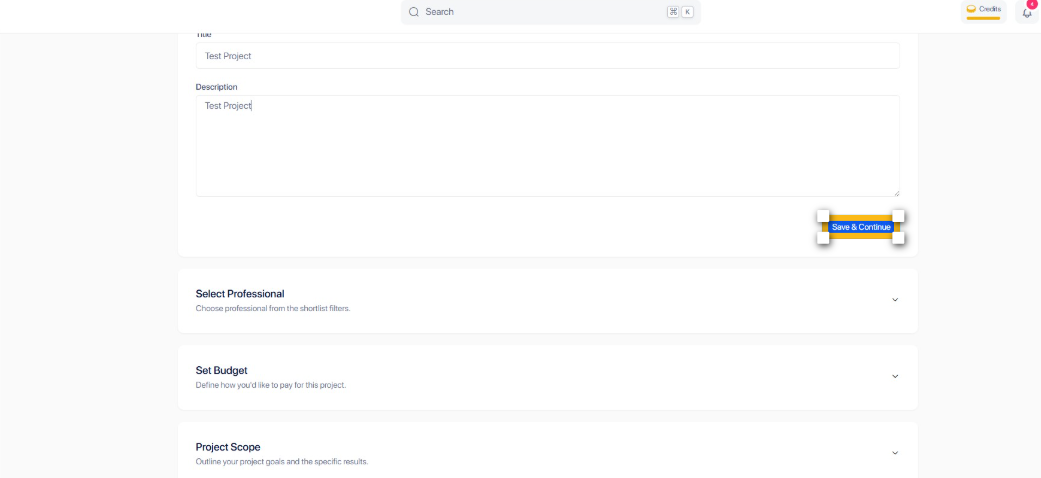
Step 5: Save & Continue
Once you've completed all fields, click Save & Continue to proceed.
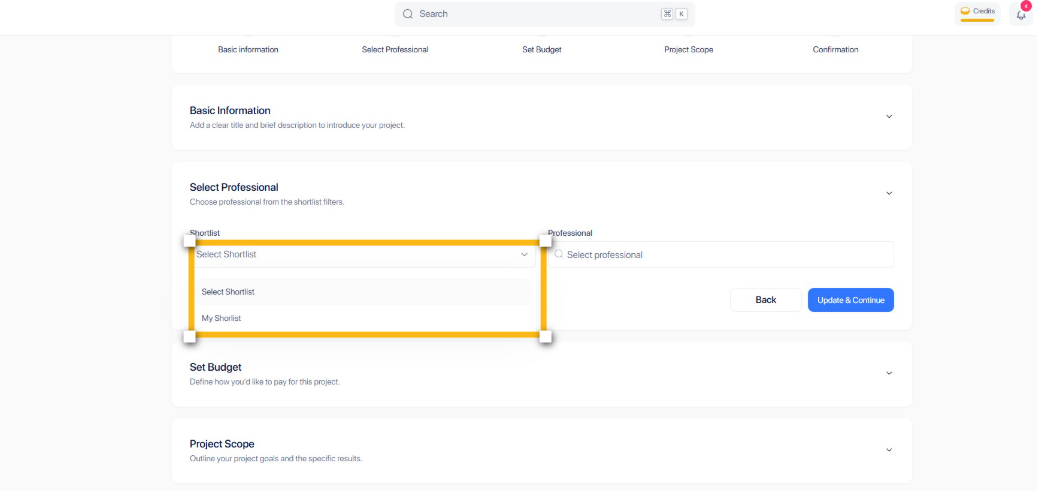
Step 6: Select Shortlist
For this step, select Shortlist to add your preferred candidates.
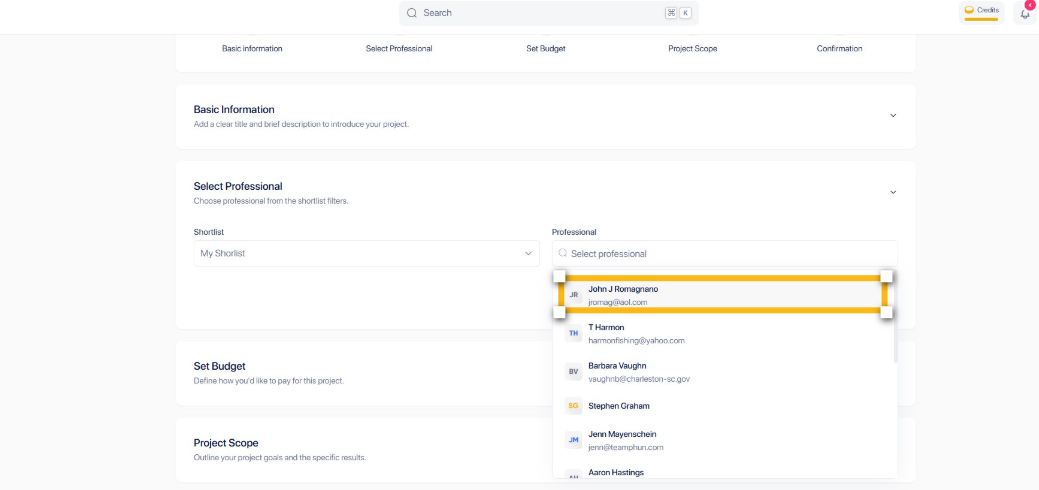
Step 7: Select a professional
To move forward, select the professional who best fits your requirements.
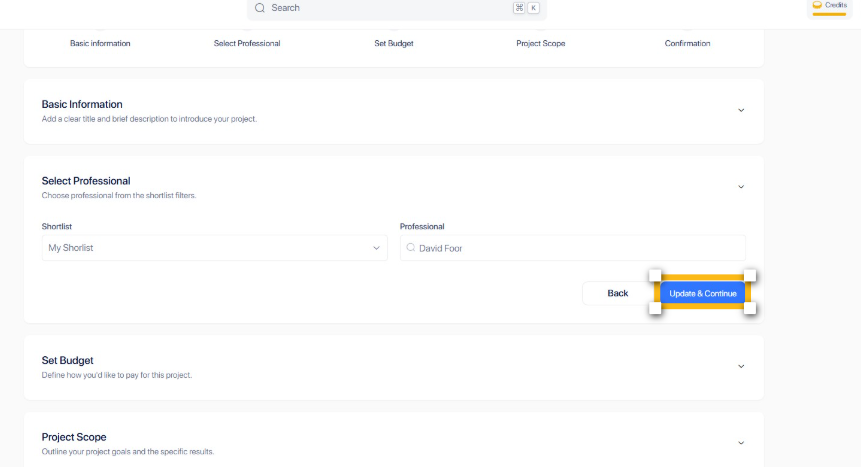
Step 8: Update & Continue
Click on the Update & Continue button to finalize the information.
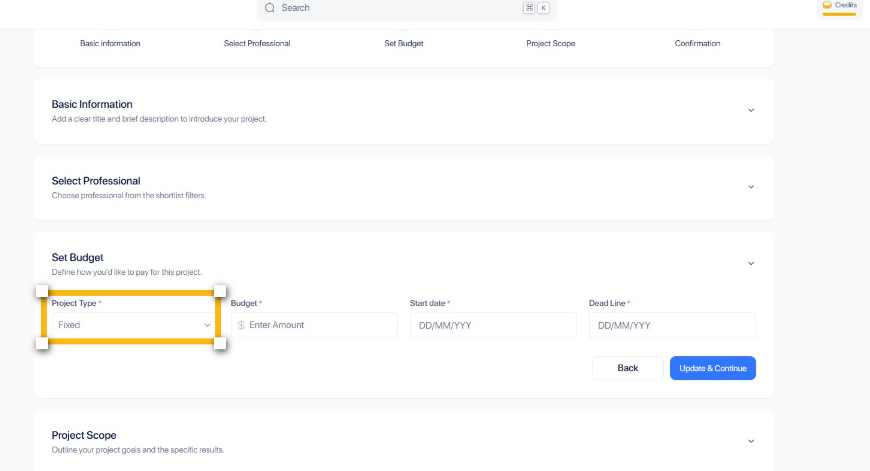
Step 9: Choose Payment Rate Type
Choose between Fixed and Hourly rate.
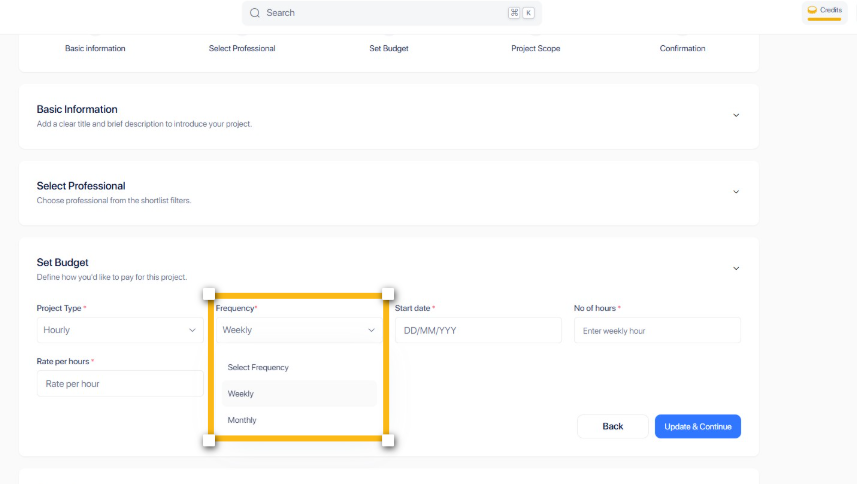
Step 10: Select Frequency
For this step, decide on your preferred schedule - weekly or monthly.
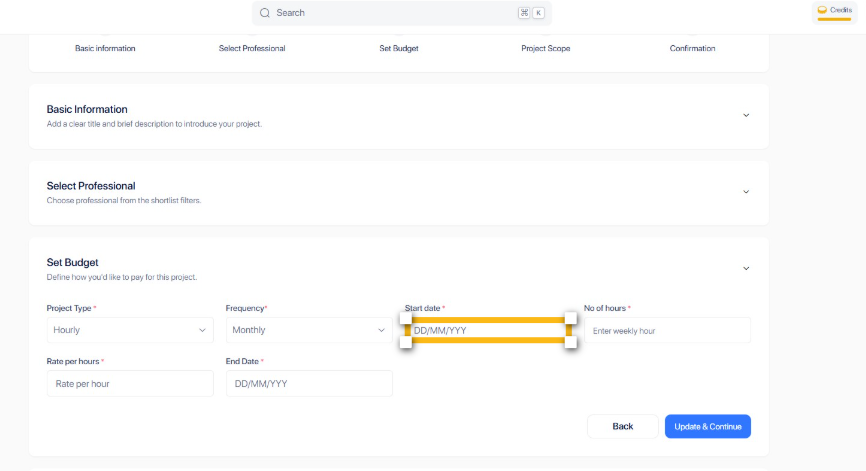
Step 11: Start Date
Now, let's set the start date by clicking on the date field.
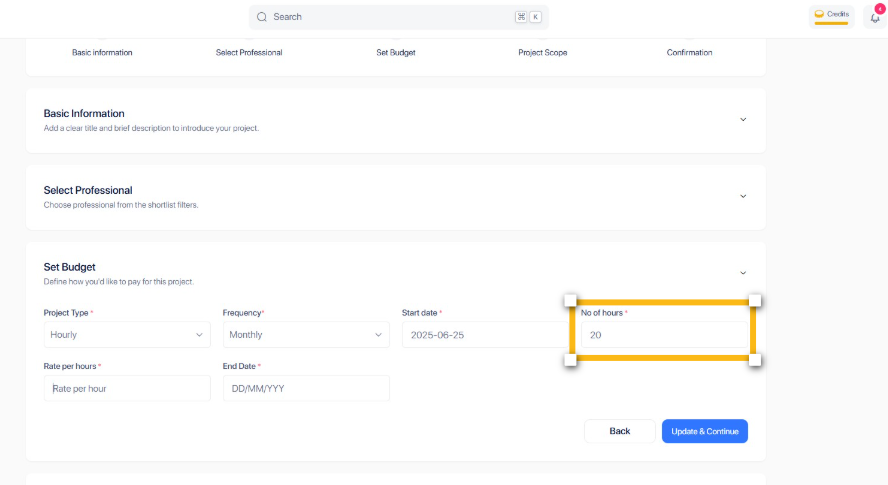
Step 12: Number of hours
Next, you'll need to specify how many hours this will take.
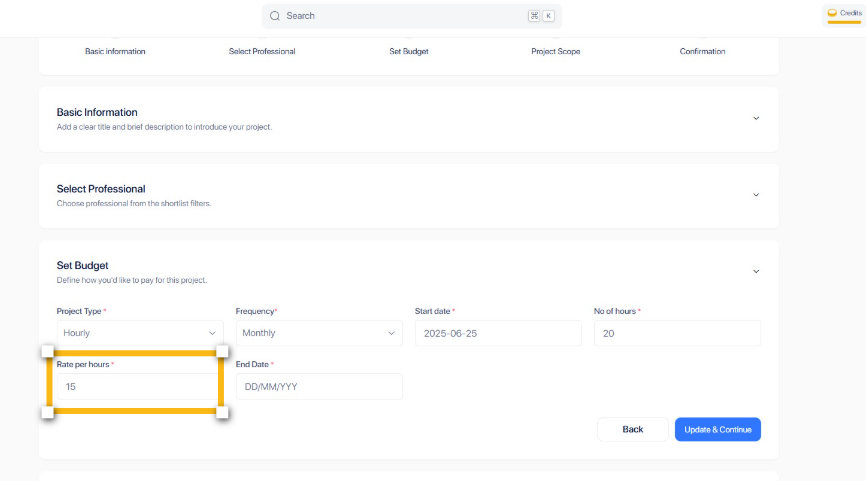
Step 13: Rate per Hour
Now we'll set your pricing - enter your hourly rate amount.
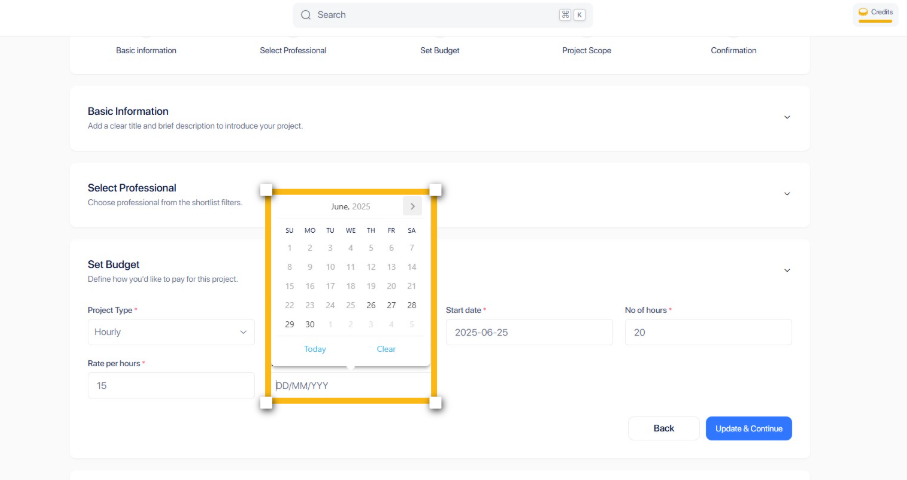
Step 14: End Date
Please proceed by choosing your anticipated completion date.
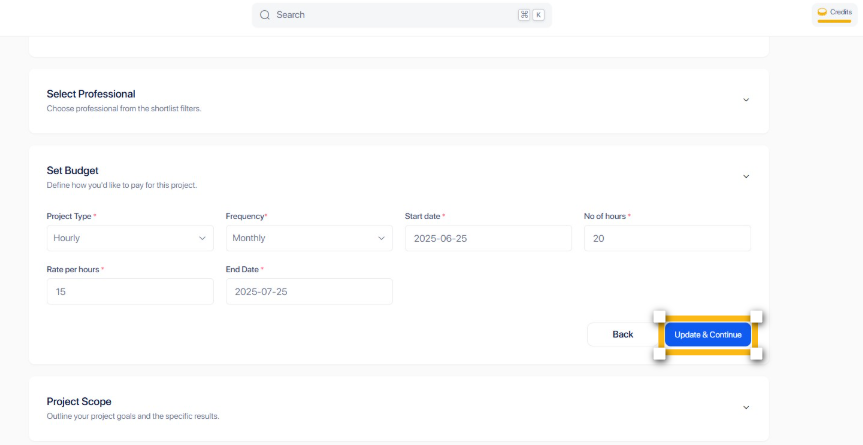
Step 15: Update & Continue
To preserve your entries and proceed, click Update & Continue.
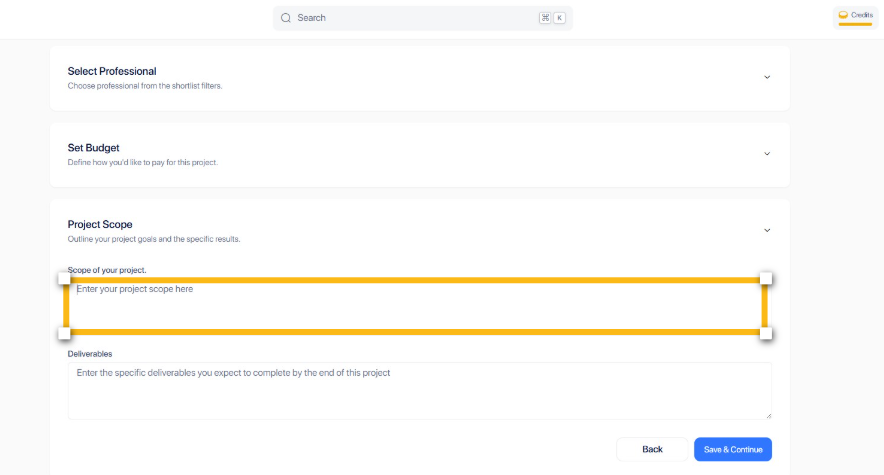
Step 16: Project Scope
In this section, clearly outline all aspects your project will cover.
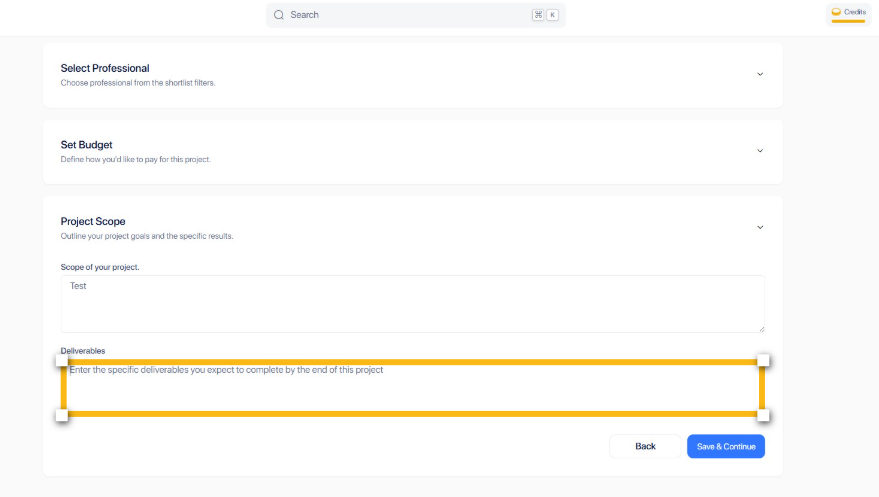
Step 17: Define your Deliverables
Now, let's clarify your expected outputs - list all deliverables you plan to complete.
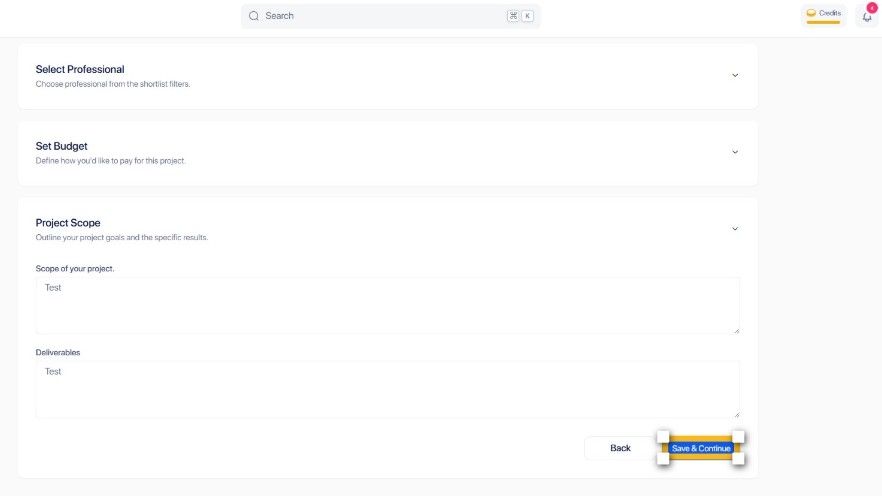
Step 18: Save & Continue
Once you've reviewed everything, click Save & Continue to advance.
Step 19: Create & Send Request
To finalize your submission, click Create & Send Request.