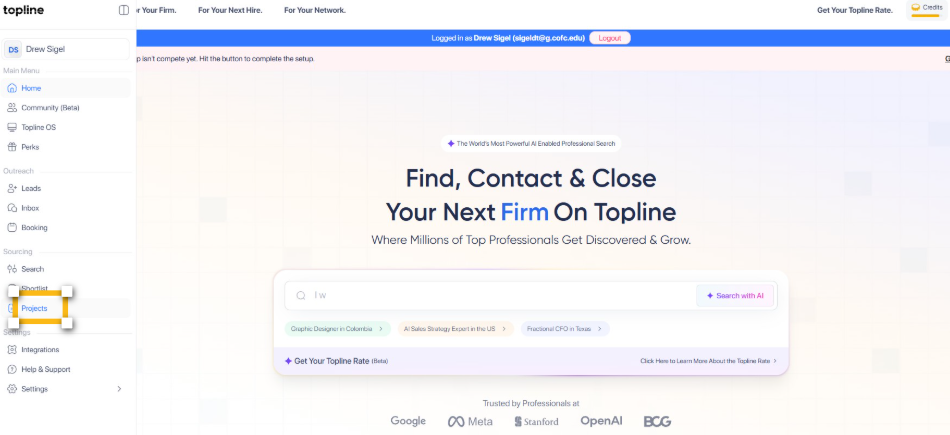
Step 1: Navigate to the Topline Projects Page
Start by opening your browser and navigating to access the project creation portal.
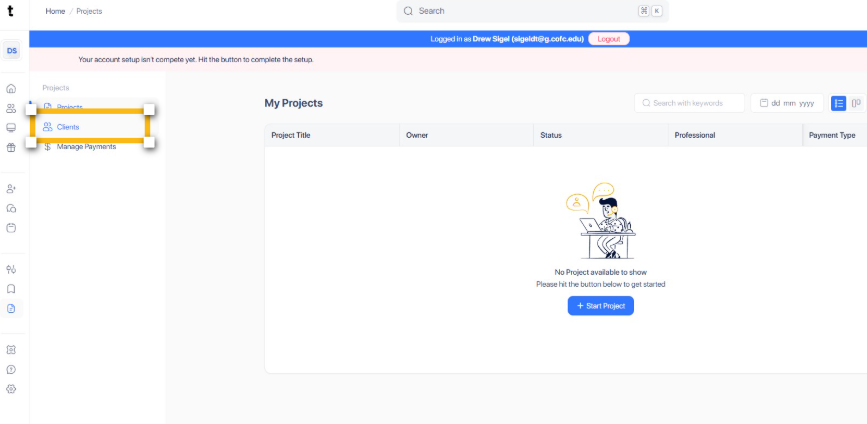
Step 2: Navigate to Clients
Click on the Clients section within the portal to view detailed client-related information.
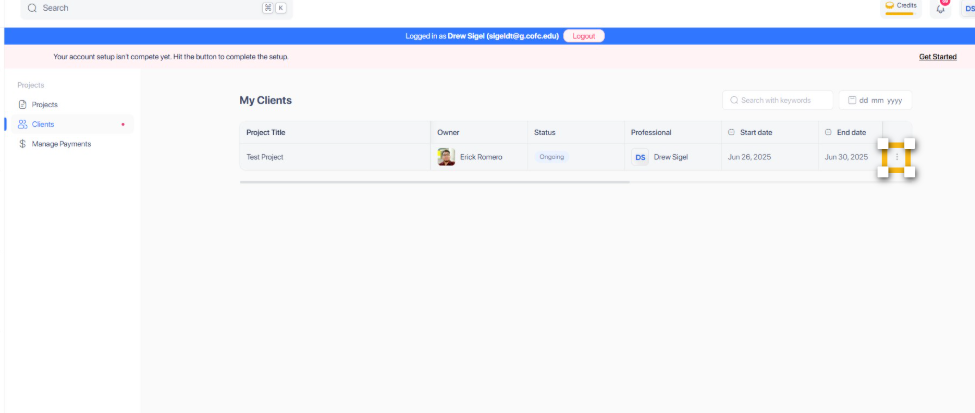
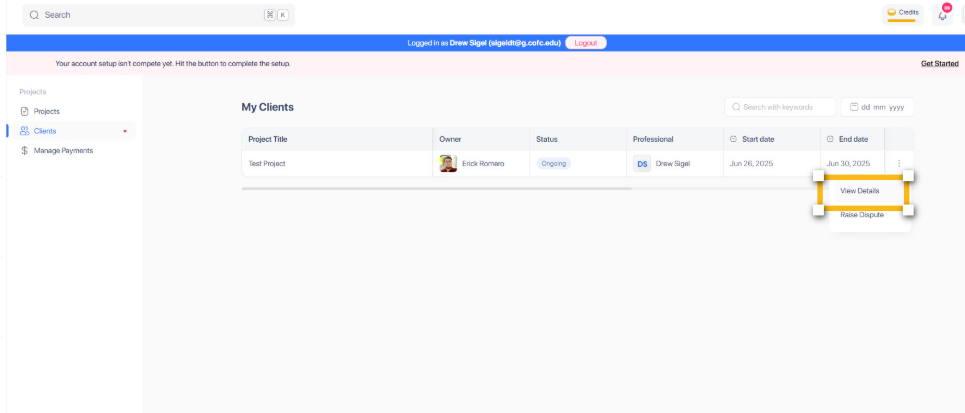
Step 3: Look for the 3 dot icon
Locate and click the 3 dot icon as specified in the clients section to proceed further.
Step 4: Select View Details
Select the View Details option to see comprehensive information regarding the project status.
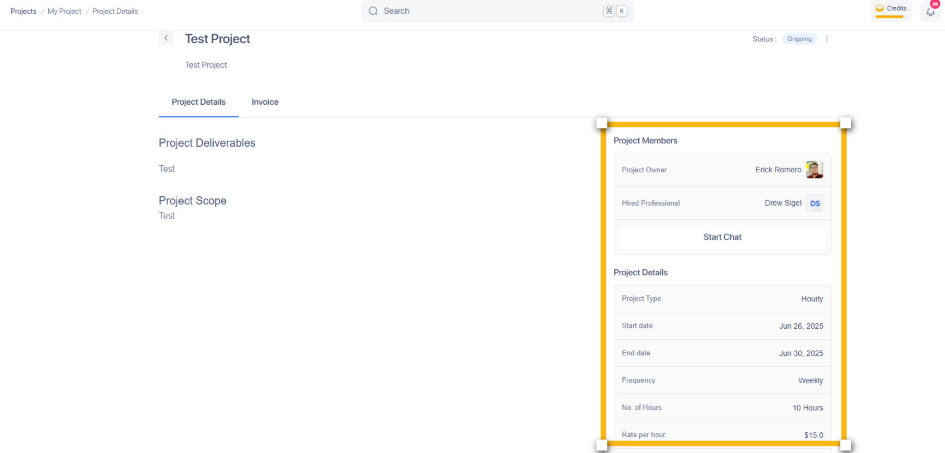
Step 5: Project Details
In this section, go ahead and explore the tools for visualizing your project progress and status.